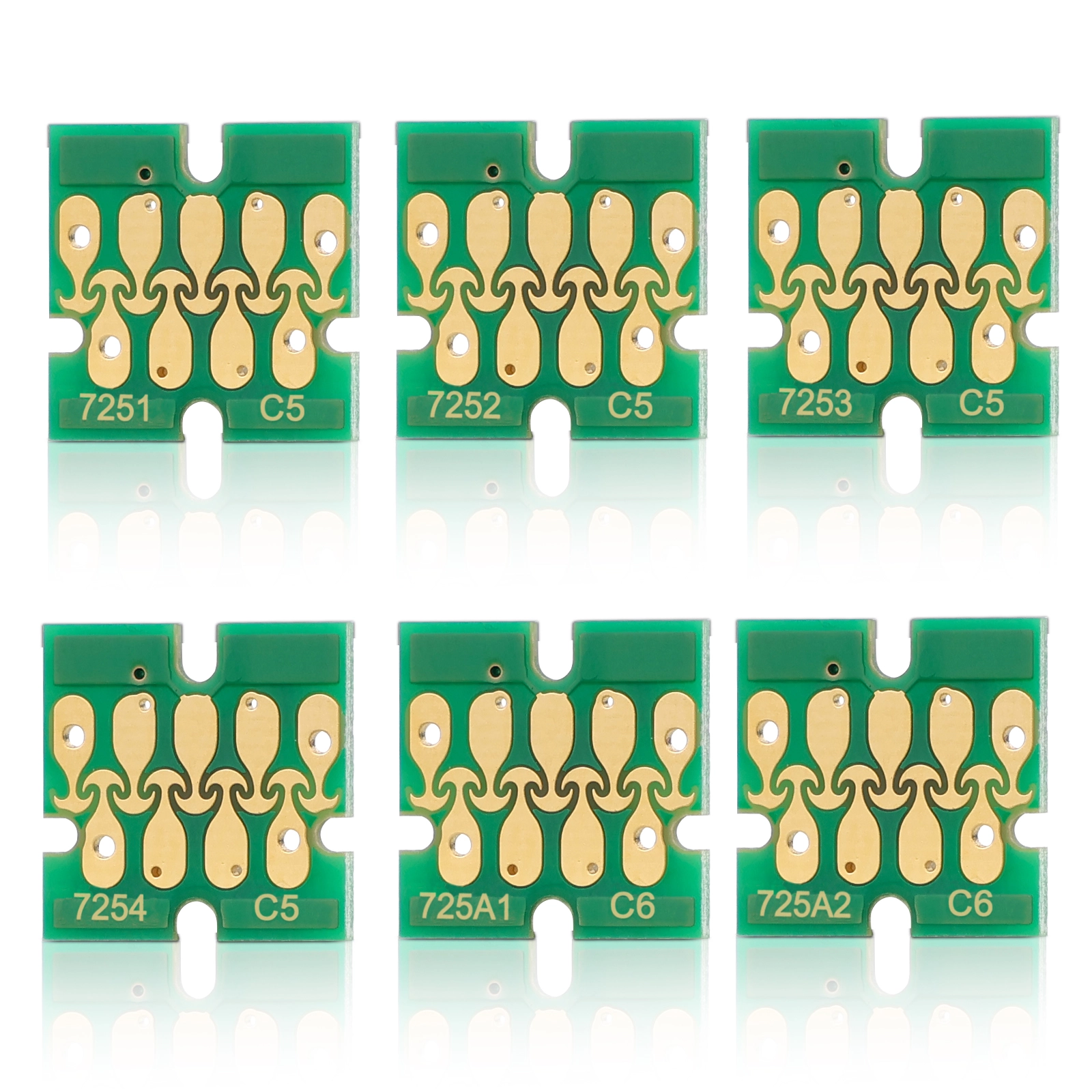
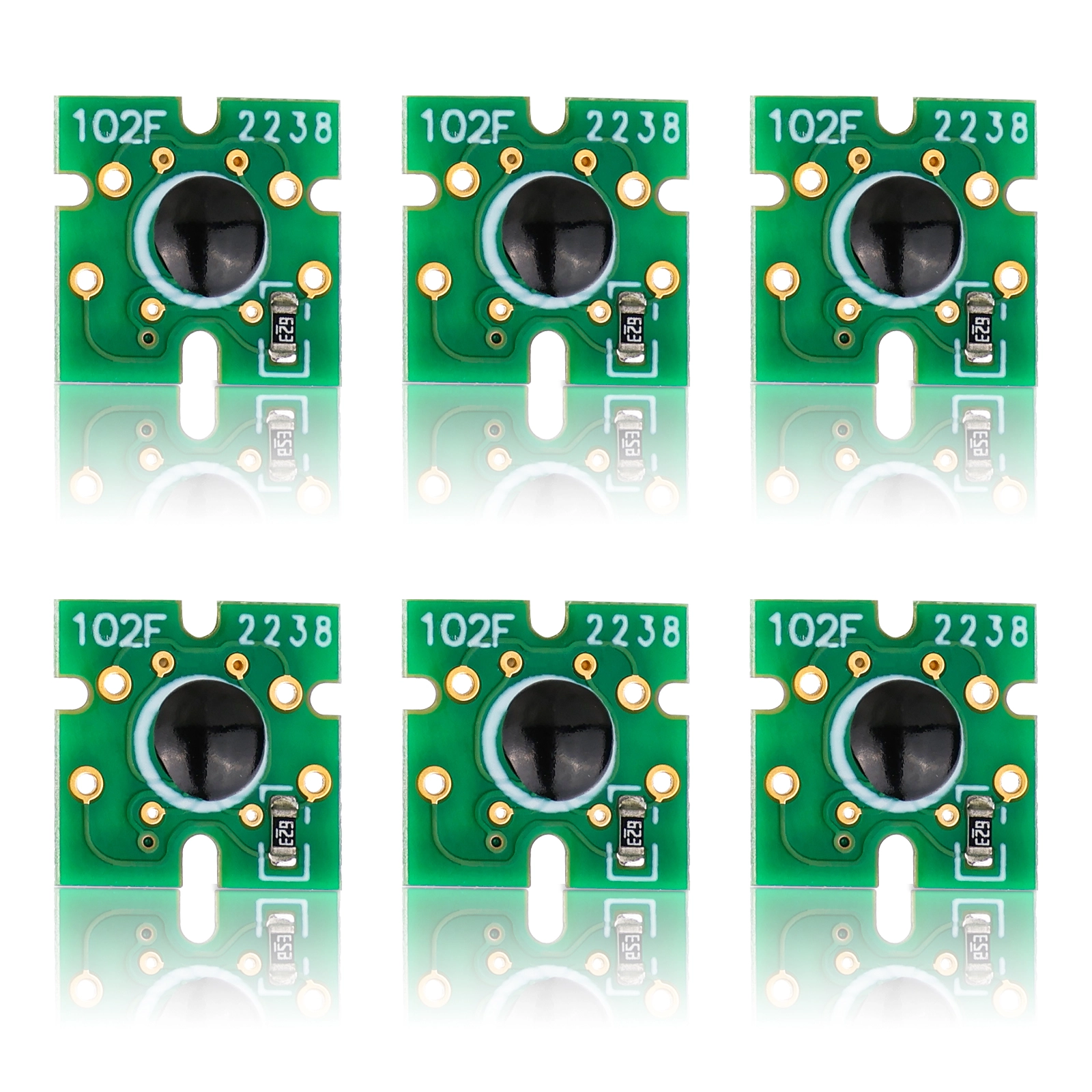
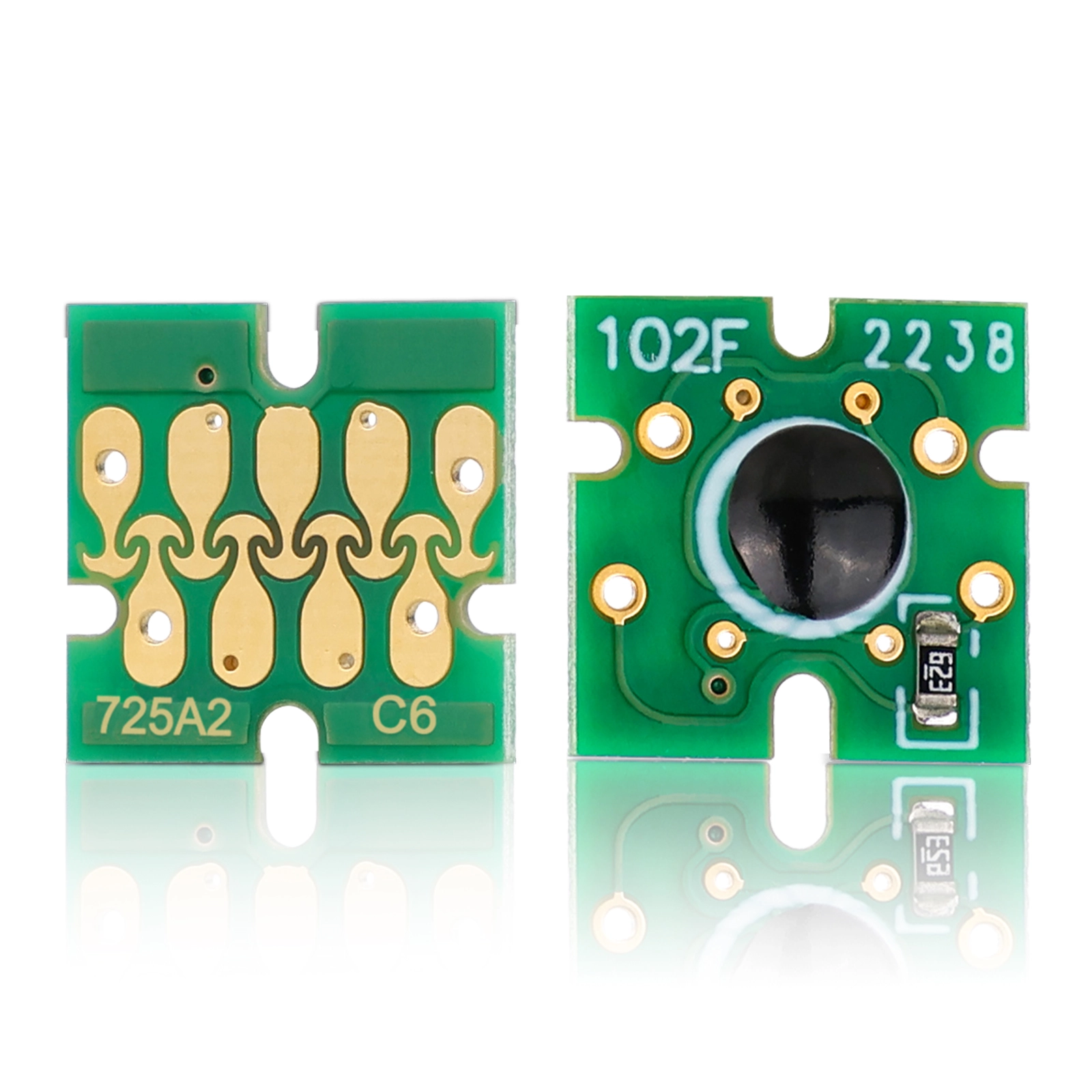
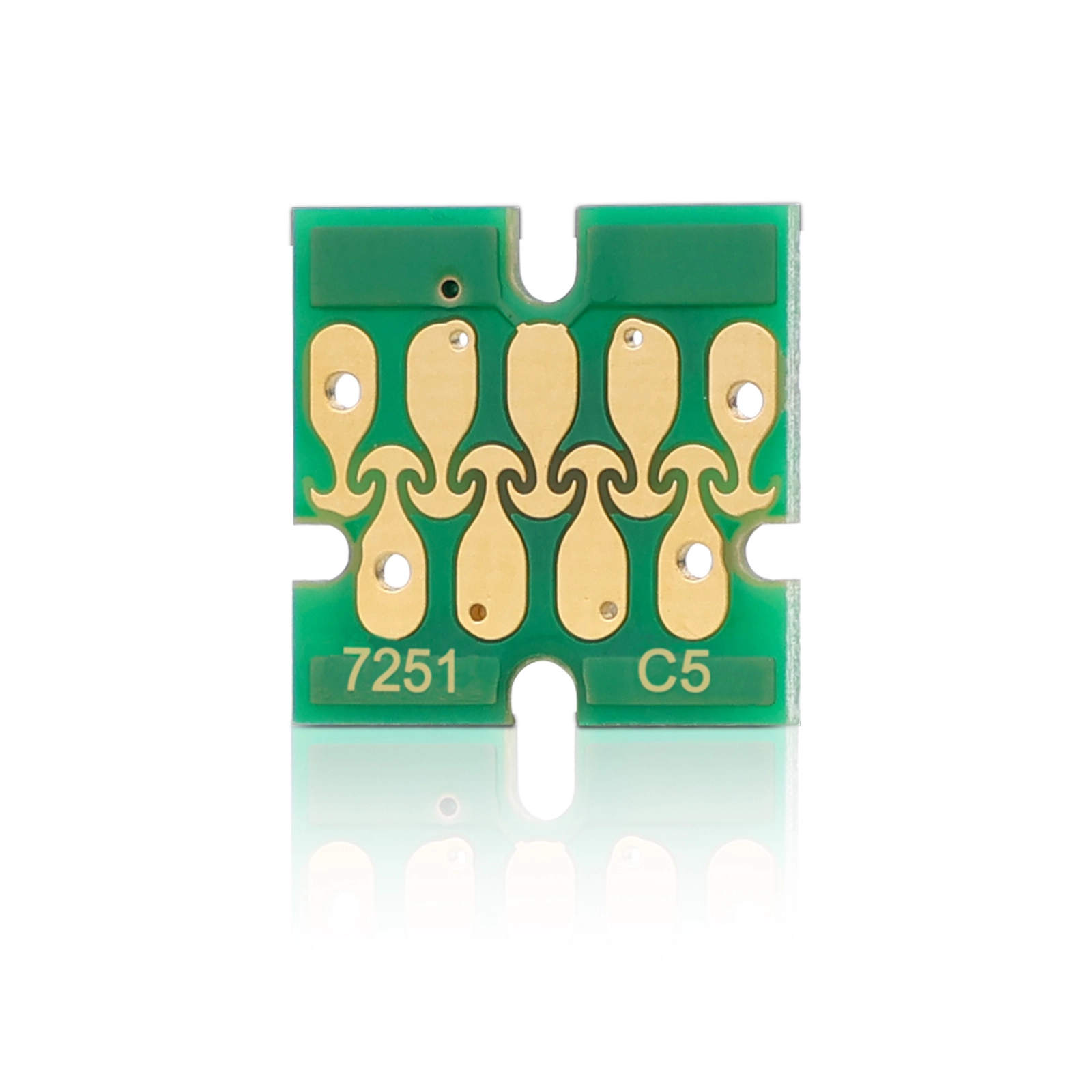
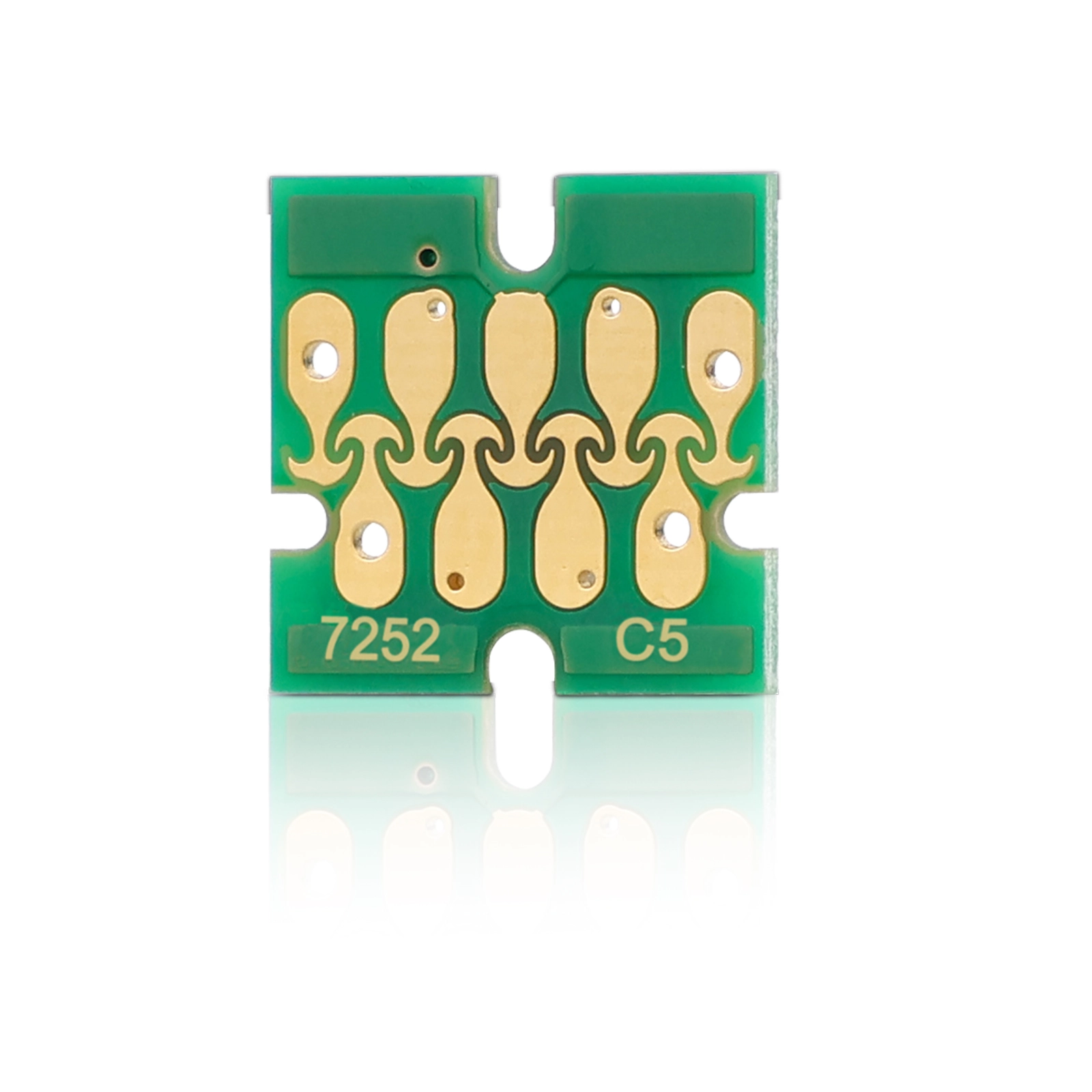
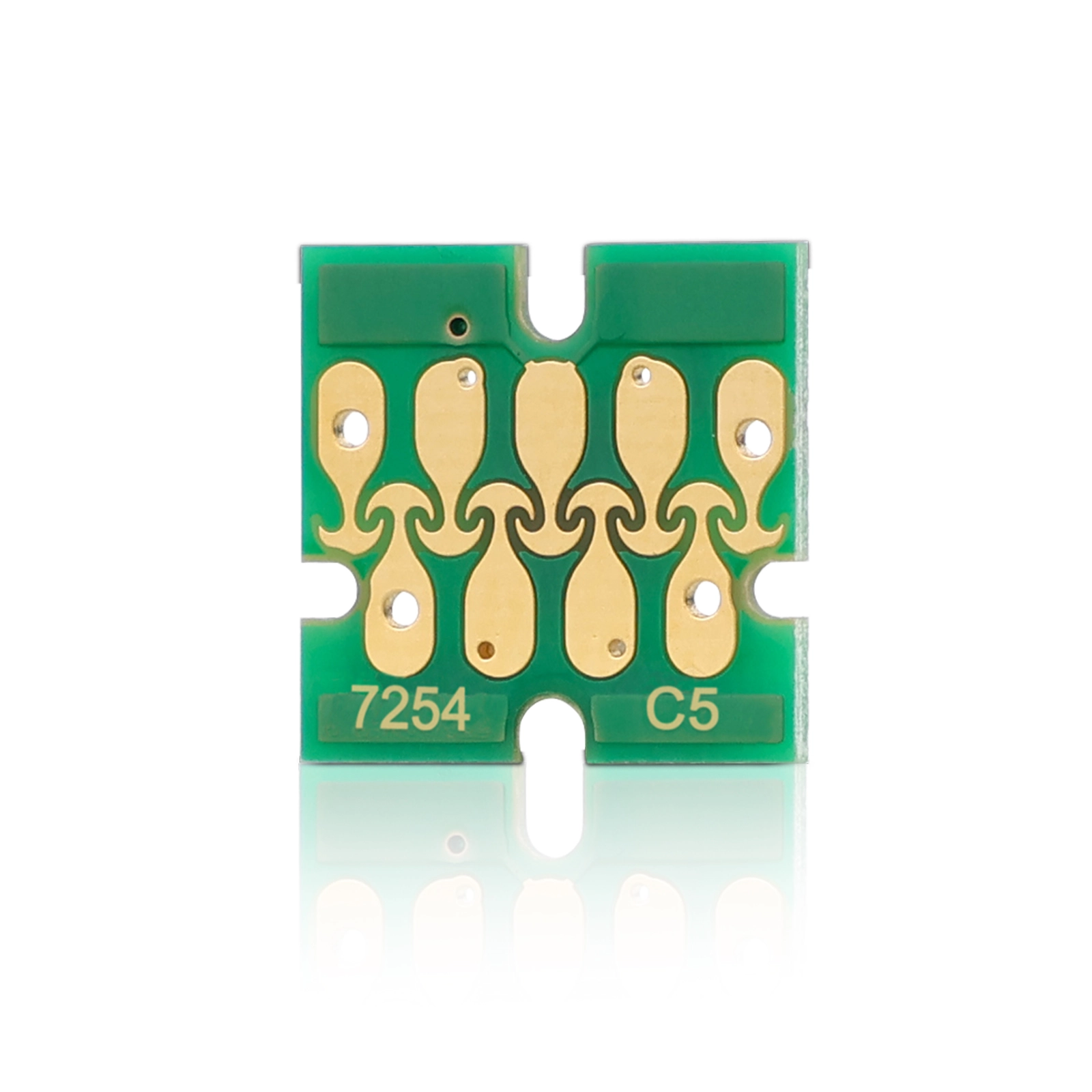
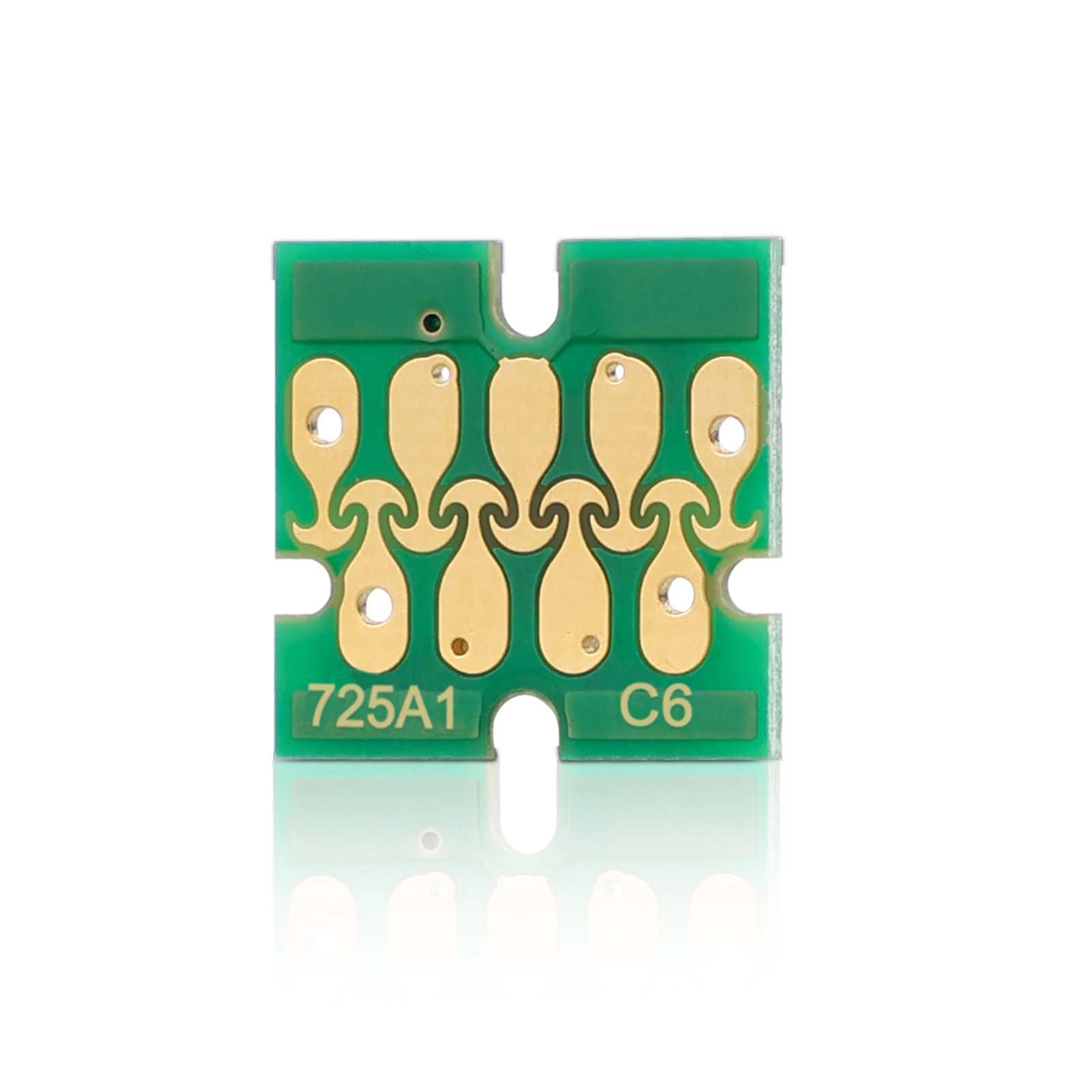
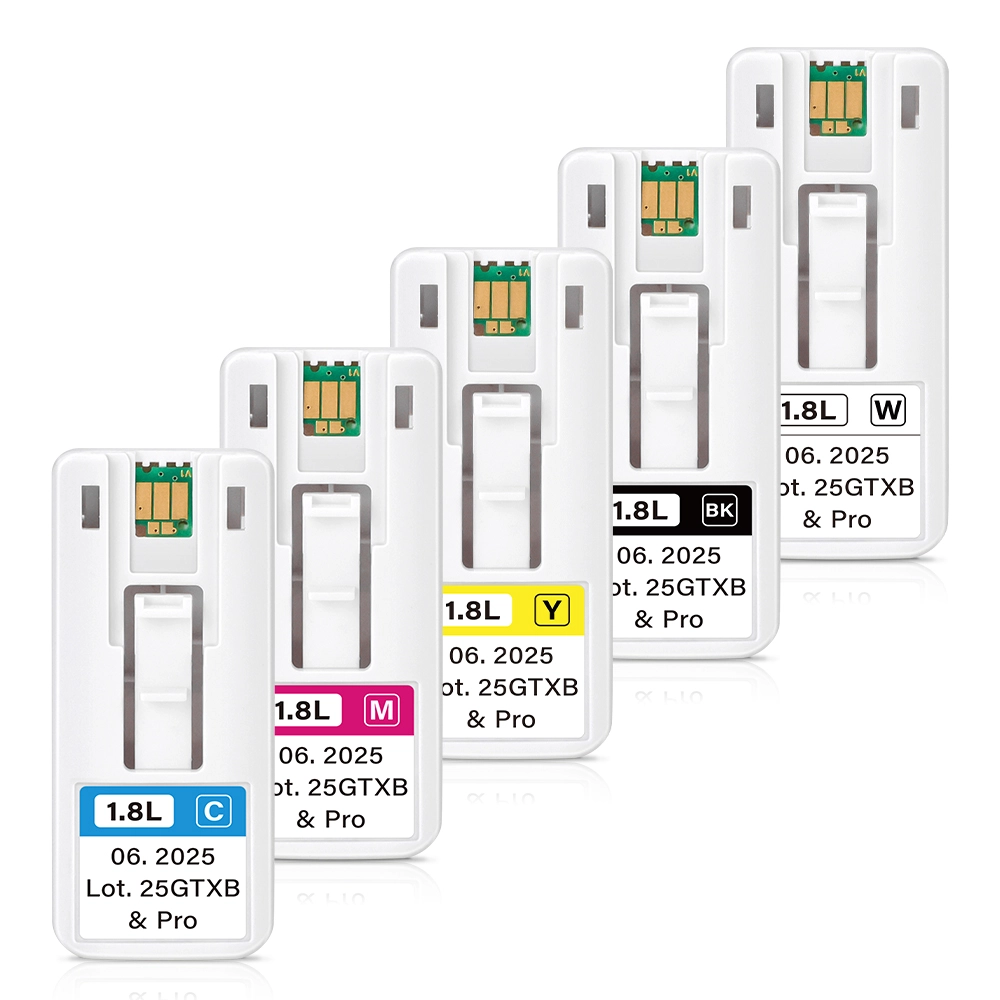
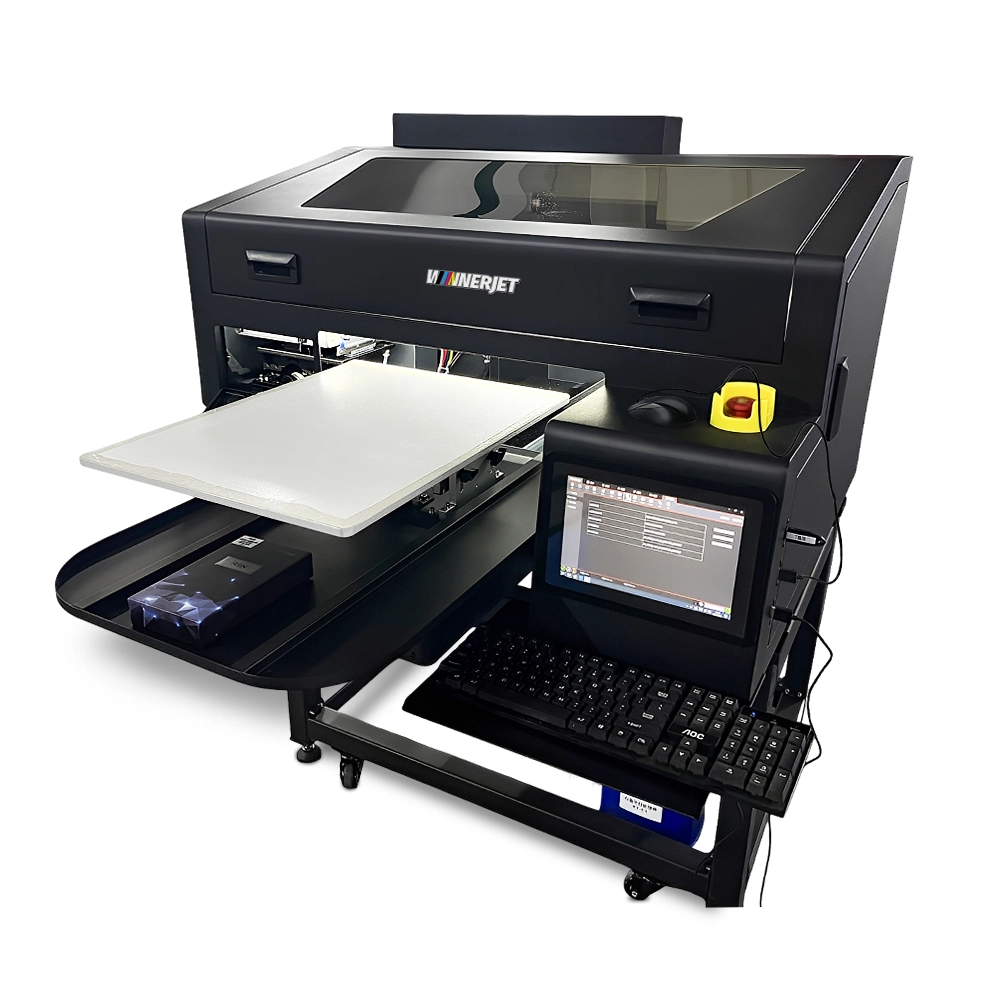
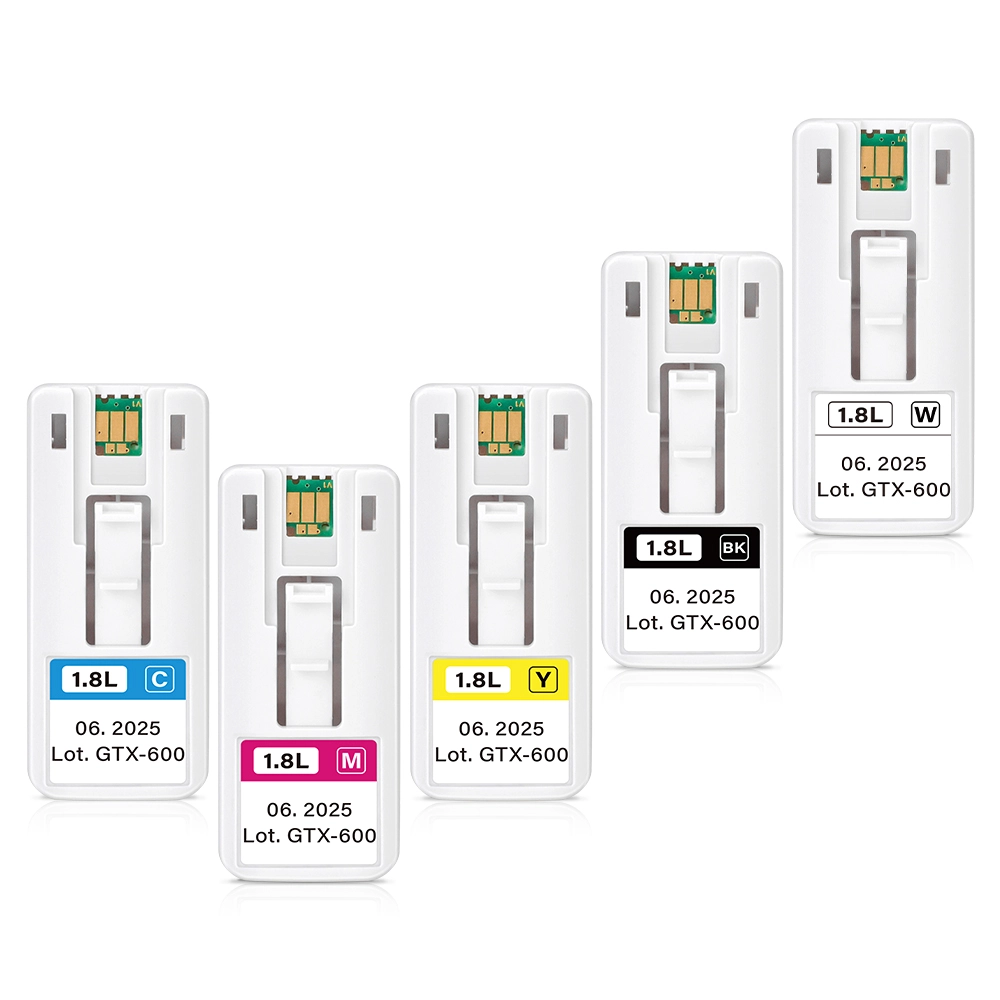
Compatible Epson SureColor F2000 Chip – One-Time Use Cartridge Chips
Product Type: Disposable / One-Time Use Cartridge Chip
Compatible Printer Model: Epson SureColor SC-F2000 (F2000 / F2070 / F2060 / F2080)
Standard Set: Set of 5 Colors(6 Chips)
Capacity Standard: 600 ml
Functionality: Shows 100% full ink level on first install; non-resettable
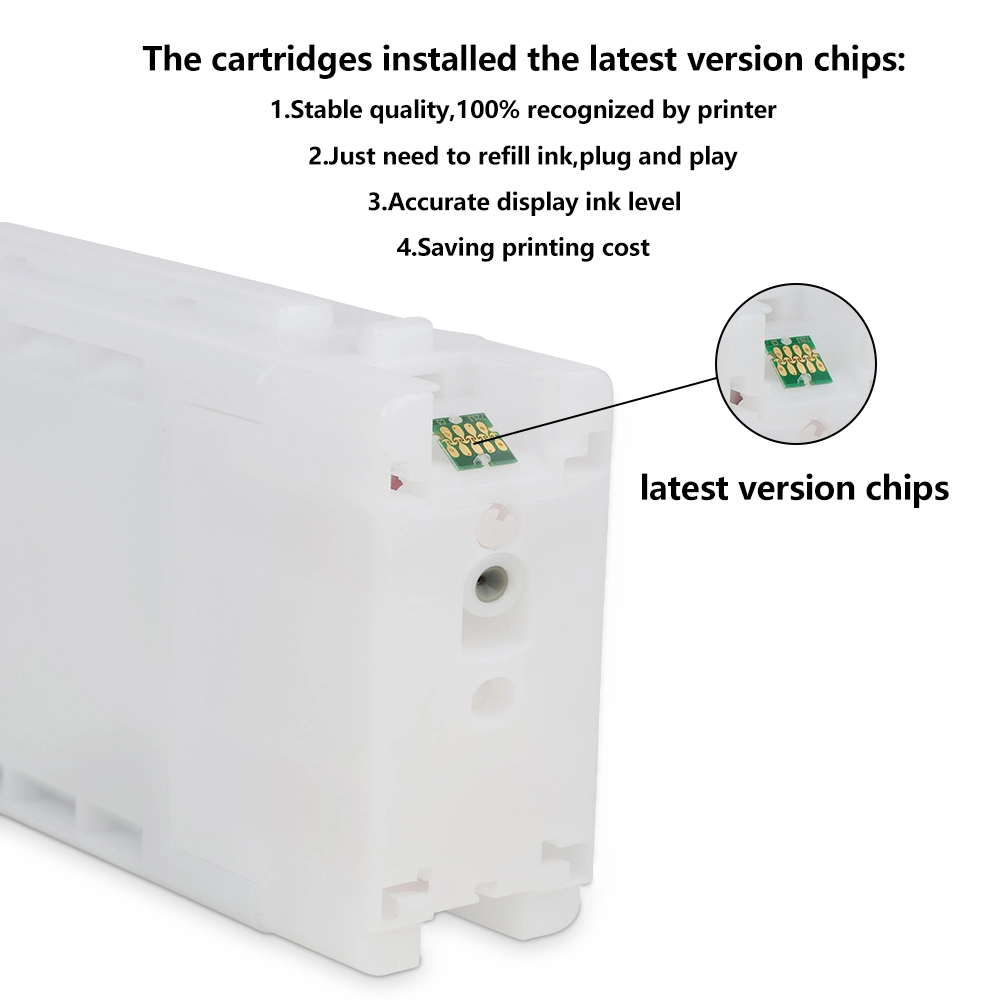
Installation: Snap-in design, fits refillable and third-party compatible cartridges
MOQ & Packaging: Sold individually, 5-color packs, or bulk wholesale carton packaging

Our Cartridge Chips for Epson SureColor SC-F2000
- Stable Serial Coding: Each batch features updated algorithmic encoding to prevent communication conflicts during heavy multi-cartridge printing cycles.
- Accurate White Ink Channel Detection: Critical for dual-white print setups, ensuring the printer accurately tracks white ink agitation cycles and head cleaning thresholds.
- Cost Efficiency for Garment Printing: Lowers your operational overhead by up to 70% compared to discarding entire OEM cartridges, allowing printshops to maximize margin per printed shirt.
Cartridge Chip Product Specifications
| Brand Name | Winnerjet |
| Product Name | Compatible One-Time Use Cartridge Chip |
| Chip Type | Disposable / One-Time Use Microchip |
| Suitable Printer | For Epson SureColor SC-F2000 (F2000 / F2070 / F2060 / F2080) |
| Cartridge Model | T7251 (Black), T7252 (Cyan), T7253 (Magenta), T7254 (Yellow), T725A / T7259 (White) |
| Color Configuration | Black, Cyan, Magenta, Yellow, Dual White (6 Slots Total) |
| Chip Capacity | 600 ML (Standard OEM Capacity Level) |
| Applicable Products | Refillable Ink Cartridges, Bulk CISS Systems, Third-Party Cartridges |
| Chip Features | 100% Plug-and-Play Recognition, Stable Serial Algorithm, Zero Firmware Lockout |
| Package | Anti-Static Bag / Individual Protective Tray / Bulk Carton Box |
| Warranty & Defect Rate | 12 Months Warranty (Defect Rate < 0.3%, 1:1 Replacement) |
| Lead Time | 1-3 Working Days (Fast Worldwide Express Delivery) |
| Brand Name | Winnerjet |
|---|---|
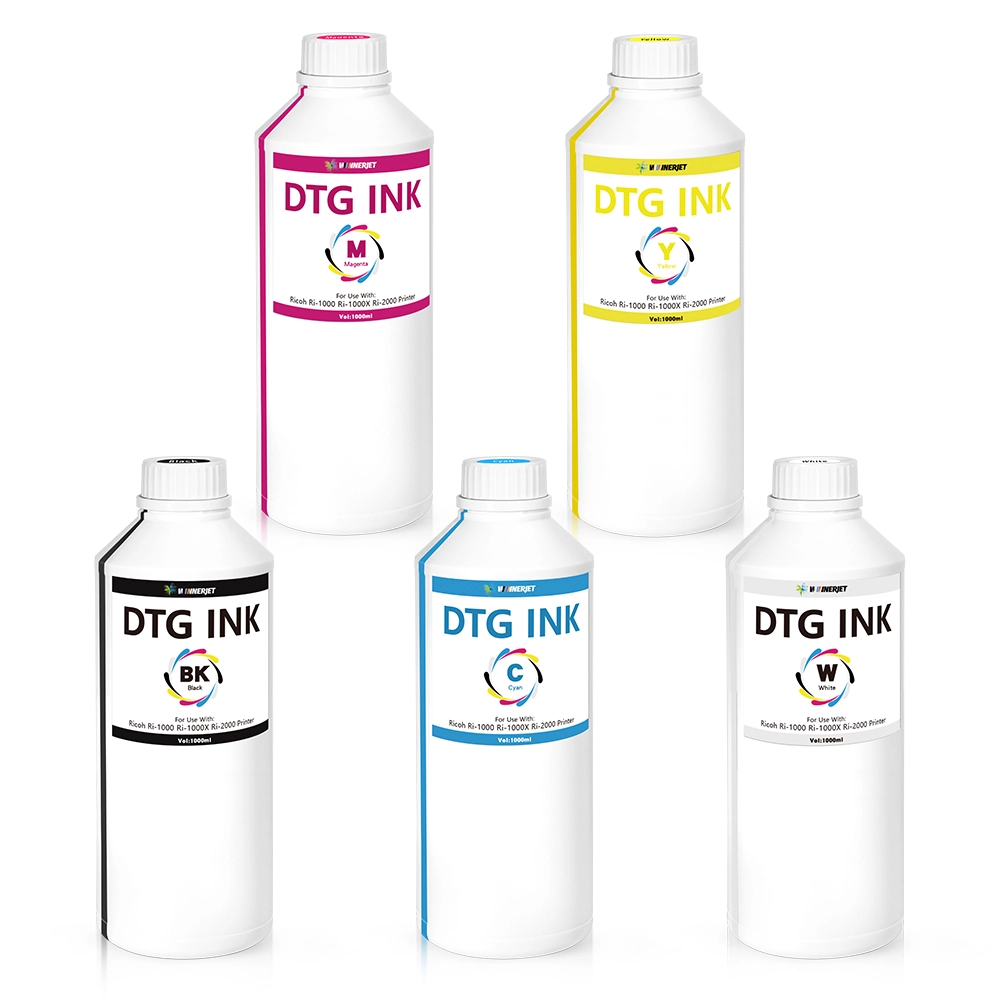
| Ink Model | W-1 DTG Ink |
| Ink Type | Dircet-To-Garment Ink |
| Ink Color | Black Cyan Magenta Yellow White |
| Suitable Printhead | For EPSON DX5 DX7 R330 1390 1400 R1900 R2000 5113 F2000 F2080 F2100 F3070 F1300 F570 SC-S80600 L1800 SC-F500 etc. |
| Ink Volume | 500ML/1000ML/5KG/20KG |
| Applicable Materials | Cotton, Cotton Blends, Polyester, Poly-Cotton Blends, Spandex, Silk, Linen |
| Ink Package | Bottle |
| Shelf Life | 12 Months |
| Delivery Time | 5-7 Days |
DTG Ink Performance Test
| Test Category | Test Description | Test Method | Test Outcome | Test Data / Values | Notes |
|---|---|---|---|---|---|
| Print Head Compatibility | Evaluate the ink's performance with Epson DTG print heads. | Continuous printing on Epson print heads for 1000m² area. | Pass | No clogging or misfires after 1000m² printing. | Ink flows smoothly without causing damage or clogging to the print head. |
| Nozzle Test | Test the ink's ability to maintain consistent nozzle performance over time. | Run 1000m² continuous print job, inspect nozzles for clogging or defects. | Pass | Nozzles remain clear after 1000m² continuous printing. | The ink shows consistent nozzle performance. |
| Fluency | Measure the ink's fluency during printing (no smudging or dripping). | Print detailed designs and check for ink smearing, splashing, or uneven flow. | Pass | Excellent fluency, no smudging or splattering. | Ink maintains consistent flow without streaking. |
| Color Fastness | Evaluate the resistance of ink to fading over time and under light exposure. | Expose printed fabric to 100 hours of UV light, then measure color degradation. | Excellent | 3% color degradation after 100 hours. | Shows minimal color loss, ideal for long-term durability. |
| Washing Fastness | Test the ink's durability and retention after multiple washes. | Wash the printed fabric 30 times at 40°C, then measure color retention. | Excellent | No noticeable fading after 60 washes. | Color remains vibrant and intact after repeated washing. |
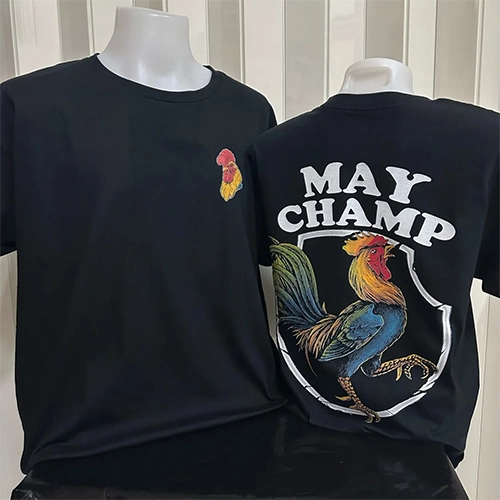
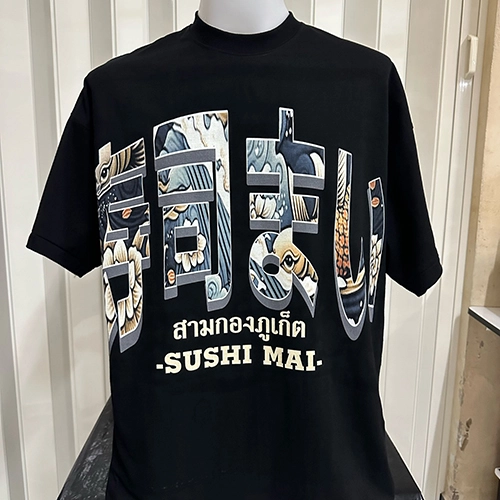
DTG Ink Customer Printing Effect
FAQS About Epson Chip
Can these Epson F2000 chips be reset using an aftermarket chip resetter?
No. These are single-use (disposable) chips designed for maximum firmware stability. Once the ink level counter is exhausted, the chip must be replaced with a fresh unit.
Will using these chips cause a printer firmware error?
Our chips are calibrated to match the communication frequency of Epson SureColor F2000 OEM boards. Ensure you install the corresponding color chip into the matched cartridge bay.
Do you support sample testing before placing wholesale bulk orders?
Yes. We provide sample sets (CMYK + 2x White) for functional testing on your specific machine and cartridge setups. Contact our B2B sales team directly for sample dispatch.
Will updating the Epson printer firmware disable or block these chips?
Like most aftermarket chips, firmware updates from Epson may patch recognition algorithms. We strongly recommend turning off automatic firmware updates on your Epson SC-F2000 control panel and PC driver to ensure continuous, uninterrupted compatibility.
What should I do if the printer shows a "Cartridge Error" or "Cannot Recognize Ink"?
First, remove the cartridge and inspect the chip’s gold contact pins to ensure they are free of ink stains, dust, or fingerprints. Gently wipe them with an alcohol swab or lint-free cloth, make sure the chip is fully seated in its plastic holder without shifting, and re-insert firmly.