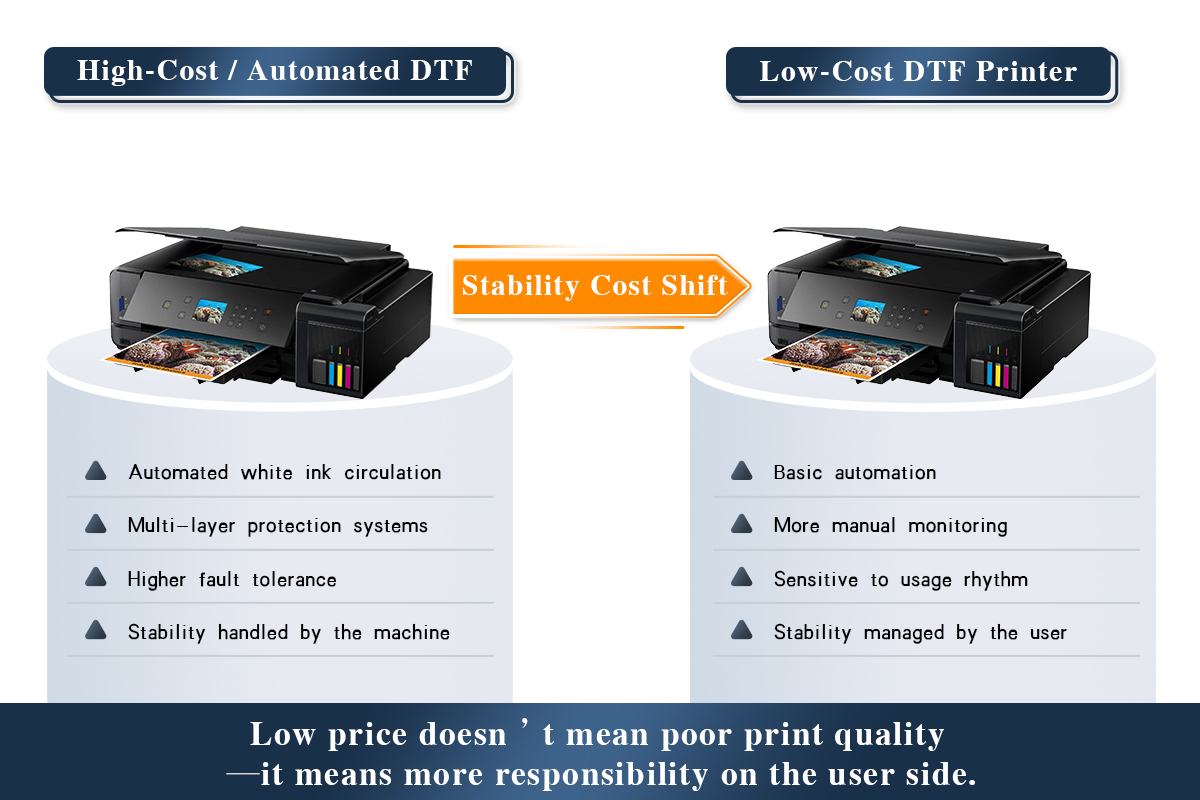
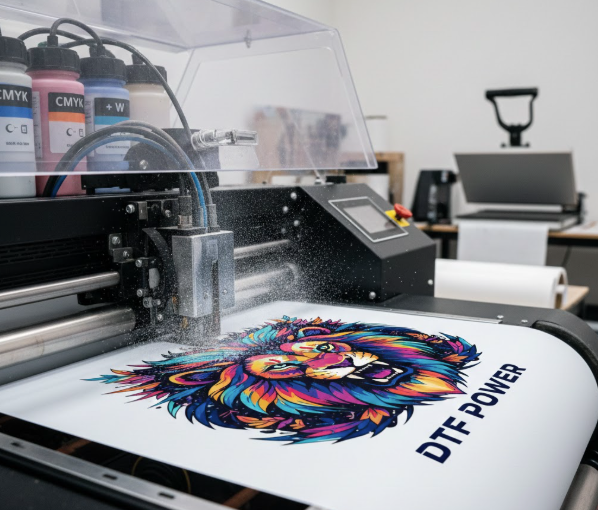
If you’re thinking about starting DTF (Direct-to-Film) printing but don’t want to spend a fortune on expensive machines, converting an Epson printer might be your best option. This guide explains which Epson printers can be converted, what to look for, how to set them up, and what else you need to start printing.
🧩 Why Convert an Epson Printer to DTF?
Many small business owners and print shop starters choose Epson printers because:
- ✅ It’s cost-effective – ideal for those just entering the market
- ✅ Epson’s print technology works with DTF ink
- ✅ Spare parts and refill systems are easy to find
- ✅ Quality output is possible with the right setup
Rather than buying a $3,000+ DTF printer, you can convert an Epson model for a fraction of the cost — and still get great print quality.
🔍 What to Look for in a Compatible Epson Printer
Not all Epson printers can handle DTF ink. Make sure to check these key features:
- Piezo printhead – This type of printhead works well with DTF ink. (Avoid printers that use heat-based heads.)
- Enough ink slots (6 or more) – You need slots for the standard colors (CMYK) plus white ink.
- Refillable cartridges or tanks – These make it easier to use DTF ink.
- Chipless system – This avoids ink level error messages that can stop printing.
- Good media handling – The printer should support PET film either from the top or rear feed.
💡 Tip: Stay away from printers with built-in heaters or systems that are difficult to modify.
🖨️ Best Epson Printers for DTF Conversion
Here are the most recommended Epson models you can convert to DTF:
| Model | Max Print Size | Ink Channels | Why It Works Well |
|---|---|---|---|
| L1800 | A3 | 6 | Popular for DTF beginners, reliable output |
| XP-15000 | A3+ | 6 | Compact and easy to convert |
| ET-8550 | A3+ | 6 | EcoTank system makes refilling simple |
| P600/P800 | A3/A2 | 8–10 | Great for high-quality professional prints |
| WF-7720 | A3 | 4–6 | Budget-friendly and good for starters |
Choose the right one based on your expected workload, budget, and print size needs.

🛠️ How to Convert an Epson Printer for DTF Use
Here’s a simple breakdown of how the conversion process works:
- Choose a compatible Epson printer – Refer to the list above.
- Install refillable ink tanks or cartridges – Fill them with special DTF ink (Cyan, Magenta, Yellow, Black + White).
- Add a white ink stirring system – This keeps white ink from settling, which helps avoid clogs.
- Install RIP software – Programs like AcroRip or CADlink control ink output and how white ink is layered.
- Test your setup – Run a nozzle check and print test to make sure everything works smoothly.
🏆 Winnerjet DTF Inks are designed to work with converted Epson printers. They flow smoothly, produce rich colors, and minimize clogging when used with proper maintenance.

📦 DTF Conversion Starter Kit Checklist
To begin printing, you’ll need more than just the printer. Here’s your starter pack:
- ✅ DTF PET film (roll or sheet type)
- ✅ DTF powder (acts like a glue during heat pressing)
- ✅ Heat press or oven for curing
- ✅ Ink stirring or circulation system for white ink
- ✅ Waste ink tank
- ✅ RIP software (for color and layer control)
- ✅ Tools: gloves, lint roller, cleaning fluid
🎯 Winnerjet offers high-quality DTF films and powders that work perfectly with Epson conversions — reliable results, lower costs.

⚠️ Common Issues and Easy Fixes
Even with the right setup, problems can happen. Here’s how to fix the most common ones:
- White ink clogs
- ➜ Solution: Shake ink bottles regularly, and clean printheads often.
- Faint or streaky prints
- ➜ Solution: Run a nozzle check and clean if needed before every print.
- The powder is not curing well
- ➜ Solution: Increase curing temperature or adjust pressing time.
- Color is not accurate
- ➜ Solution: Use color profiles (called ICC profiles) that match your ink and software.
✅ Conclusion: Is It Worth Converting?
If you’re looking for an affordable entry into DTF printing, converting an Epson printer is a great starting point. With the right setup and materials, you can produce excellent-quality transfers for apparel, accessories, and more.
🎯 Winnerjet provides top-tier DTF ink, film, and powder — trusted by print shops and entrepreneurs worldwide. Our products are tested for Epson DTF conversions so that you can print with confidence from day one.
❓FAQs
Can I convert any Epson printer to DTF?
No. Only Epson models with piezo printheads and enough ink channels can be used.
Do I need RIP software?
Yes. It controls how the ink is printed, especially for white underbase layers.
Is it safe to use DTF ink in a converted printer?
Yes, as long as you use high-quality DTF ink and maintain your printer well.
How long will a converted printer last?
With proper care, it can last from 6 months to 2 years or more.
Can I go back to normal ink after conversion?
Not recommended. DTF ink may leave residue inside the printer.