Yes, ordinary UV flatbed printers can do UV DTF printing, provided they have a Varnish channel and are paired with AB film and a laminating machine. However, dedicated UV DTF printers offer higher efficiency, lower film costs, and automated roll-to-roll inline lamination for commercial production.
If you already own a standard UV flatbed printer, you don’t necessarily need to buy a new machine to start making UV DTF transfer stickers. Below, we break down the hardware requirements, conversion process, and performance differences between modified setups and dedicated UV DTF machines.
🖨️ What Is UV DTF Printing?
UV DTF stands for Ultra Violet Direct-to-Film. It’s a printing method where you print your design onto a clear film, then transfer it onto a surface like a cup, metal plate, or phone case — without using heat.
Here’s why people like UV DTF:
- Bright and shiny prints
- Works on curved and uneven surfaces
- Easy “peel-and-stick” process
Watch: How UV DTF Transfers Work Without Heat Press
❓ Can You Use a Regular UV Printer for This?
Yes, ordinary UV flatbed printers can do UV DTF printing if paired with AB film and a manual or automatic laminating machine. However, standard UV printers require a 3-head configuration (CMYK + White + Varnish) to achieve durable crystal transfers without built-in adhesive systems.
| Printer Configuration | UV DTF Support | Required Accessories & Consumables | Results & Limitations |
|---|---|---|---|
| Dual Printheads (CMYK + W) |
Limited Support | Pre-coated Adhesive A Film + B Film + Laminator | Lacks varnish protection, leading to lower gloss and reduced scratch resistance. |
| Triple Printheads (CMYK + W + V) |
Fully Feasible | Standard AB Film (A Film with Adhesive) + Laminator | Prints color, white ink, and varnish layer; transfers physically via AB film. |
| Quad Printheads (Dedicated UV DTF) |
Optimal Choice | Standard PET Film + Auto Roll Laminator | Directly jets glue via dedicated printhead; lower unit cost and higher efficiency. |
How to Convert an Ordinary UV Printer for UV DTF (Conversion Feasibility)
If you already own a standard flatbed UV printer and don’t want to buy new equipment immediately, you can print UV DTF stickers by adopting the AB Film Method:
Hardware Needed: A standard UV printer (ideally with CMYK + White + Varnish channels) and a manual/automatic roll laminator.
The Process: Print your design onto glue-coated A Film, apply a varnish layer for gloss and protection, then run it through a laminator to apply B Film (transfer film).
The Drawbacks: Higher labor costs, slower production speed, and potential alignment errors during manual lamination compared to all-in-one machines.
Here’s why it’s not a good idea to use a normal UV printer:
✅ What It Can Do:
- Uses UV ink (same as UV DTF printers)
- Prints on hard surfaces like plastic or acrylic
❌ What It Can’t Do:
- Doesn’t feed the special film (PET film) smoothly
- Can’t apply the glue layer that helps the design stick
- It isn’t made for the transfer process
If you try anyway:
- The film might jam
- Ink may not stick properly
- Your printer could get damaged

🔍 How Is a UV DTF Printer Different?
UV DTF printers are built for this special printing process. Let’s compare:
| Feature | Regular UV Printer | UV DTF Printer |
|---|---|---|
| Works with transfer film | ❌ No | ✅ Yes |
| Applies glue to design | ❌ No | ✅ Yes |
| Feeds film smoothly | ❌ Not built for it | ✅ Auto film feeder |
| Designed for transfer use | ❌ No | ✅ Yes |
In short, a UV DTF printer saves you time, gives better results, and avoids printing problems.
💡 Should You Upgrade? Conversion vs Dedicated UV DTF Printer
Choosing between modifying your current setup and investing in a dedicated UV DTF machine comes down to your daily production volume and business goals:
| Comparison Metric | Converted Flatbed UV Printer | Dedicated UV DTF Printer (e.g., Winnerjet A3) |
|---|---|---|
| Initial Investment | Low (only purchase laminator & AB film) | Moderate (full machine investment) |
| Production Speed | Slow (manual 2-step process) | High (automated printing & inline lamination) |
| Labor Cost | High (requires manual film alignment) | Low (one-operator automated workflow) |
| Yield & Scrap Rate | Higher risk of bubbles and misalignment | Minimal scrap with continuous roll feeding |
| Best For | Small DIY orders or testing the market | Scalable custom merchandise & print shops |
If you want to:
- Start a custom gift or product business
- Print on mugs, candles, jars, or bottles
- Create labels or decorations for curved surfaces
Then, yes, it’s smart to invest in a UV DTF printer.
It’s easier to use and gives professional-quality results — even for beginners.
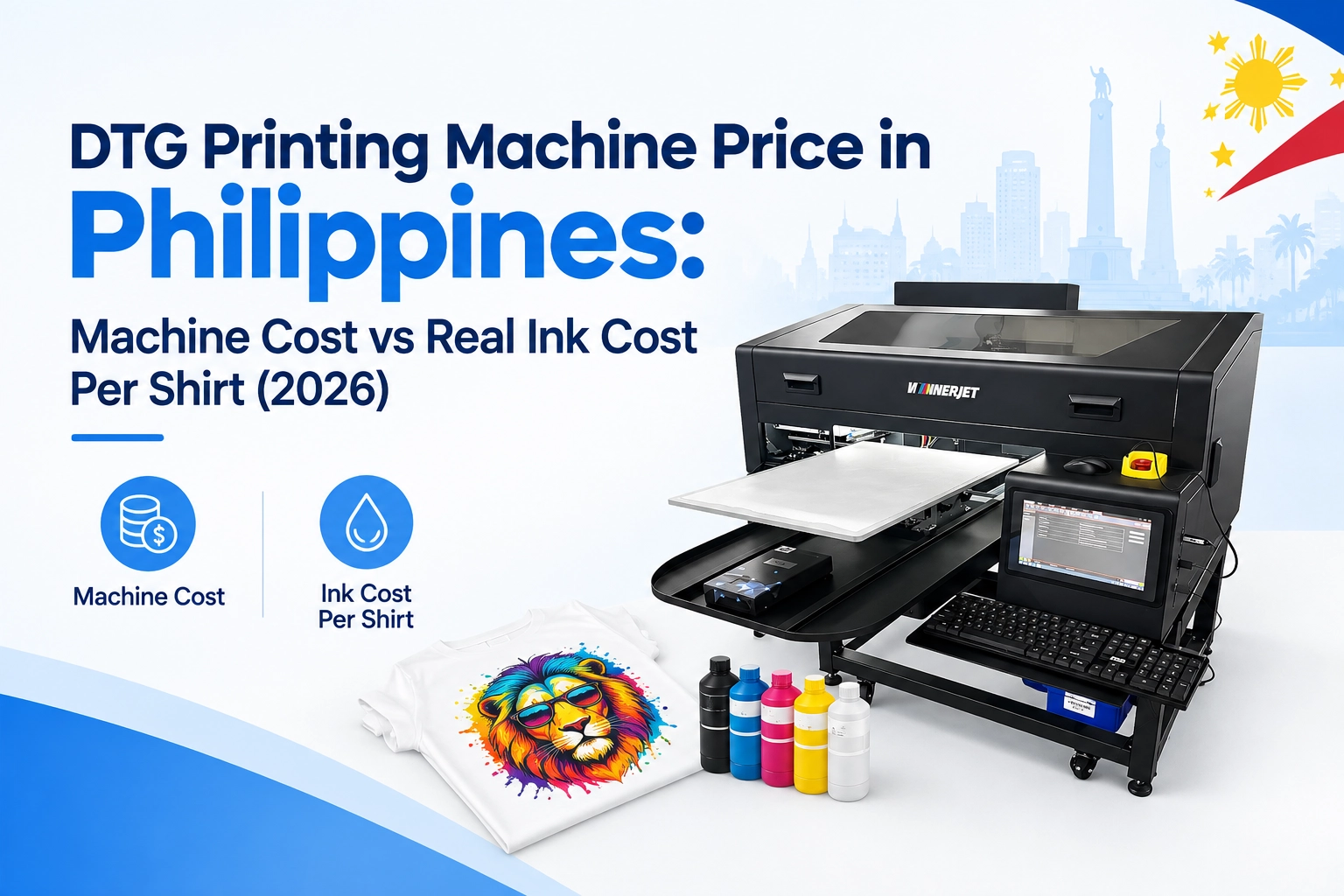
✅ Bonus Tip: Try the Winnerjet A3 UV DTF Printer
Looking for a compact, reliable, and easy-to-use machine?
The Winnerjet A3 UV DTF Printer is perfect for small businesses or people just starting. It supports auto-film feeding and built-in adhesive layers and works great with all types of surfaces.
🚀 Ready to Try UV DTF?
Start your UV DTF printing journey today with a machine that’s made for it.
👉 Click here to get a free quote or request a sample
Or message us on WhatsApp for instant support!
🙋 FAQs
Can you convert a standard UV flatbed printer into a UV DTF printer?
What ink does UV DTF use?
It uses UV ink, just like regular UV printers. But the printer also needs to support glue and lamination for transfers.
Is UV DTF better than normal UV printing?
If you’re printing on round or bumpy surfaces, UV DTF is better. For flat signs or boards, regular UV printing works fine.
How long do UV DTF prints last?
They’re long-lasting, waterproof, and resist fading — up to 2–3 years or more.
What’s a good beginner UV DTF printer?
The Winnerjet A3 UV DTF Printer is a great choice. It’s affordable, user-friendly, and made for startups.