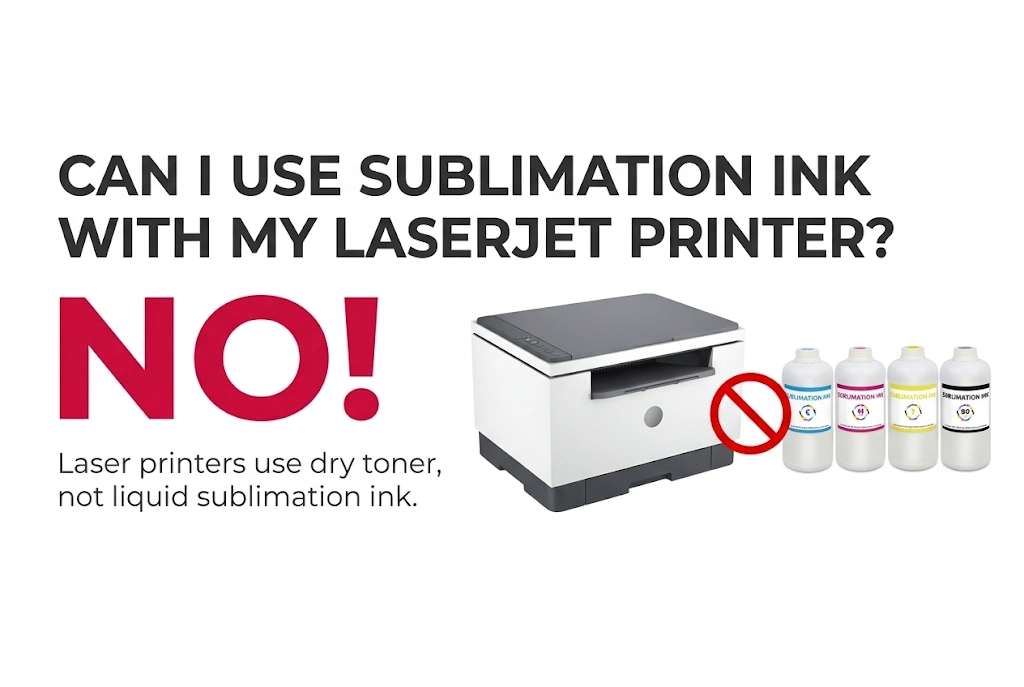
You cannot use sublimation ink in a laser printer. For example, HP LaserJet printers—or any other laser printers—are not compatible with sublimation ink.
Laser printers rely on electrostatic dry toner powder and a 200°C (400°F) fuser unit to bond prints. Adding liquid sublimation ink will immediately damage the machine and cause premature ink vaporization inside.
Why Sublimation Ink Doesn’t Work in a Laser Printer
There are three main technical reasons why sublimation ink cannot be used in laser printers.
Liquid Ink vs Dry Toner Powder
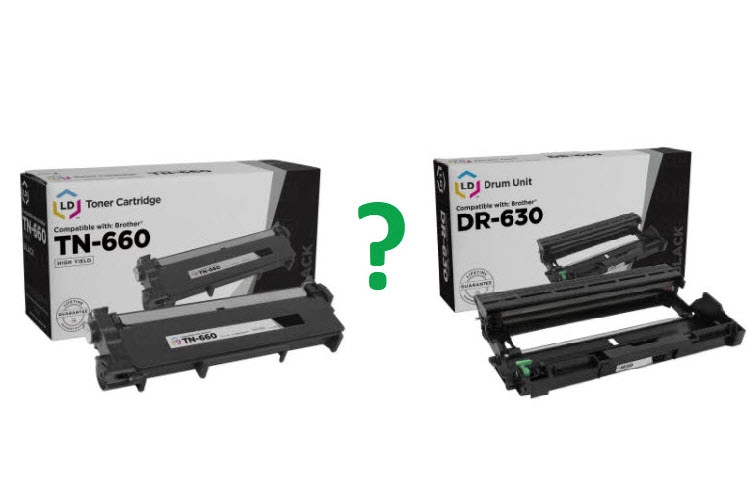
Laser printers and inkjet printers operate on completely different mechanical architectures. A laser printer uses static electricity to attract dry, plastic-based toner powder onto an imaging drum before transferring it to paper. Because laser printers do not have piezoelectric printheads, ink dampers, or liquid ink supply lines, there is physically nowhere to pour or load liquid sublimation ink.
The Fuser Heat Problem
Sublimation ink is heat-activated and begins turning from a solid dye into a gas at around 180°C (356°F). Inside a laser printer, the fuser unit heats up to 180°C–200°C (356°F–400°F) to melt toner onto the page. If liquid sublimation ink were ever introduced into a laser printer, the internal fuser heat would trigger premature sublimation inside the machine—contaminating the drum unit, ruining rollers, and emitting hazardous fumes.
Sublimation ink transfer requires a specialized printer
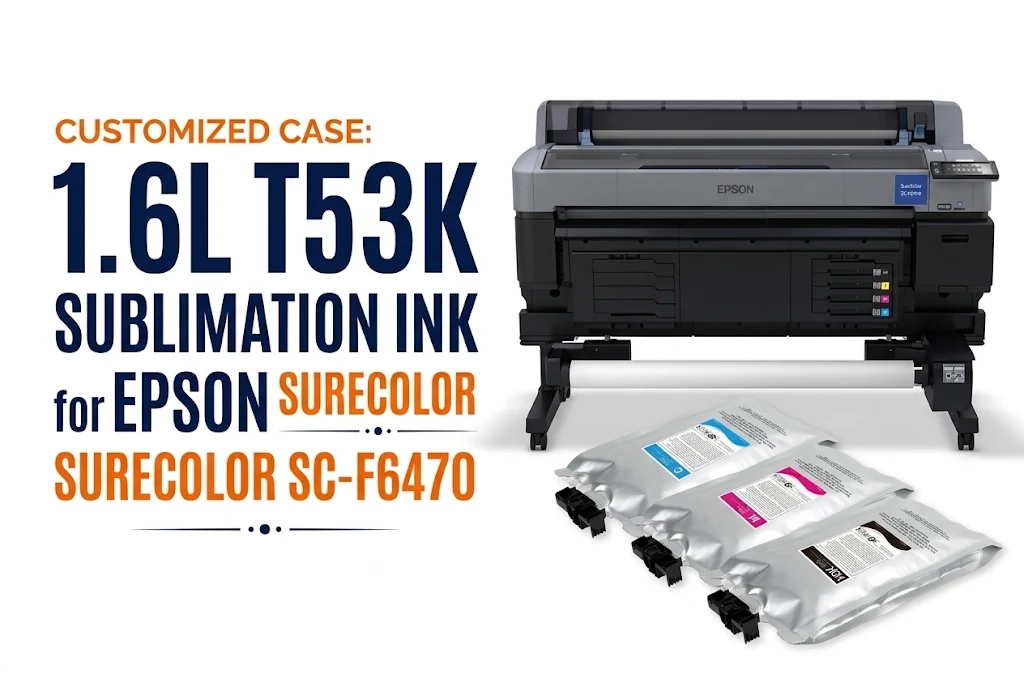
To print using sublimation ink, you need a compatible piezoelectric inkjet printer (such as models from the Epson EcoTank or SureColor series). Such as an Epson EcoTank or SureColor model—to print on sublimation paper properly. Standard laser printers and thermal inkjet printers (like most HP and Canon models) cannot transfer sublimation dyes. Worse, feeding coated sublimation paper through a hot laser printer fuser can melt its chemical coating, causing severe paper jams and permanent roller damage.
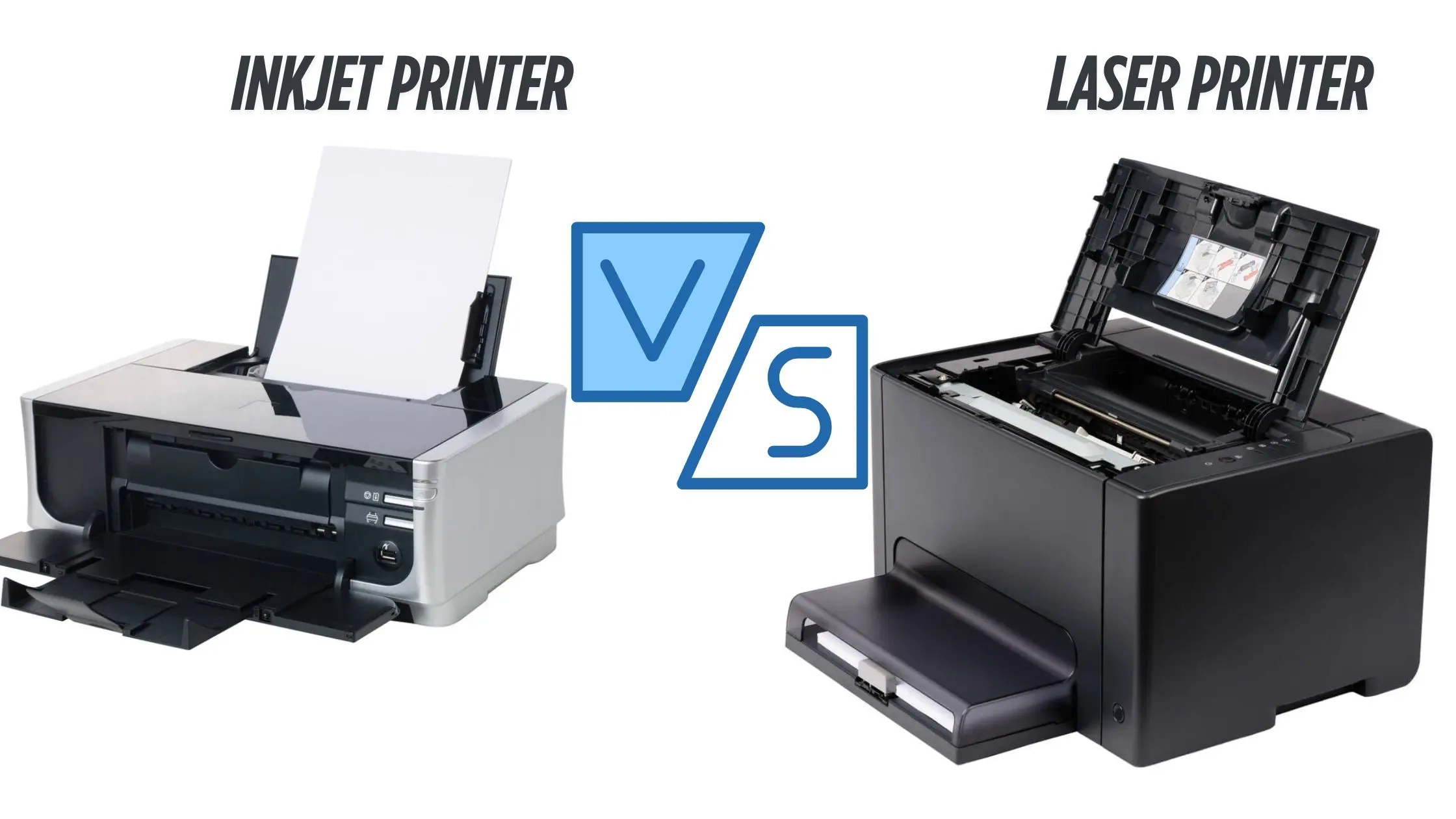
Inkjet vs Laser Printer for Sublimation Comparison
If you are weighing whether to modify an inkjet printer for this purpose or invest in a laser-based sublimation toner system, I have prepared a comparison table outlining the key differences between the two—covering costs, operating principles, and print quality—for your reference.
| Comparison Feature | Piezoelectric Inkjet Printer (e.g., Epson) | Laser Printer (with Sublimation Toner) |
|---|---|---|
| Consumable Form | Liquid sublimation dye ink | Dry polymer-based sublimation toner powder |
| Operating Principle | Cold MicroPiezo mechanical pressure (no heat at printhead) | Electrostatic transfer + 180°C–200°C high-heat fuser unit |
| Setup & Conversion Cost | Low ($200–$450 for printer + $30–$60 for ink) | Extremely High ($300–$1,500+ for toner cartridges alone) |
| Color Vibrancy & Accuracy | Rich, vibrant colors with full ICC profile support | Duller gradients and limited skin-tone accuracy |
| Paper Requirement | Coated sublimation transfer paper | Standard uncoated copy paper |
| Recommendation Rating | 5/5 – Best choice for beginners and businesses | 1/5 – Not recommended for standard sublimation |
When to Choose Laser Sublimation Toner
A laser sublimation toner setup is only practical for niche commercial print shops that already own a compatible high-end laser printer (such as an OKI or UniNet iColor system) and primarily print simple vector graphics, text logos, or single-color designs on hard surfaces. If your workflow requires rigid media transfers without purchasing coated sublimation paper—and budget is not a constraint—laser toner can serve as a specialized secondary option.
When to Choose Piezoelectric Inkjet Sublimation
This is the industry standard for 99% of sublimation projects. Choose a piezoelectric inkjet setup if you are creating vibrant, photo-quality designs on polyester apparel, ceramic mugs, tumblers, metal photo panels, phone cases, or keychains. It is ideal for home crafters, Etsy sellers, and commercial print-on-demand businesses that need accurate color matching and low per-print consumable costs.
What Printer Should You Use for Sublimation Ink Instead?
Sublimation ink cannot be used in a laser printer under any circumstances. To print with sublimation ink safely and achieve vibrant, permanent transfers, you need a printer equipped with a cold piezoelectric printhead. Below are the two best alternative setups depending on your budget and production scale:
Option 1 – Converted Inkjet Printers (Budget-Friendly)
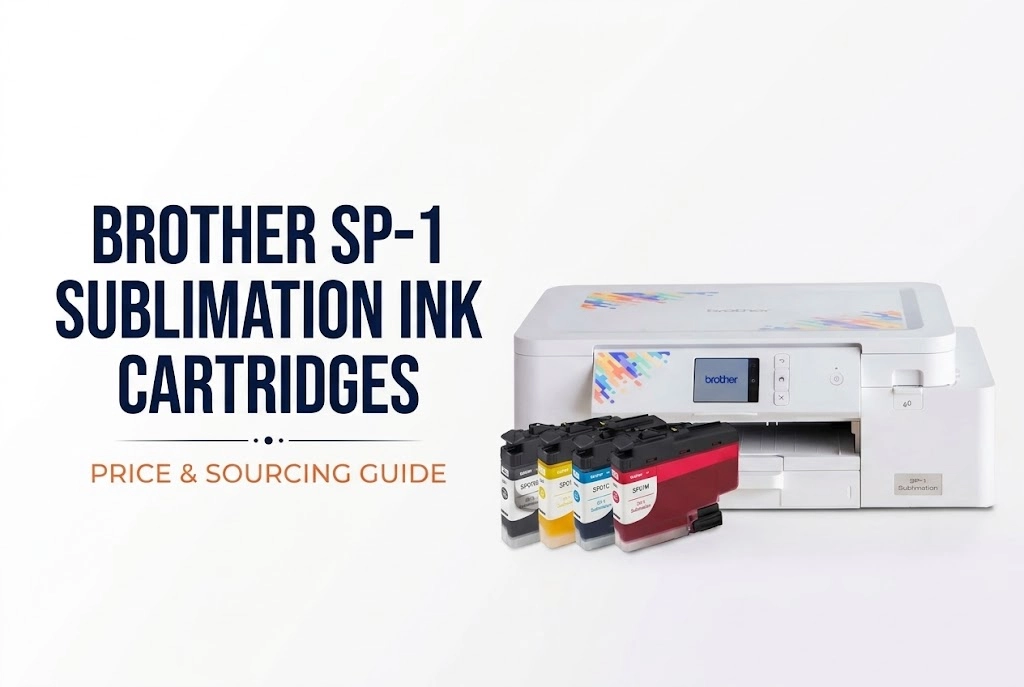
For beginners and small studios looking for the most cost-effective entry point, converting a piezoelectric ink tank printer is the top choice. Popular models include the Epson EcoTank ET-2800, ET-2850, and wide-format ET-15000. Important rule: You must start with a brand-new, unused printer that has never been filled with regular dye or pigment ink. Simply pour bottled sublimation ink directly into the empty tanks during initial setup. Note that converting a standard EcoTank voids the manufacturer’s warranty, so using high-purity, sub-micron filtered sublimation ink is essential to prevent printhead clogs.
Option 2 – Dedicated Sublimation Printers (Plug & Play)
If you want reliable commercial performance right out of the box without voiding your warranty, choose a factory-built sublimation printer such as the Epson SureColor F170 / F570 or Sawgrass SG500 / SG1000. These machines come pre-calibrated with official ICC color profiles and dedicated manufacturer support. To lower your ongoing per-print operating costs without sacrificing color vibrancy,
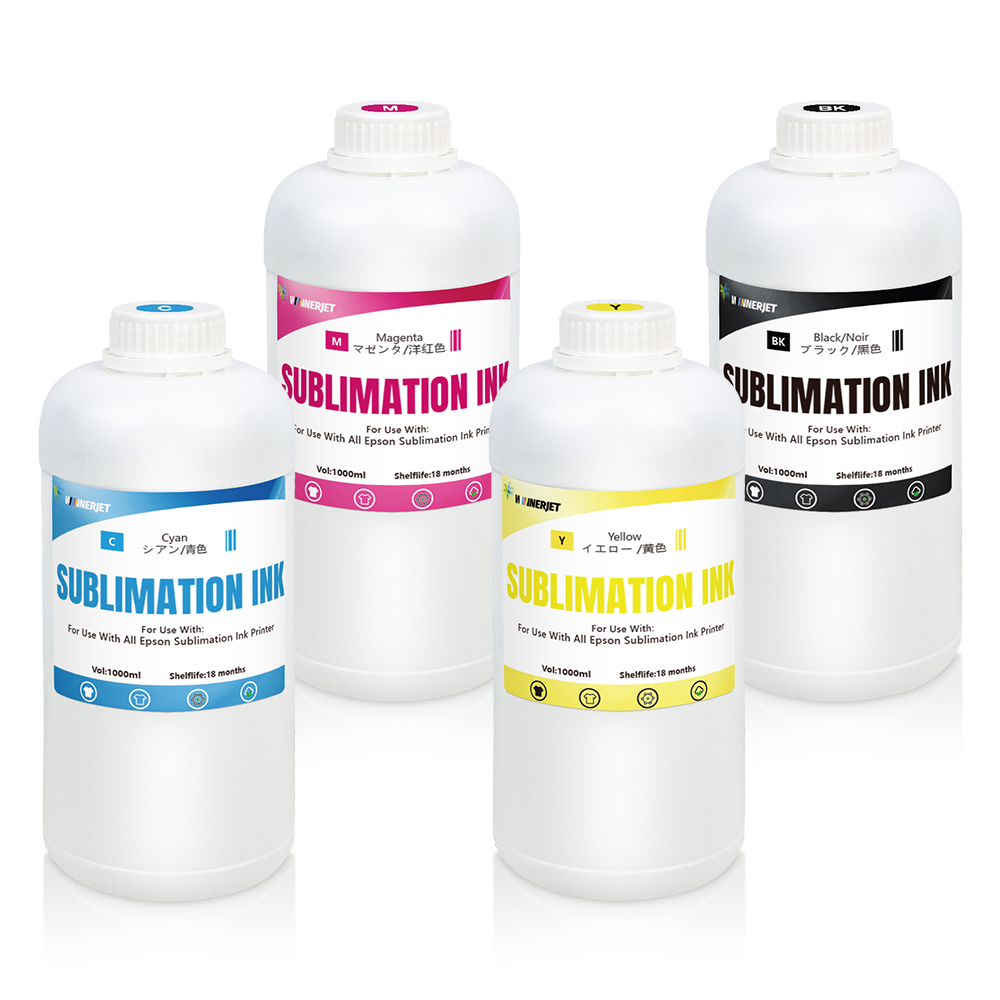
Winnerjet supplies high-purity, compatible sublimation ink engineered for Epson, Sawgrass (SG), Mimaki, and Ricoh printheads—backed by direct factory wholesale pricing and full OEM/ODM customization services.
What Can You Do with Your Existing LaserJet Printer?
Just because your LaserJet printer cannot handle sublimation ink does not mean it is useless for custom crafting. In fact, laser printers excel at several popular DIY and commercial customization methods that inkjet printers cannot easily replicate: For example, Laser Heat Transfer Paper, Toner-Reactive Foiling (Metallic Foil Accents), Laser Waterslide Decals (No Clear Coat Required).
Note: Know Your Laser Printer Type Before Crafting
Not all laser printers are the same, and the type of machine you own determines which alternative crafts you can do:
- Monochrome (Black-and-White) Laser Printers: Use only black toner; best for metallic foiling and black-and-white waterslide decals.
- Color Laser Printers: Use four-color (CMYK) toner; ideal for full-color laser heat transfer papers and decals.
- LED Printers (e.g., OKI, Brother): Use LED arrays instead of lasers to fuse dry toner. Like standard laser printers, they cannot use liquid sublimation ink.
FAQs Laser Printer Printing
Can I put sublimation ink in an HP LaserJet printer?
No, you cannot put liquid sublimation ink in an HP LaserJet or any laser printer. HP LaserJet printers use dry toner powder and a 200°C (400°F) fuser unit, whereas sublimation ink is a heat-sensitive liquid dye designed exclusively for cold piezoelectric inkjet printheads like Epson.
Can I use sublimation ink for regular photo printing?
No, sublimation ink should not be used for standard photo printing. When printed onto regular photo paper without heat pressing, sublimation prints look dull, faded, and muddy. Sublimation dyes only unlock their true, vibrant colors when heat-pressed at around 190°C–200°C onto polyester-coated surfaces.
What craft projects can I still make with my existing LaserJet printer?
You can use your LaserJet printer for several profitable crafts, including laser heat transfer paper for cotton t-shirts, toner-reactive metallic foiling for invitations and cards, and waterproof laser waterslide decals for mugs and candles—all without needing to buy any special ink.