The Canon PIXMA G3260 is the superior choice for high-volume document printing and budget-conscious buyers, offering significantly higher page yields, cheaper color cost-per-page, and faster black print speeds. Conversely, the Epson EcoTank ET-2800 is better suited for casual home and student use, featuring a more intuitive 1.44-inch color display and seamless mobile app integration. Choose the Canon G3260 for heavy workloads and lower long-term running costs, or the Epson ET-2800 for easier navigation and everyday household printing.
| Feature / Metric | Canon PIXMA G3260 | Epson EcoTank ET-2800 |
|---|---|---|
| Page Yield (Black / Color) | ~6,000 / 7,700 pages | ~4,500 / 7,500 pages |
| Cost Per Page (Black / Color) | ~$0.003 / $0.009 | ~$0.003 / $0.012 |
| Print Speed (IPM) | 10.8 ipm (Black) / 6.0 ipm (Color) | 10.0 ipm (Black) / 5.0 ipm (Color) |
| Display Screen | 2-Line Mono LCD (Non-backlit) | 1.44-Inch Color LCD |
| Paper Tray Capacity | 100 Sheets (Rear Feed) | 100 Sheets (Rear Feed) |
| Price (MSRP) | ~$229.99 | ~$249.99 |
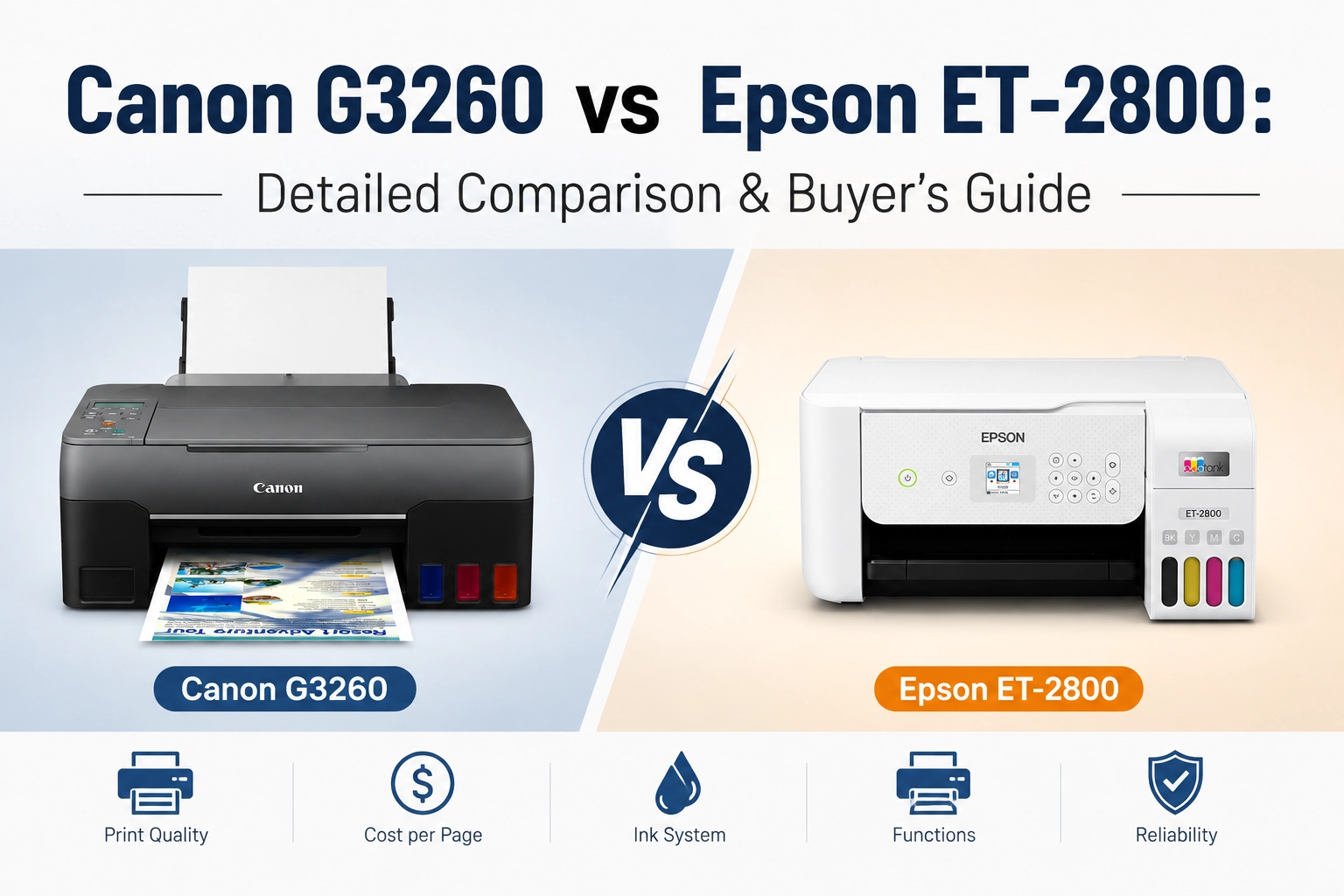
Canon PIXMA G3260 vs Epson EcoTank ET-2800 Key Differences
1. Page Yield & Ink Efficiency
When comparing high-volume printing economics, the Canon PIXMA G3260 holds a clear advantage in color document efficiency over the Epson EcoTank ET-2800.
Ink Capacity & Page Yield:
Canon uses the GI-21 ink system, with its black bottle providing ~6,000 pages (~7,700 pages in Economy Mode) and color bottles delivering up to 7,700 pages. Epson’s T522 ink set offers ~4,500 black pages and ~7,500 color pages.
Cost Advantage:
While both printers achieve an exceptionally low black-and-white cost per page (~$0.003), Canon’s higher color yield drops its color cost per page to around $0.009, compared to Epson’s $0.012. Over thousands of prints, Canon provides noticeable savings for heavy color document workflows.
2. Print Quality & Ink Type
The fundamental difference in print output stems from their ink formulation:
Canon G3260 (Hybrid Ink System):
Uses pigment-based black ink paired with dye-based color inks. The pigment black ensures razor-sharp, water-resistant text on standard copy paper without bleeding or smudging—ideal for office documents, forms, and school assignments. As noted in The Printer Guy’s Canon G3260 Print Quality Review, photo prints yield vibrant colors and smooth gradients, though photo printing speed can be slightly slower.
Epson ET-2800 (All-Dye Ink System):
Utilizes dye-based inks for all four colors. While dye inks produce rich, highly blended photographic output on glossy photo paper, black text on standard copy paper is slightly softer and less crisp compared to Canon’s pigment black.
3. Paper Handling & Media Compatibility
Both machines rely on a rear paper feed tray design (100-sheet capacity), which minimizes paper curl and feed jams compared to bottom cassettes:
Media Handling:
Canon’s rear tray accommodates heavier cardstock, magnetic photo paper, and restickable photo paper up to 275 g/m² (60 lb). Epson handles standard glossy photo paper, cardstock, and envelopes, but Canon offers broader flexibility for craft projects and heavy media.
Manual Duplexing Consideration:
It is worth noting that neither printer includes an automatic duplexer (ADF/Auto-Duplex). As highlighted in World’s Greatest Dad’s Epson ET-2800 Review, printing double-sided on the ET-2800 requires a manual re-insertion process. Similarly, Canon G3260 users must re-feed pages manually for two-sided documents.
4. Model Release Date & Used Market Value
Which Model is Newer?
The Epson EcoTank ET-2800 is the newer model, released around late 2021 as part of Epson’s updated home EcoTank series.
The Canon PIXMA G3260 was launched earlier in late 2020 / early 2021 as part of Canon’s refreshed MegaTank lineup.
Used Market Consideration:
If you are looking to purchase a pre-owned or open-box unit, you can find active listings such as an Open Box unit priced around $185.00 on eBay via this eBay Canon PIXMA G3260 Used/Open Box Offer. Checking secondary markets can yield substantial upfront savings over the ~$229.99 MSRP.
Canon PIXMA G3260 vs Epson EcoTank ET-2800Experience & Usability
Beyond print specs and cost per page, day-to-day user experience—such as menu navigation and mobile connectivity—plays a critical role in long-term satisfaction.
Control Panel & Display: Color Screen vs. Mono LCD
Epson EcoTank ET-2800: Features a 1.44-inch color LCD screen on a tiltable front panel. The color interface renders full graphical menus, clear Wi-Fi setup prompts, and status animations. This visual feedback makes standalone copying, network configuration, and ink level checking far more intuitive—especially for non-technical family members.
Canon PIXMA G3260: Equipped with a basic 2-line monochrome LCD screen without a backlight. While completely functional for simple copy count tracking or maintenance execution, navigating complex settings via physical arrow keys can feel dated and clunky compared to Epson’s color display.
Connectivity & Mobile App Experience
Epson Smart Panel App: Epson’s modern mobile ecosystem acts like a virtual control panel on your smartphone. As showcased in World’s Greatest Dad’s Epson ET-2800 Hands-On Review, user feedback highlights how reliable the ET-2800 is for household and home office setups, allowing users to execute multi-page scans, print directly from emails, and check live ink status effortlessly.
Canon PRINT Inkjet/SELPHY App: Canon’s mobile app provides stable, straightforward wireless printing and scanning across iOS and Android devices. Real-world feedback reinforces its seamless wireless operation—as shared in a community review on Reddit’s Canon G3260 Discussion, users report that “wireless printing from my phone is a breeze” alongside crisp document output up to 8.5 x 11 inches.
Canon G3260 VS Epson ET2800 Long-Term Maintenance & Reliability
For continuous ink tank systems, long-term reliability, printhead maintenance, and routine servicing costs play a pivotal role in overall ownership expense.
Printhead & Clogging Issues
Canon PIXMA G3260 (Modular Printhead System): Features user-replaceable cartridge-style printheads (CH-21 Black and BH-21 Color). If nozzles clog during low-frequency usage, running routine printhead cleanings usually resolves it. In cases of severe drying, users can independently replace individual printheads at a low cost without servicing the printer.
Epson EcoTank ET-2800 (Permanent MicroPiezo Head): Utilizes Epson’s fixed MicroPiezo printhead. While highly durable under regular use, long idle periods can cause stubborn ink drying inside the micro-nozzles. Since the printhead is fixed, resolving irrecoverable clogs often requires professional service or technical dismantling.
Maintenance Box & Waste Ink Servicing
Canon PIXMA G3260: Supports user-replaceable maintenance cartridges (MC-G02). When the waste ink absorber fills up, users can purchase a replacement for around $10–$15 and swap it out in under a minute without tools.
Epson EcoTank ET-2800: Lacks an officially user-accessible maintenance box. Once the internal waste ink pad reaches capacity, the printer locks, typically requiring service software resets or manual disassembly to replace pads.
A Manufacturer’s Take: Ink Formulations and Total Cost of Ownership
As a dedicated manufacturer of premium digital printing consumables and inks, Winnerjet evaluates these two architectures through ink chemistry and long-term operating costs:
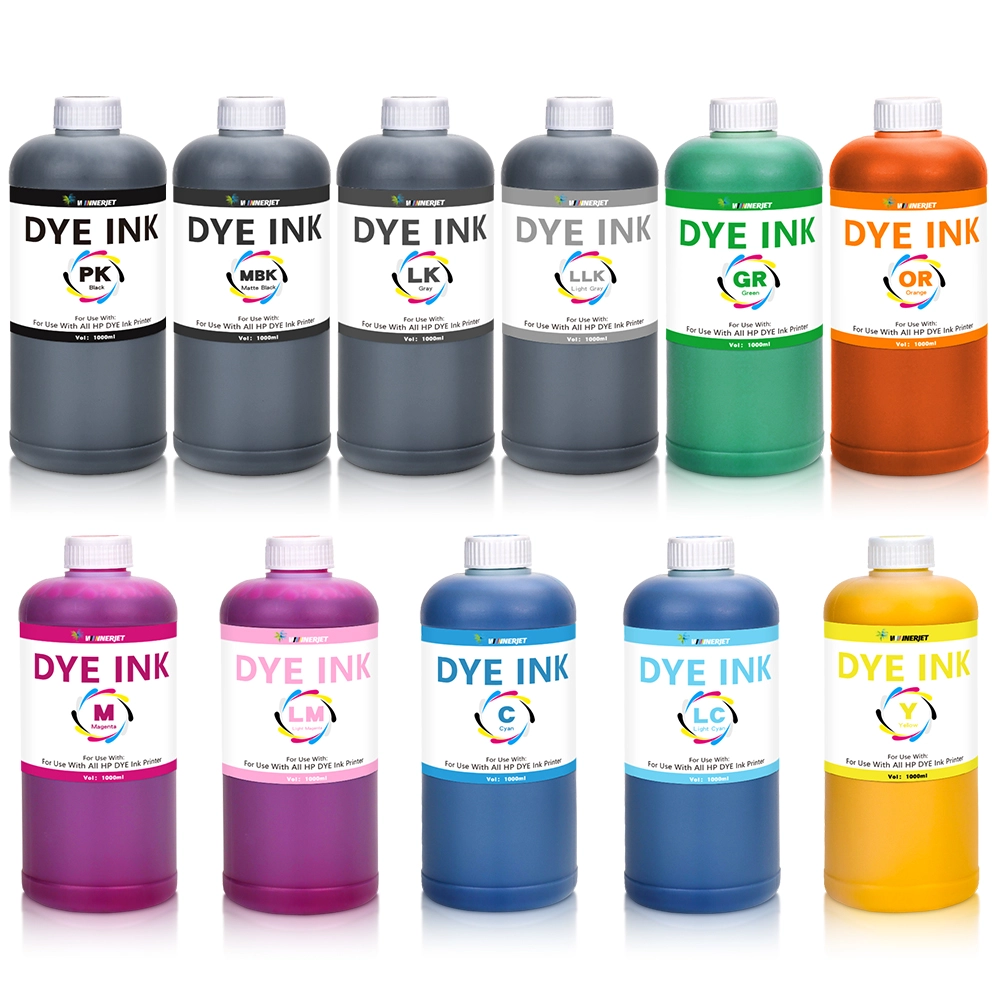
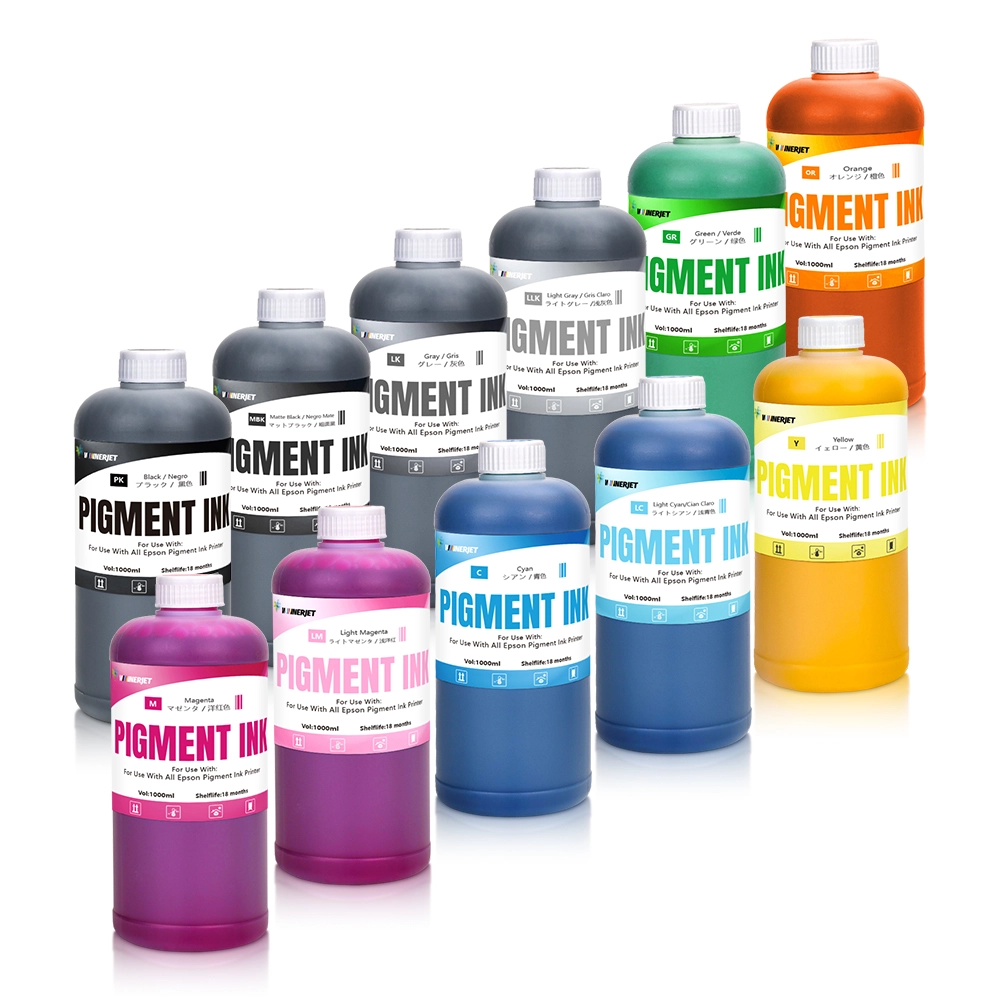
Pigment vs Dye Insights: The Canon G3260 uses a pigment black + dye color hybrid setup, making Winnerjet Pigment Ink ideal for achieving deep, crisp, and water-resistant text on document runs. Conversely, the ET-2800 relies entirely on dye ink, where Winnerjet Dye Ink delivers high color saturation and smooth blending for photo applications.
Consumables & One-Stop Support: Beyond original refill bottles, Winnerjet offers direct factory-wholesale pricing, premium bulk inks, DTF/UV inks, and complete printing consumables alongside technical after-sales guidance. Whether you are scaling an office setup or managing high-volume print tasks, you can Contact Winnerjet to receive tailored performance recommendations and wholesale ink solutions.
Comparing the Canon G3260 and Epson ET-2800 against other models
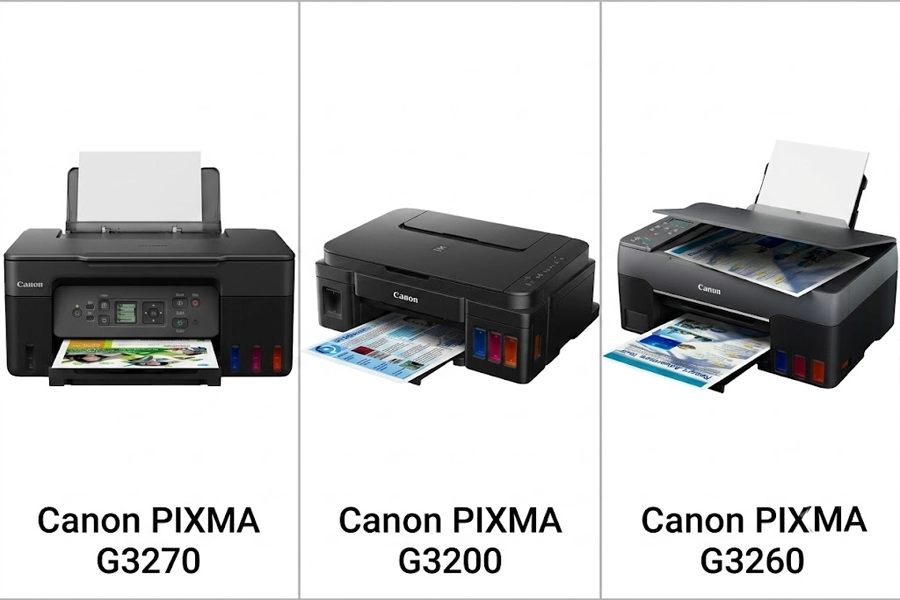
Canon G3260 vs G3270 vs G3200
Canon G3260 vs G3270: The G3270 is the direct successor/refresh to the G3260. Both printers share identical GI-21 ink bottles, print speeds, and 100-sheet rear paper tray capacity. The primary upgrade in the G3270 is a backlit 1.35-inch square LCD screen and expanded dual-band (2.4 GHz / 5 GHz) Wi-Fi support, whereas the G3260 relies on an unlit 2-line mono display.
Canon G3260 vs G3200: The G3200 is an older, previous-generation MegaTank model using GI-20 ink bottles. The G3260 offers faster print speeds (10.8 ipm vs. 8.8 ipm black), an improved physical maintenance cartridge design (MC-G02), and updated wireless protocol support over the legacy G3200.
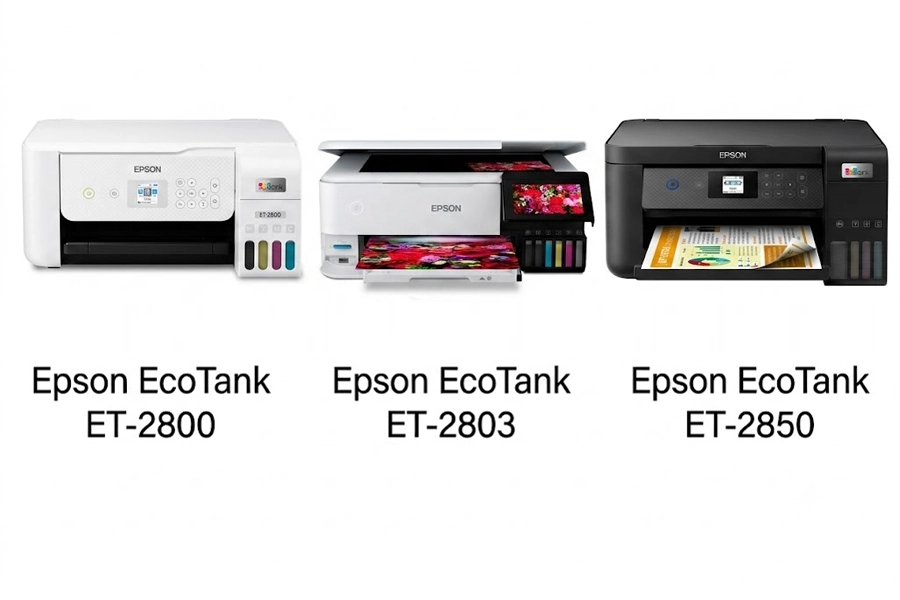
Epson EcoTank ET-2800 vs ET-2803 vs ET-2850
Epson ET-2800 vs ET-2803: The ET-2803 is functionally identical to the ET-2800. It is simply a retailer-specific SKU variant sold through big-box stores like Target, Walmart, and Office Depot. Both models share identical specs: T522 ink compatibility, 1.44-inch color display, manual duplexing, and 100-sheet rear feed tray.
Epson ET-2800 vs ET-2850: The ET-2850 is a notable step-up model. While the ET-2800 relies on manual duplexing and all-dye inks, the ET-2850 adds Auto 2-Sided (Duplex) Printing, upgrades to a Pigment Black ink (for crisp document text), and utilizes a larger 2.4-inch display.
Which Printer Fits Your Needs?
Canon PIXMA G3260: Built for Heavy Workloads
The Canon G3260 excels at high-volume document printing thanks to its pigment black ink and higher page yields. It delivers waterproof, razor-sharp text while maintaining a cheaper color cost-per-page (~$0.009). Plus, its rear feed tray effortlessly supports heavy media up to 275 g/m². Choose the G3260 if you want maximum long-term running cost savings and user-swappable maintenance parts.
Epson EcoTank ET-2800: Built for Everyday Family Use
The Epson ET-2800 offers superior daily usability with its 1.44-inch color LCD display and intuitive navigation. Its dye-based ink set delivers smooth color blending, making it ideal for homework, photos, and general home printing. The Epson Smart Panel App ensures seamless wireless printing and scanning directly from your smartphone. Choose the ET-2800 if you prioritize easy screen controls and a smooth mobile experience.