The Canon PIXMA MegaTank G3200 uses a Hybrid Ink System, combining both pigment and dye-based inks to optimize print quality across different media types:
Black (GI-290 BK): Pigment Ink, formulated specifically to produce crisp, laser-sharp, smudge-resistant text for black-and-white documents.
Colors (GI-290 C/M/Y): Dye-Based Ink, engineered to deliver bright, vibrant colors and smooth tonal transitions for high-quality photos and color graphics.
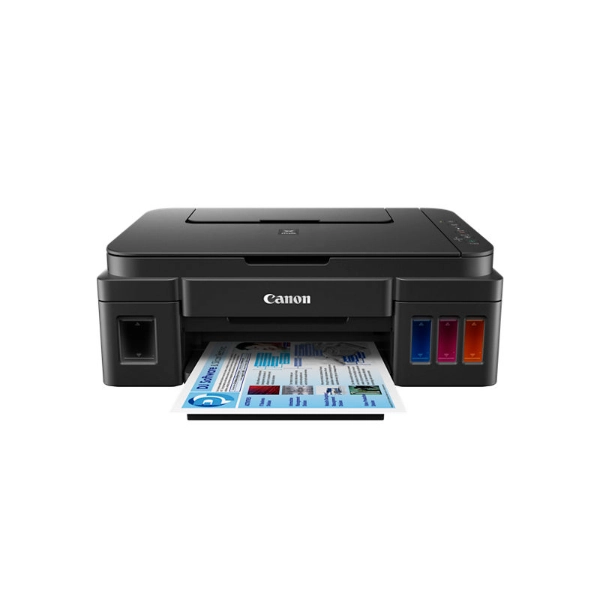
Deep Dive: Pigment Ink vs Dye Ink in Canon G3200
To understand how the Canon PIXMA MegaTank G3200 balances crisp document printing with vibrant photo output, one must analyze the design principles of its Hybrid Ink System at the level of physical and chemical mechanisms.
Physical and Chemical Comparison (GI-290 BK vs GI-290 C/M/Y)
| Property | GI-290 BK (Pigment Ink) | GI-290 C/M/Y (Dye-Based Ink) |
|---|---|---|
| Water Resistance | High (Resists smudging, bleeding, and highlighters) | Low (Water-soluble; prone to running when exposed to moisture) |
| UV / Light Fastness | High (Resistant to fading over long periods) | Moderate (Gradually fades under direct UV exposure) |
| Drying Speed | Fast (Suspended particles settle quickly on paper fibers) | Moderate (Requires time to absorb into the substrate) |
| Color Gamut | Focused (Optimized for high-contrast, dense black text) | Wide (Delivers rich saturation and continuous tone gradients) |
| Optimal Substrate | Plain Paper (Copy paper, standard envelopes, bond paper) | Glossy / Photo Paper (Coated media, glossy photo sheets) |
Printhead Engineering & Fluid Dynamics Mechanics
Canon’s FINE (Full-photolithography Inkjet Nozzle Engineering) technology relies on a thermal inkjet ejection process. Micro-heaters inside the printhead rapidly vaporize ink to create a vapor bubble, propelling precise micro-droplets through the nozzles.
- Why Black Uses Pigment Ink (GI-290 BK):
Pigment ink consists of tiny, solid carbon black particles suspended in a liquid carrier. When ejected onto uncoated plain paper, the liquid carrier absorbs into the paper fibers while the solid pigment particles settle instantly on the top layer. Because these particles do not dissolve or bleed laterally along the fibers, the printhead achieves razor-sharp text edges with maximum optical density ($OD$), making it ideal for legal, academic, and business documentation.
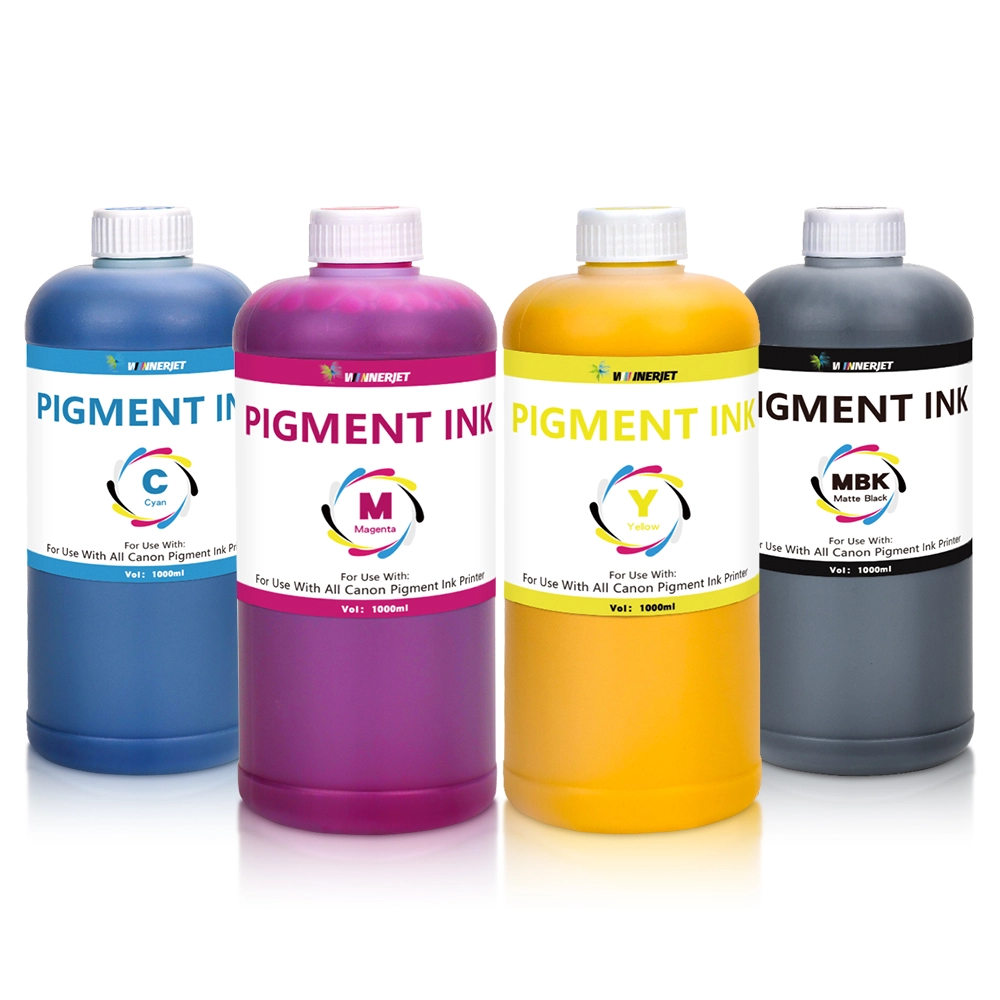
- Why Colors Use Dye Ink (GI-290 C/M/Y):
Dye ink is a fully dissolved chemical solution at the molecular level, containing no solid particles. When applied to coated glossy photo paper, the dye molecules penetrate seamlessly into the swellable or porous receiving layer of the media without leaving surface residue. This molecular absorption preserves the smooth, high-gloss finish of photo media and prevents light scattering, resulting in brilliant saturation, smooth color gradients, and photo-realistic output with zero particle graininess.
-
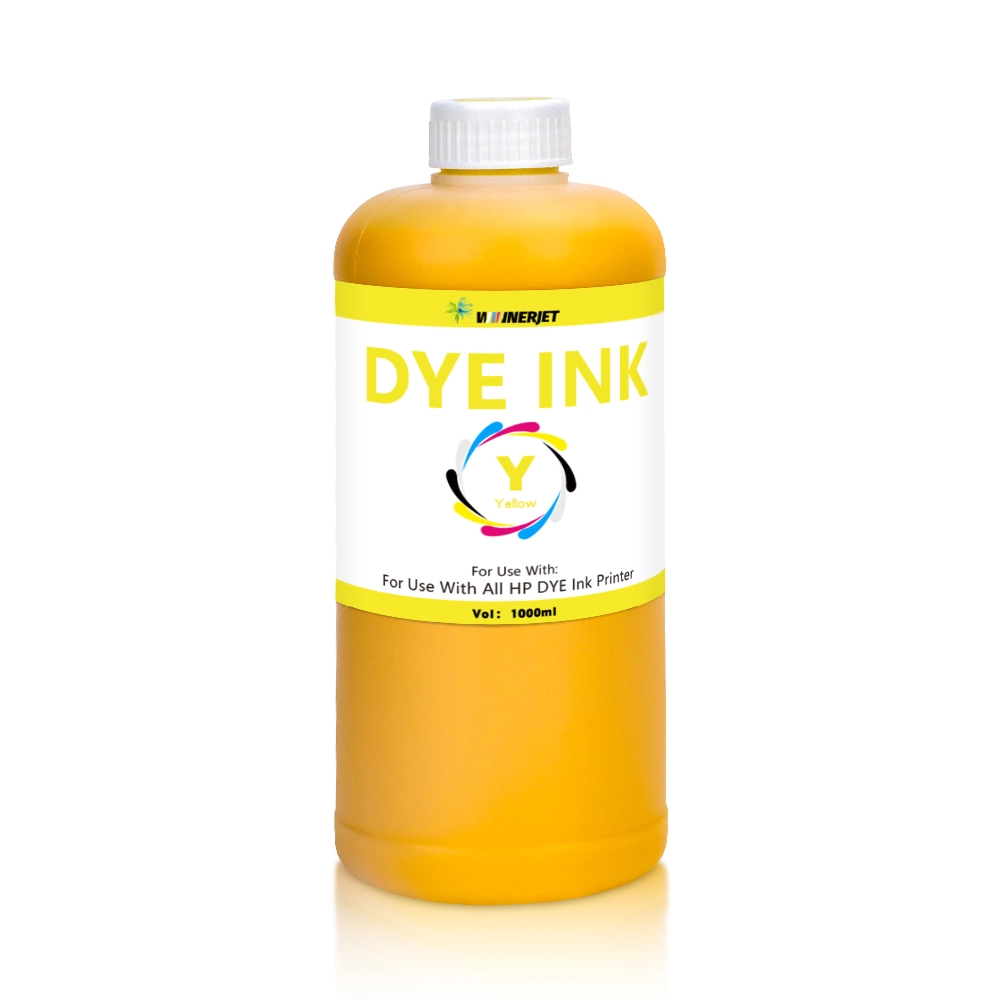
- Yellow Dye Ink For Canon Printer
-
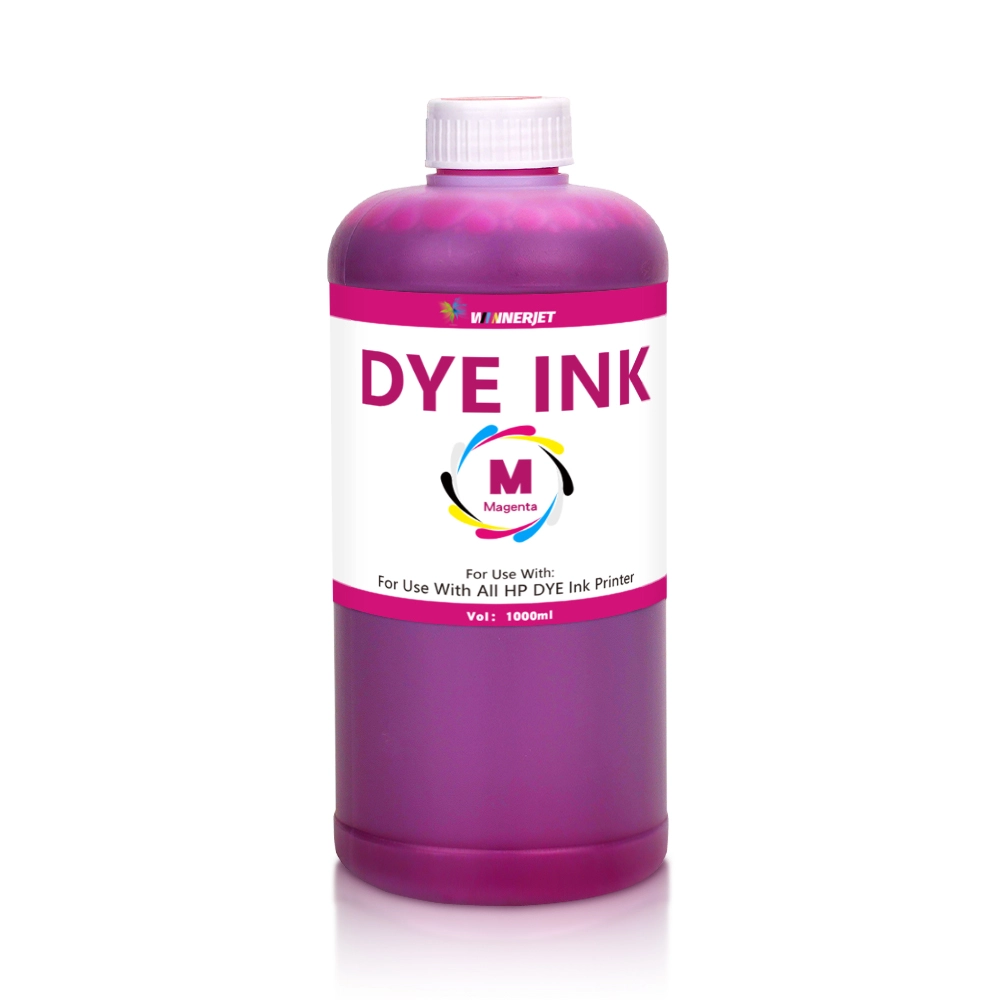
- Magenta Dye Ink For Canon Printer
-
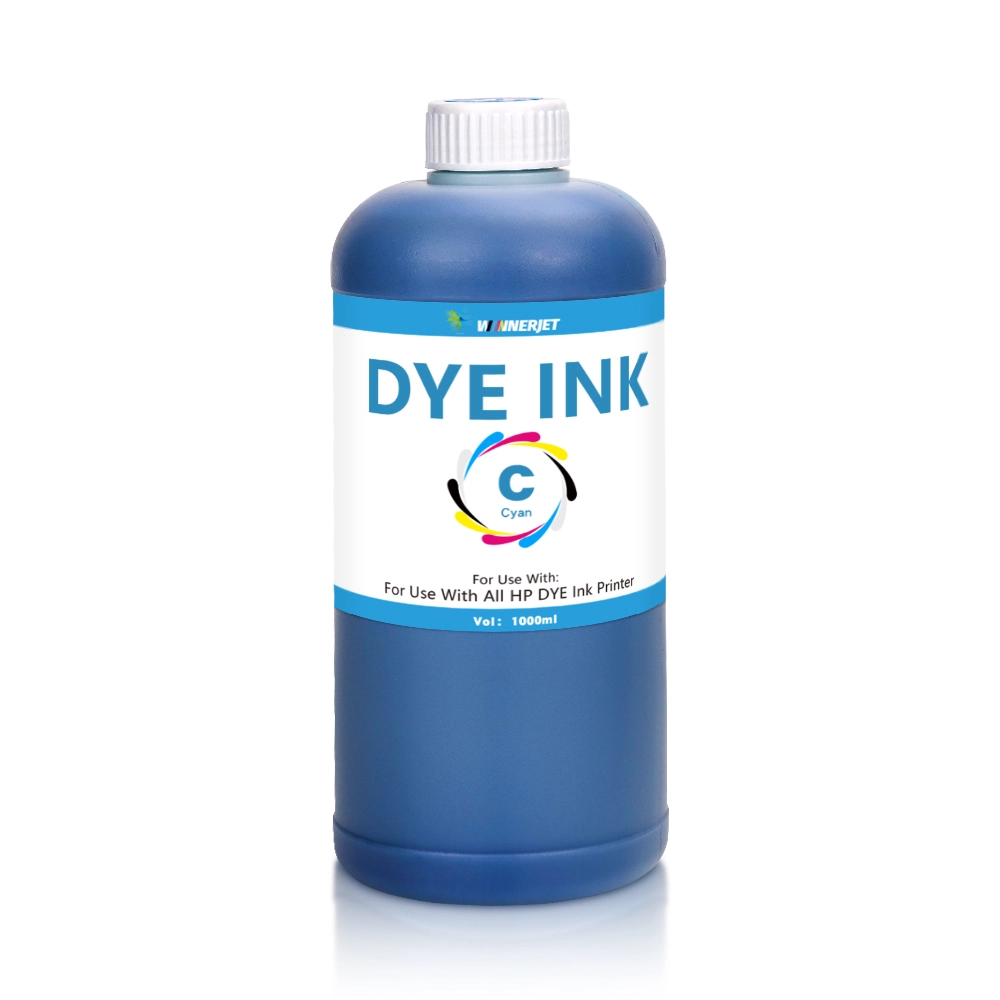
- Cyan Dye Ink For Canon Printer
Canon G3200 Ink Maintenance & Mistakes to Avoid
To ensure reliable performance and prolong the lifespan of the Canon FINE printhead on your PIXMA MegaTank G3200, users should avoid common refill mistakes and implement structured maintenance protocols.
- Mistake #1: Never Fill or Cross-Mix Dye Ink into the Black Pigment Tank A frequent discussion topic among users on community forums like Reddit’s r/printers revolves around substituting dye ink into the black reservoir. Doing so causes distinct physical and mechanical issues:
Fluid Dynamics Mismatch: Pigment inks and dye inks are formulated with different viscosities and surface tensions. Injecting dye ink into a black chamber calibrated for pigment ink disrupts thermal drop formation, leading to low optical density (faded blacks) and severe printhead misfires (banding or missing lines).
Chemical Precipitation: Mixing leftover pigment ink with dye ink can trigger chemical precipitation, creating clogs inside the micro-nozzles that require aggressive printhead flushes to clear.
- Mistake #2: Neglecting Regular Maintenance for Pigment Ink Anti-Settling Because pigment ink contains microscopic insoluble carbon particles, it is naturally more prone to settling and coagulation during prolonged idle periods compared to dye inks.
Print Frequency: Run a quick nozzle check or print at least one document containing black text once a week to keep fluid circulating through the FINE nozzles.
Printhead Maintenance: If faint lines or gaps appear, follow Canon’s Official Troubleshooting Guide to perform a standard nozzle cleaning via the printer driver. Avoid running continuous “Deep Cleaning” cycles, as this rapidly fills the internal waste ink absorber pad.
Ink Solutions for Canon MegaTank G3200
While original Canon GI-290 ink bottles offer reliable performance, high-volume printing environments often face escalating operational costs. Upgrading to a professional third-party compatible ink solution provides an ideal balance between high output quality and cost control:
High-Volume Printing Demands: Educational institutions, home offices, and commercial environments printing hundreds of pages weekly require continuous ink supply without premium overhead.
Cost Optimization: Replacing original GI-290 ink bottles frequently can inflate total cost of ownership (TCO) over the printer’s lifespan.
Winnerjet Compatible Ink Solutions
Winnerjet provides precision-engineered ink formulations designed specifically to meet or exceed OEM standards for Canon PIXMA MegaTank series:
- Strict Physical Parameter Matching:Winnerjet Pigment Ink undergoes multi-stage sub-micron filtration. Its viscosity, surface tension, and pH levels are precisely calibrated to match Canon’s FINE thermal printhead requirements, preventing nozzle clogging and ensuring reliable bubble jet ejection.
- Wide Color Gamut & Vibrant Output: Formulated with premium imported raw materials, Winnerjet Dye Ink delivers smooth tonal transitions, high optical density, and brilliant chromatic fidelity on glossy photo media.
- Maximum Cost Efficiency: By switching to Winnerjet compatible refill solutions, businesses and users can reduce per-page printing costs by up to 70% or more without sacrificing print performance.
Have questions regarding bulk ordering, custom OEM formulations, or technical ink compatibility? Contact Us today to speak with our engineering team.
Canon G3200 Technical Standards for Pigment & Dye Inks
The Canon PIXMA MegaTank G3200 utilizes a hybrid ink system combining pigment-based black ink and dye-based color inks. Consequently, third-party inks must be precisely matched to this specific configuration; they require exceptional chemical stability and physical properties that align with the original specifications to prevent printhead clogging or ink bleeding at color boundaries.
With nearly 20 years of manufacturing experience, Winnerjet engineered precise replacement inks for both formulations:
Factory-Direct B2B Supply: Access direct wholesale pricing, custom bottle packaging, and private-label OEM/ODM services for both GI-290 pigment black and dye color inks.
End-to-End Technical Support: Our R&D chemists and engineers provide complete guidance on fluid dynamics, viscosity matching, and nozzle maintenance to maximize FINE printhead longevity.
Get Your Hybrid Ink Solution Today
Looking for reliable, cost-effective replacement pigment and dye inks for your Canon MegaTank printers? Contact Winnerjet today to request sample testing kits and factory wholesale pricing.
FAQS – Canon PIXMA MegaTank G3200
Does Canon PIXMA MegaTank G3200 use dye or pigment ink?
The Canon PIXMA MegaTank G3200 uses a hybrid ink system. The black ink tank (GI-290 BK) uses pigment-based ink for laser-sharp, water-resistant text, while the cyan, magenta, and yellow tanks (GI-290 C/M/Y) use dye-based inks for vibrant color photos and graphics.
What happens if I put dye ink into the black pigment tank?
Filling dye ink into the black pigment tank will dilute text density, leading to faded gray prints and a loss of water resistance. Additionally, mixing remaining pigment residue with dye ink can cause chemical precipitation, leading to clogged printhead nozzles.
Can I use third-party compatible ink for my Canon G3200 printer?
Yes, provided the compatible ink meets Canon’s physical parameters. High-quality replacement solutions like Winnerjet Pigment Ink and Dye Ink undergo micro-filtration to match original viscosity and surface tension, preventing FINE printhead clogs while saving up to 70% in costs.
How do I prevent my Canon G3200 ink from drying out or clogging?
To keep the ink flowing and prevent pigment particles from settling:
Print a black-and-white or color document at least once a week.
Perform a standard nozzle check or printhead cleaning via the driver if light streaks appear, following official Canon Troubleshooting Guidelines.
Which replacement ink bottles should I buy for Canon MegaTank G3200?
The original ink model for the G3200 is the Canon GI-290 series (GI-290 BK, C, M, Y). For bulk users, sourcing compatible GI-290 bottles or factory-direct refills from certified manufacturers like Winnerjet provides an economical and reliable alternative.