Choosing an eco solvent printer in the Philippines is a major investment for print shops, sign makers, and advertising businesses. The right machine can help you handle more orders, improve print quality, and control production costs.
But buying a printer involves more than comparing prices. You also need to consider print width, printhead configuration, daily output, ink compatibility, and long-term maintenance.
This guide covers eco solvent printer prices in the Philippines, explains how to choose the right setup for your business, and outlines what to check when sourcing equipment or ink directly from a manufacturer.
Eco Solvent Printer Price in the Philippines Overview
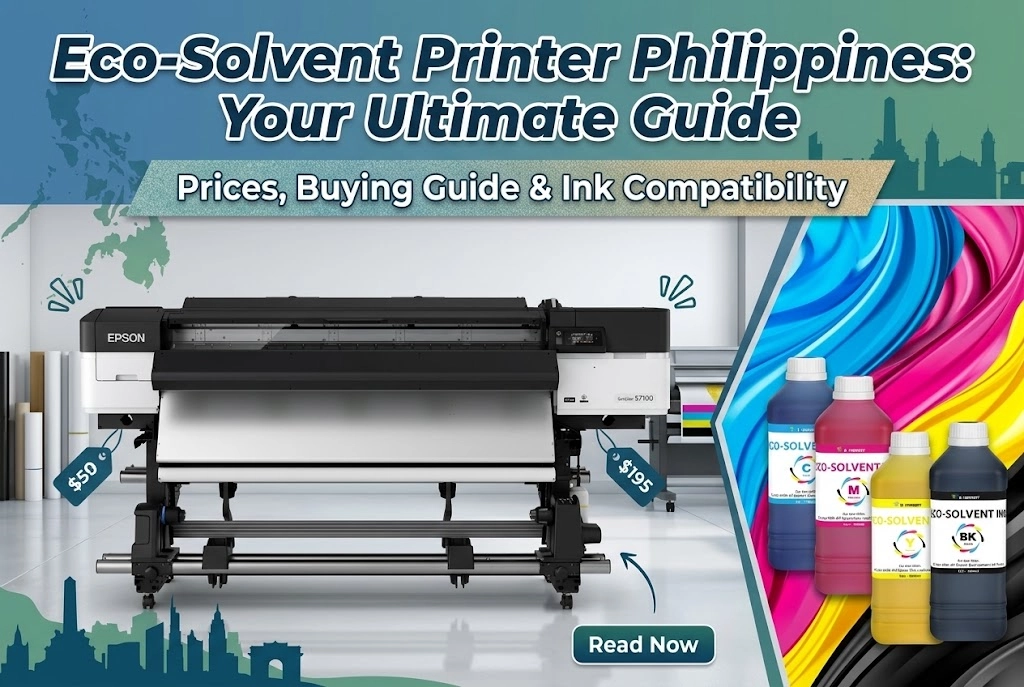
Eco solvent printer prices in the Philippines typically range from around ₱450,000 to over ₱1.5 million, depending on the brand, printing width, printhead, ink system, and configuration. Published retailer listings start at approximately ₱449,990 for a compact Roland BN2-20A, while some Epson 64-inch production models cost more than ₱1.5 million.
Prices vary by model and included services. Always request a current quotation and confirm whether installation, training, warranty, and other costs are included.
Printer Size and Printhead Configuration
Three factors have a major impact on printer pricing:
① Print width: Wider machines can handle larger graphics and more production work, but they require more space and a higher initial investment.
② Printhead configuration: Printheads affect print speed, image quality, and maintenance needs. Multiple printheads can support higher production capacity, depending on the machine design and print settings.
③ Ink system: Ink capacity, cartridge or bulk ink supply, and the availability of compatible ink can affect ongoing operating costs.
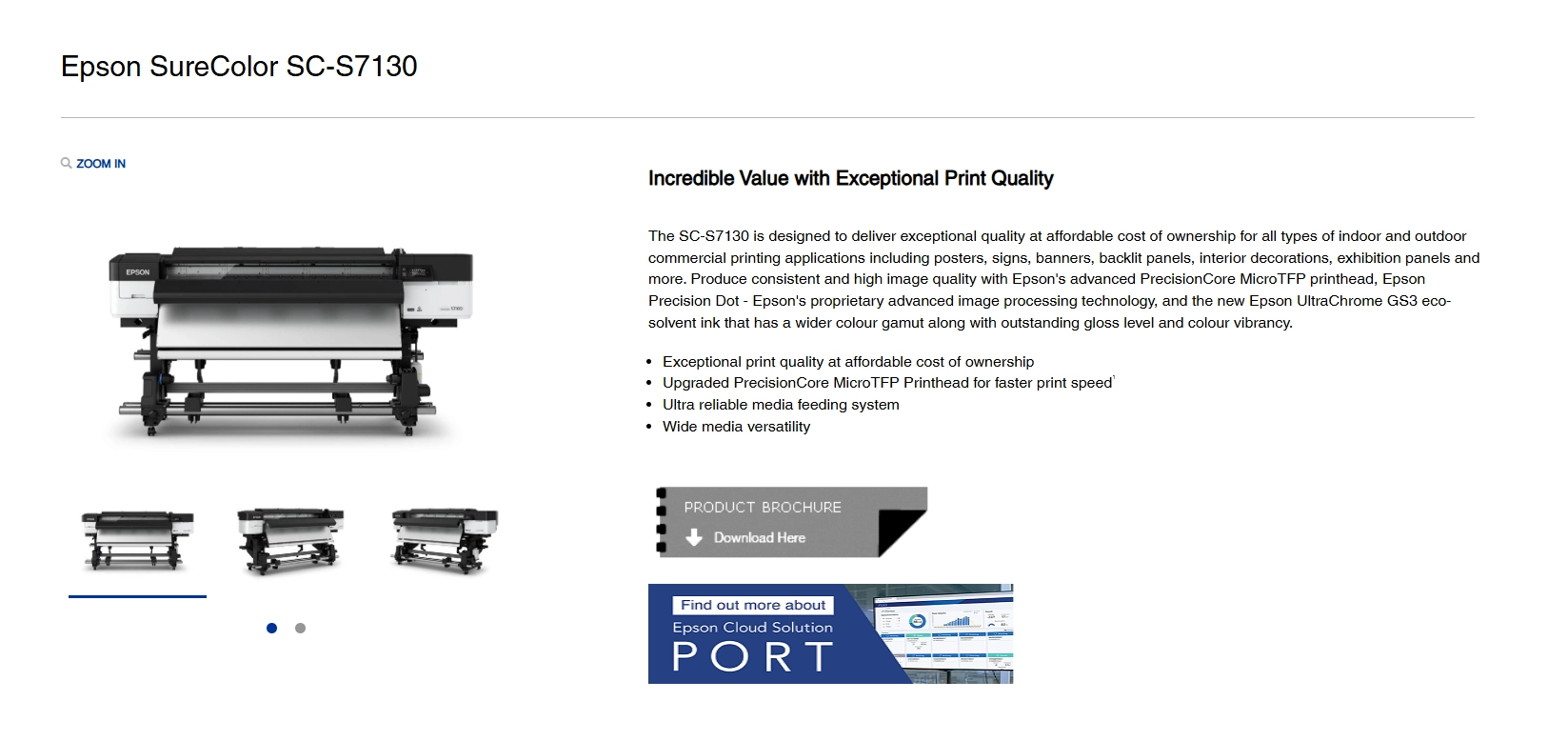
For example, Epson’s SureColor SC-S7130 uses a PrecisionCore MicroTFP printhead and supports media widths up to 64 inches. Its official specifications list maximum speeds ranging from 75.1 m²/h in a one-pass mode to 3.3 m²/h in a 24-pass mode. This shows why advertised maximum speed should not be treated as the expected speed for every print job.
Eco Solvent Printer Prices in the Philippines: Brand and Model Comparison
The following prices are reference figures published by Philippine retailers. These are not fixed market prices, and actual quotations may change with stock, promotions, and included services.
The following models are commonly found in the Philippine market as examples.
| Brand and Model | Key Features | Published Price |
|---|---|---|
| Roland BN2-20A | Compact printer and cutter, suitable for smaller graphics and custom print jobs | ₱449,990 |
| Roland SG3-540 | Printer and cutter for professional sign and graphics production | ₱577,790 |
| Roland ER-641 | Wide-format eco-solvent printer | ₱566,690 |
| Roland ER-642 | Wide-format eco-solvent printer | ₱1,033,390 |
| Epson SureColor SC-S7130 | 64-inch printer, PrecisionCore MicroTFP printhead, 4-color ink system | ₱981,570 |
| Epson SureColor SC-S8130 | 64-inch printer, 6-color ink system | ₱1,297,000 |
| Epson SureColor SC-S9130 | 64-inch printer, 10-color ink system | ₱1,525,000 |
The published listings show that compact printer-cutters and larger production printers serve different budgets and business needs. A higher price does not automatically mean a better fit. Buyers should compare the machine’s actual output, print width, ink system, and service package against their expected orders.
Choose an Eco Solvent Printer for Your Business in the Philippines
The best printer for your business depends on what you print, how much you produce, and how quickly customers expect their orders.
Match Printer Size to Your Printing Jobs
Different printing jobs require different machine sizes.
| Business Type | Common Applications | What to Consider |
|---|---|---|
| Small print shop | Stickers, labels, small signs | Compact equipment and manageable operating costs |
| Sign-making business | Banners, posters, vinyl graphics | Print width, speed, and media handling |
| Vehicle graphics shop | Vehicle wraps and large-format decals | Consistent color, wide media support, and output quality |
| High-volume print factory | Large banners and repeat commercial orders | Daily production capacity, uptime, and service support |
A compact printer may be enough for a business focused on small graphics. However, a shop handling frequent large-format orders may benefit from a wider machine that reduces the need to split designs across multiple prints.
Check Print Quality, Speed, and Daily Output
Do not choose a printer based only on its maximum advertised speed.
Actual production speed depends on resolution, pass count, media type, print mode, and image complexity. Higher-quality settings may reduce output speed but deliver better results for detailed graphics.
Ask the supplier for sample prints using the media and print settings you plan to use. If possible, test a typical customer job before making a purchase.
Consider Your Available Space and Production Budget
Large-format printers need room for the machine, media rolls, finished prints, and operator access. You may also need space for a computer, finishing equipment, and ink storage.
Before ordering, confirm the machine’s dimensions, weight, power requirements, and installation needs. Include these costs in your budget rather than treating them as separate surprises.
Eco Solvent Printer Ink Compatibility: What Buyers Should Check
Ink compatibility is an important consideration when buying a printer or changing ink suppliers.Compatibility depends on the printer model, printhead, ink delivery system, and ink formulation.
Using an unsuitable ink may lead to poor print quality, unstable output, or maintenance problems. Even when two products are both labeled as eco solvent ink, their specifications may differ.
Before switching brands, confirm that the ink supplier has checked compatibility with your exact printer and printhead.
How to Check Ink Compatibility Before Switching Brands
Follow these steps before using a new ink:
- Confirm the printer model and printhead.
- Check the ink specifications and recommended applications.
- Review the manufacturer’s compatibility guidance.
- Ask the supplier about the recommended transition process.
- Test the ink before using it for full production.
- Check nozzle performance, color output, and print consistency.
Avoid mixing different ink formulations without technical guidance. If a change requires flushing or other preparation, follow the printer and ink supplier’s instructions.
Why Color Consistency Matters for Commercial Printing
For commercial print shops, color consistency affects customer satisfaction and repeat orders.
A color difference between batches can lead to reprints, wasted media, and delayed delivery. Before committing to a new ink supplier, test representative colors and save the approved printer settings and profiles for future jobs.
How to Reduce Eco Solvent Printer Operating Costs
Lowering costs does not mean choosing the cheapest ink or reducing maintenance. The goal is to keep production efficient while maintaining consistent output.
Compare Ink Cost per Printed Job
When comparing ink costs, look beyond the price per liter. The amount of ink used for each job, print quality, and reprint rate all affect your actual production cost.
For example, a print shop using an Epson SureColor S-series or Roland TrueVIS printer may compare original ink with compatible alternatives from suppliers such as Winnerjet. The following example shows how to calculate ink costs for a 10 m² banner order.
| Cost Factor | Example |
|---|---|
| Ink price per liter | $180 |
| Ink consumption | 8 ml/m² |
| Total printing area | 10 m² |
| Total ink used | 80 ml |
| Ink cost per m² | $1.44 |
| Total ink cost for the job | $14.40 |
This is an illustrative calculation, not a fixed consumption rate. Actual ink usage depends on the printer, RIP settings, print mode, and image coverage.
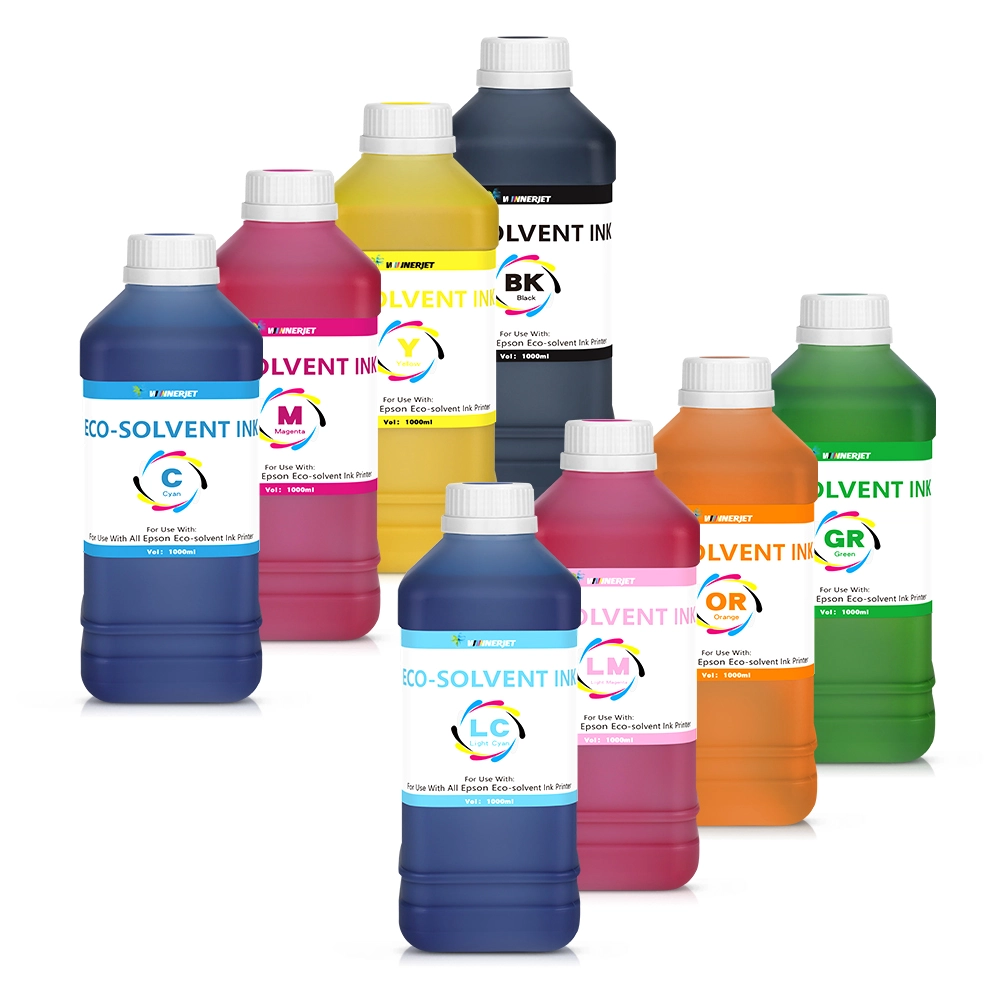
Winnerjet lists compatible eco-solvent ink for Epson SureColor S-series printers, with bulk packaging options for commercial use. Its eco-solvent ink solutions provide another sourcing option for businesses comparing ink costs.
When evaluating different suppliers, use the same printer, artwork, media, and print settings to compare actual ink consumption and output quality.
| Ink Option | What to Compare |
|---|---|
| Epson original ink | Purchase price, printer compatibility, and actual consumption |
| Roland original ink | Ink cost per job, color performance, and maintenance requirements |
| Winnerjet compatible ink | Compatibility, cost per printed area, batch consistency, and bulk supply options |
The lowest price per liter does not always mean the lowest production cost. A slightly more expensive ink may offer better value if it reduces waste, reprints, and downtime.
Eco Solvent Printer Philippines: Local Buying vs Direct Ink Sourcing
Businesses looking for an eco solvent printer in the Philippines can purchase equipment through local distributors, printing equipment suppliers, and online marketplaces. The right channel depends on your budget, preferred brand, and need for installation or after-sales support.
Some suppliers worth exploring include:
| Supplier | What They Offer | Website |
|---|---|---|
| Kelin Graphics | Eco solvent printers, wide-format equipment, and local technical support | Visit Kelin Graphics |
| ES Print Media | Large-format printers, including Epson and other commercial printing solutions, with branches across the Philippines | Visit ES Print Media |
| UniPrint | Eco solvent printers, including Signstar and Epson models | Visit UniPrint |
| Lazada Philippines | Online listings for eco solvent printers and related supplies | Browse Lazada |
Before purchasing, contact the supplier to confirm current pricing, stock availability, installation, warranty coverage, and service options. Some online listings may not include the same level of technical support as a local equipment distributor.
Local Printer Purchase vs Direct Ink Sourcing
Buying a printer locally and sourcing ink directly from a manufacturer are two separate decisions. You can purchase equipment from a Philippine dealer while choosing a compatible ink supplier based on your production needs.
Local distributors can provide equipment demonstrations, installation, and on-site service, depending on their coverage. Direct sourcing from an ink manufacturer offers another option for businesses that need bulk supplies, OEM packaging, or long-term consumable partnerships.
When sourcing ink directly, confirm printer compatibility, product specifications, shipping costs, import duties, delivery time, and technical support before placing an order.
For print shops, distributors, and printing factories, Winnerjet provides compatible eco solvent ink for various printer brands, offering.
What to Confirm When Buying Directly from a Manufacturer
Before ordering, confirm the total landed cost, including shipping, insurance, customs duties, and taxes. The Philippine Bureau of Customs states that imported goods are generally subject to duties and taxes.
Also check delivery terms under ICC Incoterms® 2020, product specifications, warranty coverage, technical support, and repeat-order lead times. Comparing these details helps you avoid unexpected costs and supply delays.
Choose the Right Eco Solvent Printer and Ink Supply for Your Business
Choosing an eco solvent printer in the Philippines requires a clear understanding of your production needs, budget, and long-term operating costs.
Before purchasing, focus on three things:
- Choose a printer that matches your media, order volume, and available workspace.
- Confirm ink compatibility before changing brands or placing bulk orders.
- Compare the full cost of ownership, including delivery, taxes, maintenance, and technical support.
For print shops, advertising businesses, distributors, and other B2B buyers, a dependable ink supply is an important part of keeping production on schedule.
Contact Winnerjet to discuss compatible eco solvent ink, product specifications, and bulk purchasing options for your printing business.
FAQ Eco Solvent Printer Philippines
How much does an eco solvent printer cost in the Philippines?
Prices vary by brand, print width, printhead, and configuration. Published Philippine retailer listings range from around ₱449,990 for a compact Roland BN2-20A to over ₱1.5 million for some Epson 64-inch production models. Always request a current quotation and confirm what is included.
Which eco solvent printer is suitable for a small printing business?
A compact printer may suit a shop that mainly produces stickers, labels, and smaller graphics. Businesses handling large banners or frequent high-volume orders should compare wider machines and their daily output. The right choice depends on your actual jobs and budget.
Can I use third-party eco solvent ink in my printer?
Some printers can work with compatible third-party ink, but compatibility must be confirmed for the exact model, printhead, and ink system. Check the supplier’s specifications and test the ink before full production.
How do I check eco solvent ink compatibility with an Epson printer?
Start with the exact Epson model and printhead. Review the ink supplier’s compatibility information, confirm the recommended ink specifications, and ask about any required transition steps. Test print quality and nozzle performance before switching your full production setup.
How can printing businesses reduce eco solvent ink costs?
Compare ink consumption per job rather than price per liter alone. Use consistent print settings, reduce media waste, follow maintenance schedules, and plan inventory around expected orders. Reliable supply and consistent color can also help reduce reprints and production delays.