Want to step into Direct-to-Film (DTF) printing without dropping thousands of dollars on a commercial machine? Converting a standard Epson desktop printer is the most budget-friendly way to start.
However, mechanical modifications can be overwhelming if you don’t know what to look for. To make your conversion smooth and failure-proof, we have curated step-by-step video tutorials and walk-throughs for the most popular Epson models (including the P600, ET-8550, L1800, and L805).
Scroll down to find your specific printer model, watch the hands-on video guide, and learn key pro tips to prevent printhead clogging and wet ink smudging!
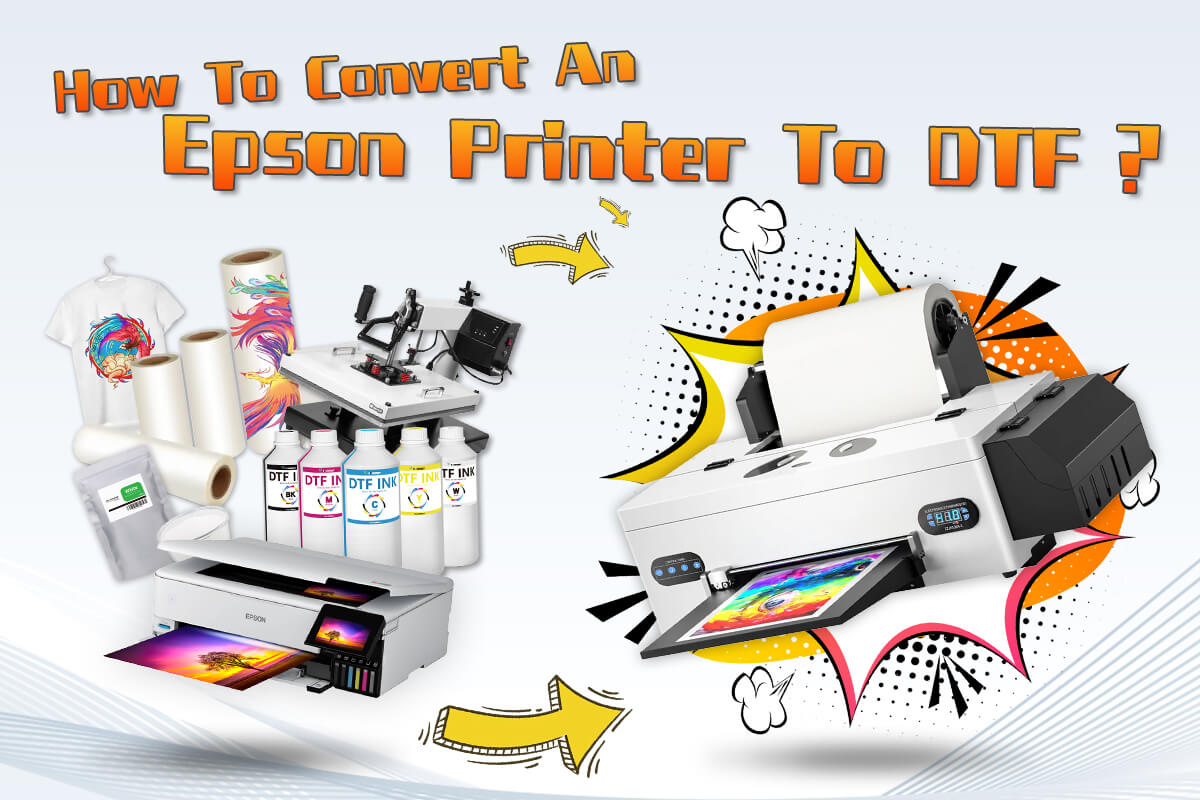
Which Epson Models Are Best for DTF Conversion?
Not all desktop printers are created equal when it comes to Direct-to-Film printing. Depending on your printing volume, budget, and mechanical skills, selecting the right base machine is critical. Here is a breakdown of the most popular Epson models used for DTF conversion, covering their pros, cons, and conversion difficulty:
1. Epson SureColor P600
-
Conversion Difficulty: Moderate
-
Best For: High-definition A3+ transfer output with advanced color control.
-
Pros: Features eight-color channels (DX7 printhead technology), delivering exceptional color accuracy and smooth gradients. Excellent durability for heavy-duty daily tasks.
-
Cons: MicroPiezo head channels require strict white ink maintenance to prevent clogging. Requires CISS or refillable cartridge system installation.
-
Pro Tip: The Epson P600 DTF conversion remains a favorite among custom apparel startups seeking commercial-grade resolution at an entry-level investment.
📹 Video Guide: Step-by-Step Epson P600 DTF Conversion
Watch the detailed walk-through on converting the Epson SureColor P600 into a DTF printer, including essential mechanical tweaks and cleaning steps.
- [02:00] External Waste Ink Tube Setup: Diverting capping station lines to an external bottle for daily maintenance.
- [04:26] Removing Pizza Rollers: Popping out the star wheels to prevent wet DTF film from smudging.
- [05:35] Refillable Cartridges & Flushing: Using cleaning solution to flush out OEM photo inks before adding DTF inks.
- [07:10] Initial Ink Charge & WIC Reset: Running the Epson Adjustment Program & resetting ink pad counters.
- [08:48] Pro Tip (Preventing Head Strikes): Installing small foam pads on the carriage to prevent printhead dragging on PET film.
2. Epson EcoTank ET-8550 & XP-15000
-
Conversion Difficulty: Easy to Moderate
-
Best For: Modern A3+ wide-format desktop conversion with borderless capability.
-
Pros: The ET-8550 features built-in EcoTank reservoirs (no external cartridges needed), making ink filling simple. The Expression Photo HD XP-15000 offers a compact footprint with brilliant 6-color printing.
-
Cons: Roller wheels (pizza wheels) can leave ink tracks on wet DTF film if not removed or modified. Requires RIP software to reassign color channels for White ink (CMYK+WW).
📹 Video Guide: Converting Epson EcoTank ET-8550 to DTF
A comprehensive guide on transforming the wide-format Epson ET-8550 into a DTF printer, highlighting essential mechanical modifications, ink loading, and DIY output tray setup.
- [07:35] Removing the Pizza Rollers: Unlocking the printhead and carefully removing star wheel bars to prevent track marks.
- [10:30] Filling DTF Inks: Filling built-in EcoTank reservoirs using custom bottles (White, White, Cyan, Yellow, Magenta, Black).
- [13:30] CADlink RIP Setup & Channel Mapping: Reassigning color profiles and performing printhead nozzle checks.
- [17:05] DIY Output Tray Modification: Adding a flat support board at the exit tray so wet ink doesn't pool or streak down.
- [18:25] Powdering, Curing & Heat Pressing: Applying DTF adhesive powder, curing with a heat gun, and pressing onto garments at 325°F.
3. Epson L1800
-
Conversion Difficulty: Easy
-
Best For: Battle-tested, reliable 6-color A3 printing workhorse.
-
Pros: One of the most widely documented machines for DTF conversion globally. Abundant DIY conversion kits, damper replacements, and spare parts available.
-
Cons: Slower print speeds compared to newer EcoTank models, and original units are getting harder to source new in certain regions.
📹 Video Guide: DIY Epson L1800 DTF Conversion (Budget Setup)
A practical, cost-effective guide showing how to convert an Epson L1800 into a DTF printer using simple household tools, including smart roller removal and waste ink routing.
- [00:45] Selective Roller Removal: Removing middle pizza rollers while keeping outer edge wheels to maintain paper feed alignment.
- [03:20] DIY Exit Tray Support: Adding a flat foam board or wooden extension to prevent heavy PET film from bending and touching printheads.
- [04:48] External Waste Ink Line: Routing the waste tube out through a drilled rear hole into a bottle to avoid waste pad saturation.
- [06:34] Tank Sequence & Gentle Mixing: Loading Cyan, Magenta, White, White, Black, Yellow, and gently tilting the ink tanks daily to prevent titanium pigment settling without creating air bubbles.
- [11:00] Print Test Demonstration: Verifying borderless feeding and proving zero track smudges on wet DTF transfers.
4. Epson EcoTank L8050 / L805
-
Conversion Difficulty: Very Easy
-
Best For: Compact A4/A3 desktop setups, beginner DIYers.
-
Pros: Native EcoTank design simplifies continuous ink delivery. Excellent cost-per-print efficiency for custom t-shirt logos and small merch.
-
Cons: Limited print width compared to A3+ models; requires precise RIP software channel mapping for white ink opacity.
📹 Video Guide: Epson L805 / L8050 DTF Conversion Tutorial
A practical step-by-step conversion walk-through for the Epson L805 / L8050 series, covering printhead verification, replacing ink tanks/dampers, and resolving film paper sensor errors.
- [02:25] Hardware Nozzle Check: Running an offline nozzle check via front button shortcuts to ensure 100% printhead health before converting.
- [03:45] Replacing White Ink Tanks & Dampers: Swapping existing CISS tanks and installing 6 fresh DTF dampers to prevent color contamination from old Light Cyan/Light Magenta channels.
- [04:40] Disassembling Outer Cover: Removing the 4 primary housing screws to access internal ink lines and carriage assembly.
- [14:40] Button-Shortcut Head Cleaning: Holding the Drop/Ink button for 5 seconds to trigger automatic head cleaning.
- [15:55] Pro Tip (Film Sensor Bypass): Applying 1 inch of white paper tape to the edge of transparent PET film so the optical paper sensor detects the sheet correctly.
DTF Conversion Steps
- Check compatibility: Please check with the manufacturer whether your Epson printer can convert DTF.
- Prepare DTF kits: Purchase the conversion kit for your Epson printer model online.
- Disassemble the printer: Use professional tools for printer disassembly, including the print head, ink cartridge, and other parts.
- Installing the ink supply system: Follow the instructions for installing the external ink supply system for DTF inks. Install the ink into the printer cartridges, making sure to follow the color coding to avoid confusion.
- Installation of RIP Printing Software: Install the RIP software for DTF print image processing according to the instructions.
- Reinstall the printer: After installing the conversion kit, reset the printer, making sure that each screw is tightened.
- Print Test: Set up the printer and print the image to test it; if it works properly, the conversion is complete. If there is any problem, make adjustments again.
Conclusion
If your Epson printer meets the requirements for DTF conversion, you can follow our steps to convert it so you can get amazing prints with DTF printing. For more information and advice, you can contact Winnerjet, the DTF expert.
Frequently Asked Questions
Which Epson printers can be converted to DTF printing?
The common Epson 8550 L1800 XP1500 Printer can be converted to DTF. To get more Epson printer models that support DTF conversion, you can read this article: ‘What Printer Can Be Converted To DTF?’
What model of Epson printer is most suitable for DTF conversion?
The most popular models for DTF conversion are the Epson Et-8550, Epson L1800, Epson P600, and so on.
How much does it cost to perform DTF conversion on Epson printers?
There is no fixed standard; the cost depends on the conversion kit matched with your printer; you can consult the conversion service provider.
What are the risks of DTF conversion for Epson printers?
DTF conversion may void the print head warranty.
Can I still print from a converted DTF printer?
Normal printing is not recommended, as the mixing of inks may result in poor color performance.