Most Canon PIXMA printers actually use both pigment and dye inks. They rely on pigment-based black ink (PGBK) for sharp, waterproof document text, and dye-based color inks (CLI) for vibrant photos.
But the Canon PIXMA series primarily uses dye inks, while the black ink cartridges mostly utilize pigment-based inks.
However, special photo models like the PIXMA PRO-200 use dye ink exclusively.
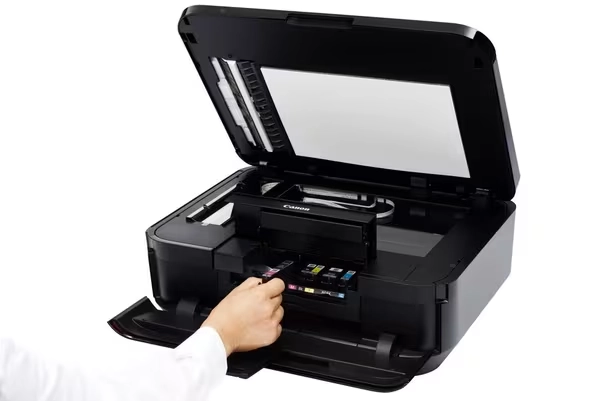
Understanding Canon PIXMA’s Hybrid Ink System
As Canon’s flagship inkjet lineup serving families, SOHO (Small Office/Home Office) users, and professional photographers, the PIXMA series is built to handle diverse printing tasks. To deliver exceptional performance across all these applications, Canon engineered the Hybrid Ink System. Rather than forcing users to compromise between sharp document text and vibrant photo quality, this architecture combines both pigment-based and dye-based inks within a single printer.
This hybrid technology is widely used across popular Canon PIXMA model lines, including:
Home & SOHO Multifunction Printers (Cartridge Series): Popular models like the PIXMA TS6320, TS8320, TS8720, TR8620, and TR7020 utilize a 5-ink or 6-ink setup (PGBK pigment black + CLI dye colors).
High-Volume MegaTank Printers (Refillable G-Series): Refillable models such as the PIXMA G3010, G3260, G6020, and G7020 feature pigment black bottle ink for documents alongside dye inks for color graphics.
Specialized Photo Printers (Pro Exceptions): While most PIXMA printers use the hybrid setup, specialized photo models like the PIXMA PRO-200 use an all-dye ink engine to maximize color saturation on glossy photo media.
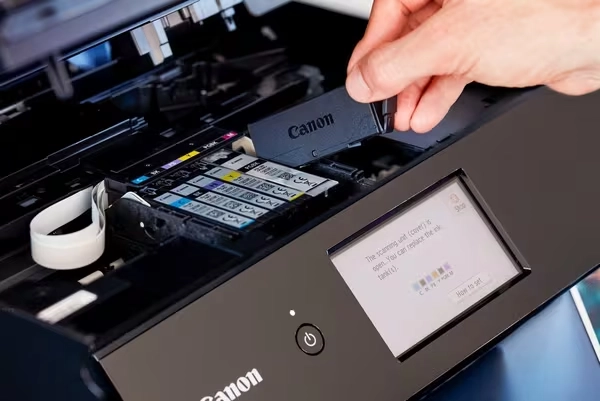
Why Canon Designed the Hybrid System
Canon’s dual-ink approach leverages the unique chemical strengths of each formulation to solve a fundamental printing dilemma. As detailed in Canon’s official ink guide, the printer automatically selects the optimal ink engine based on paper type and document choice:
1️⃣ Pigment Ink for Text (Precision & Durability): Black pigment ink particles sit on top of paper fibers rather than absorbing deeply into them. This creates ultra-sharp text edges, dark blacks, and strong resistance to water and highlighters—ideal for contracts, office documents, and shipping labels.
Standard home/SOHO series like the PIXMA TS6320 and TR8620, as well as MegaTank models like the PIXMA G6020, heavily rely on PGBK pigment black ink for high-volume, professional document output.
2️⃣Dye Ink for Images (Vibrancy & Smoothness): Dye ink molecules fully dissolve in liquid, allowing the ink to penetrate photo paper smoothly. This results in vibrant color saturation, exceptional color blending, and a glossy finish on photo media.
Dedicated photo printers like the PIXMA PRO-200 use dye inks across all colors to achieve maximum color gamut and glossiness on photo paper. Everyday models (like the TS3420 or TR4520) also switch exclusively to CLI dye inks when photo paper is selected.
Quick Ink Identification: PGI vs CLI Cartridges
Determining whether your Canon PIXMA ink cartridge is pigment or dye is straightforward once you understand Canon’s naming convention:
PGI / PGBK (Pigment Black): The PGI prefix (or PGBK label on the printer slot) stands for Pigment Ink. These cartridges are larger, contain pigment-based black ink, and are specifically used for standard document printing.
CLI (Color Dye): The CLI prefix stands for Chromatic Life Ink, which uses dye-based ink. These thinner cartridges include Cyan, Magenta, Yellow, and Photo Black (BK) used for photo and color graphics printing.
Winnerjet Tip: Never fill a PGBK (pigment) tank with dye-based ink, or vice versa. Mixing different ink chemistries can lead to chemical coagulation and severe printhead clogging.
💡Learn more about the science behind these formulations on Canon’s Official Tech Hub
Pigment Ink vs Dye Ink: Key Differences
Understanding the fundamental differences between pigment and dye inks helps clarify why Canon utilizes both formulations in its PIXMA series. As explained in Canon’s official ink guide, the physical state of the colorant dictates how the ink interacts with paper, directly impacting print durability, color range, and drying behavior.
Feature Comparison Matrix
| Property | Pigment Ink (PGBK) | Dye-based Ink (CLI) |
|---|---|---|
| Molecular Structure | Microscopic solid pigment particles suspended in liquid | Fully dissolved chemical dye molecules in liquid |
| Water & UV Resistance | High: Waterproof and fade-resistant; ideal for archiving | Moderate: Water-sensitive; susceptible to fading under direct sunlight |
| Best Printing Media | Plain paper, copy paper, matte paper, labels | High-gloss photo paper, semi-gloss, RC media |
| Gloss & Vibrancy | Matte finish, deep black contrast, controlled color gamut | High glossiness, vibrant colors, smooth tonal gradients |
| Drying Speed | Fast (particles sit on top of paper fibers) | Moderate (ink absorbs deeply into paper coating) |
Practical Applications & Printer Compatibility
Knowing when to use each ink type is crucial for print quality and equipment maintenance:
- When to Rely on Pigment Ink: Ideal for legal contracts, shipping labels, invoices, and everyday office documents where sharp text edges, highlighter resistance, and long-term durability are mandatory.
- When to Rely on Dye Ink: Best for family photos, marketing collateral, portfolios, and artwork requiring smooth color transitions and rich saturation on glossy media.
- Compatibility & Safety Rule:Never mix pigment and dye inks inside the same cartridge or tank. Because their chemical carriers differ, mixing them causes the suspended pigment particles to clump, leading to severe chemical precipitation and permanent printhead blockages.
How to Choose the Right Ink for Your Canon PIXMA Printer
When selecting replacement cartridges or refill bottles, answering the core question—is Canon PIXMA ink pigment or dye?—is key to keeping your equipment running smoothly. Because most PIXMA printers utilize a hybrid setup (PGBK pigment black combined with CLI dye colors), choosing the correct formulation for each tank prevents costly hardware damage and ensures ideal print output.
Buying Guide: Select Based on Your Printing Needs
To achieve the best quality and cost-efficiency for your workflow, align your ink selection with your media and longevity requirements:
- Choose Pigment Ink (PGBK Series) If You Need:
- Document Durability: Long-term archiving for legal contracts, tax invoices, and financial records.
- Smudge Protection: Crisp black text that resists water spills and highlighter bleeding on standard copy paper.
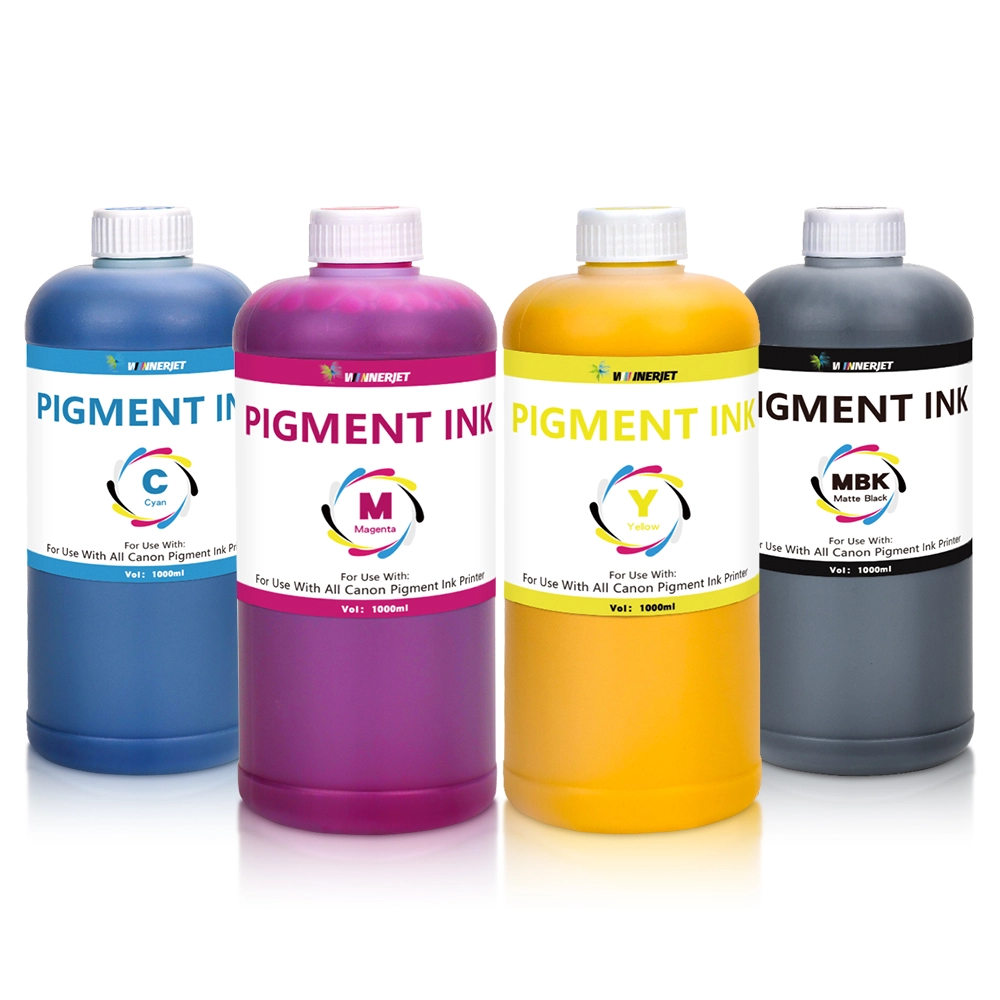
- Choose Dye Ink (CLI Series) If You Need:
- Photo-Quality Output: High-gloss family photos, art prints, and color brochures.
- Vibrant Color Range: Superior color saturation, smooth tonal blending, and brilliant gloss absorption on photo paper
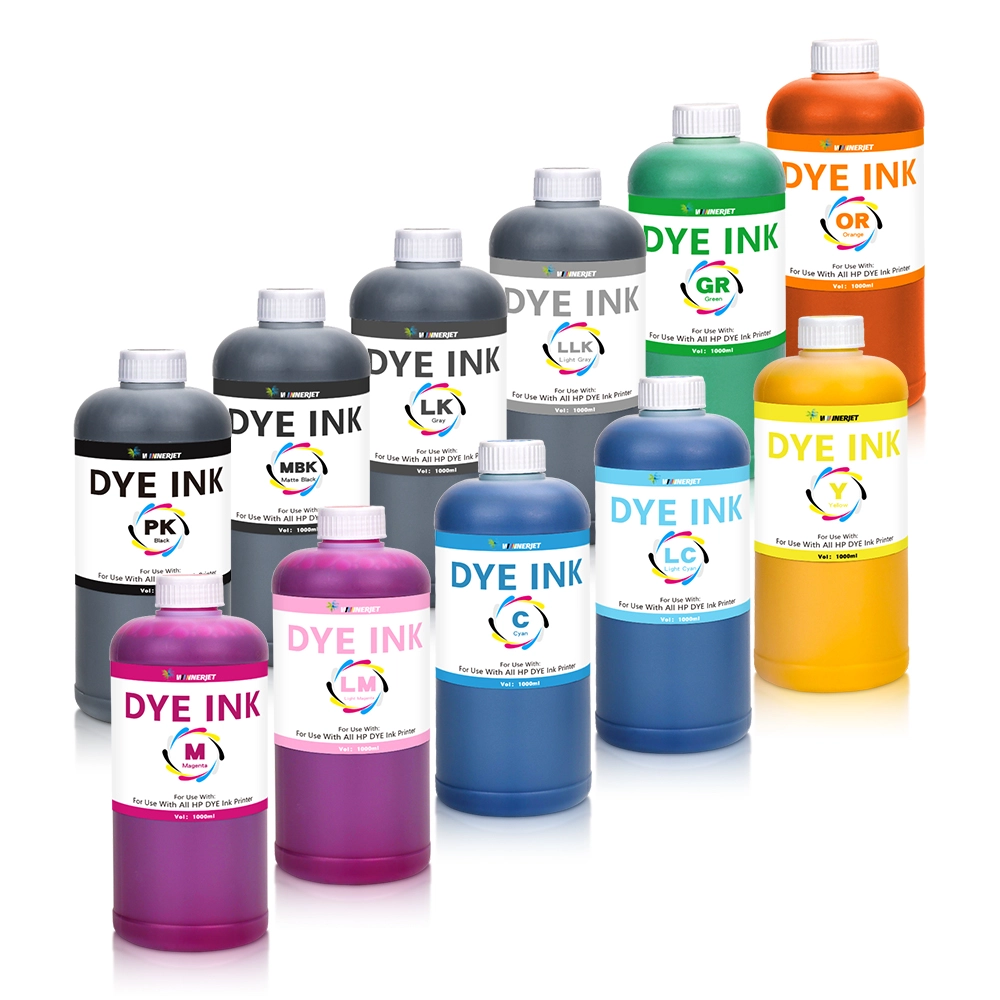
Never Mix Pigment and Dye Inks
The most common mistake printer users make during ink refills is mixing pigment and dye formulations together.
Pigment inks contain solid microscopic color particles held in suspension, whereas dye inks are liquid chemical solutions.
Combining the two triggers a chemical reaction that forces the pigment particles to coagulate into thick sludge. This clogs the micro-nozzles in your Canon printhead, resulting in streaking, misfiring, or irreversible printhead failure. Always verify whether a tank requires PGBK (pigment) or CLI (dye) before refilling.
Suitable for Canon PIXMA Ink Solutions – Winnerjet
As a digital inkjet printing consumables manufacturer with nearly 20 years of industry experience, Winnerjet provides reliable, high-performance printing solutions for businesses, print shops, and distributors worldwide. We offer an all-in-one service model covering printing machinery, premium compatible consumables (including DTF, DTG, UV, Sublimation, and desktop inks), and dedicated technical support.
Premium Ink Solutions tailored for your Canon PIXMA:
- Superior Waterproofing & Document Clarity: Achieve ultra-sharp, smudge-resistant text for long-term archiving with Winnerjet Premium Pigment Ink.
- Vibrant Photo Performance & Cost Efficiency: Enhance photo vibrancy and smooth tonal transitions on glossy media with budget-friendly Winnerjet Dye Ink Solutions.
Whether you need bulk refill bottles, custom OEM formulations, or direct factory wholesale pricing, our technical team is ready to assist. Contact Winnerjet Experts today for tailored ink selection guidance and direct factory quotes!
FAQS – Canon PIXMA Ink Printing
Do all Canon PIXMA printers use both pigment and dye ink?
Most Canon PIXMA home and office models (such as the TS, TR, and MegaTank G series) use a hybrid system containing both pigment black and dye colors. However, specialized professional photo printers like the PIXMA PRO-200 use dye ink exclusively across all cartridges.
What happens if I mix pigment and dye ink in my Canon PIXMA printer?
You should never mix pigment and dye inks. Because their physical and chemical formulations differ, mixing them causes the suspended pigment particles to clump together. This leads to heavy chemical precipitation, resulting in severe and often permanent printhead clogging.
How do I know if my Canon PIXMA cartridge is pigment or dye?
Canon uses clear cartridge prefixes: PGI or PGBK (Pigment Black) indicates pigment ink designed for text printing, while CLI (Chromatic Life Ink) indicates dye-based inks used for color graphics and photo printing.
Can I use third-party refill ink for my Canon PIXMA printer?
Yes, as long as you match the exact ink type for each tank (pigment for PGBK, dye for CLI). High-quality compatible refill inks from experienced manufacturers like Winnerjet ensure optimal print density, color accuracy, and printhead safety without
Can I print photos with pigment ink, or documents with dye ink?
Yes. Canon PIXMA printers automatically manage ink usage based on your paper settings. When printing on plain paper, the printer uses pigment black for sharp text; when photo paper is selected, it automatically switches to dye ink (CLI) for smoother color photo rendering.