Sublimation ink is not suitable for everyday printing tasks such as documents, photos on standard paper, or spreadsheets.
Although a compatible inkjet printer can physically “spray” text and images using sublimation ink, the results on standard paper are extremely poor, and the process is highly wasteful and costly.
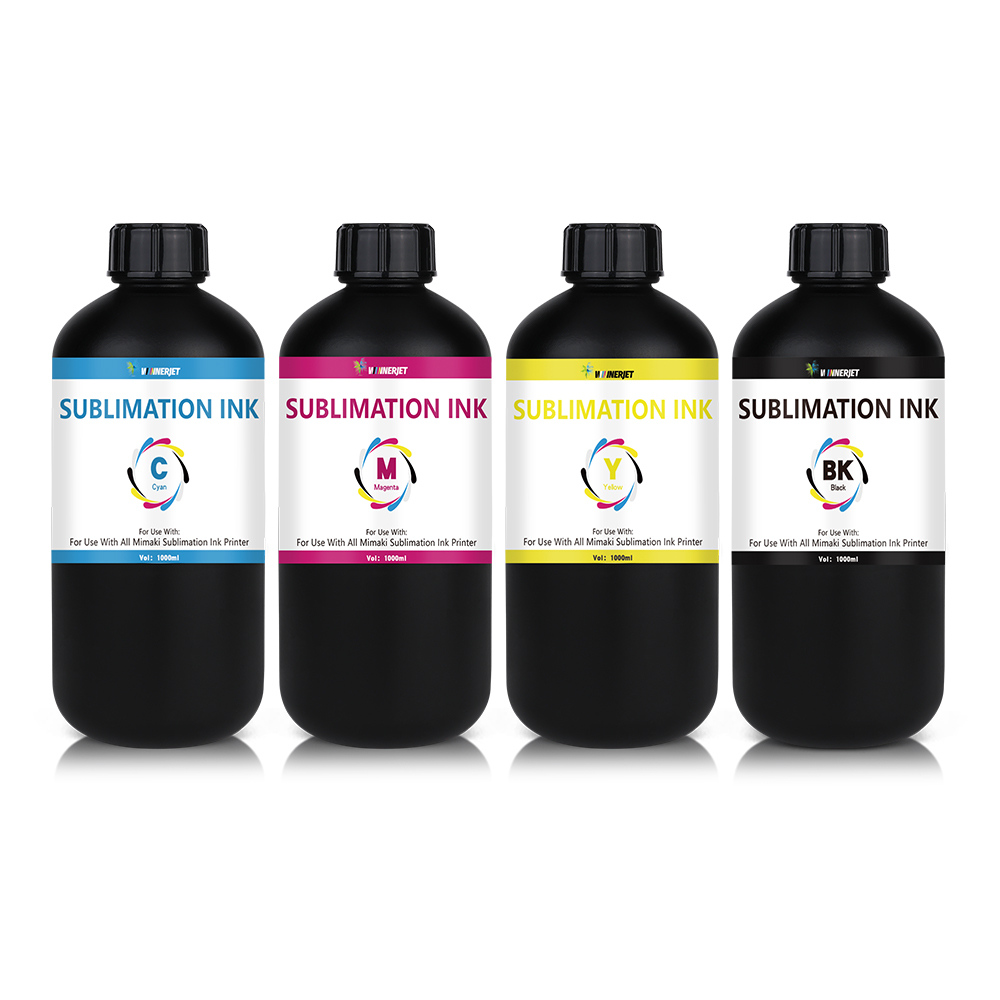
Reasons why sublimation ink cannot be used for standard printing:
- Different color formation principles (the primary reason)
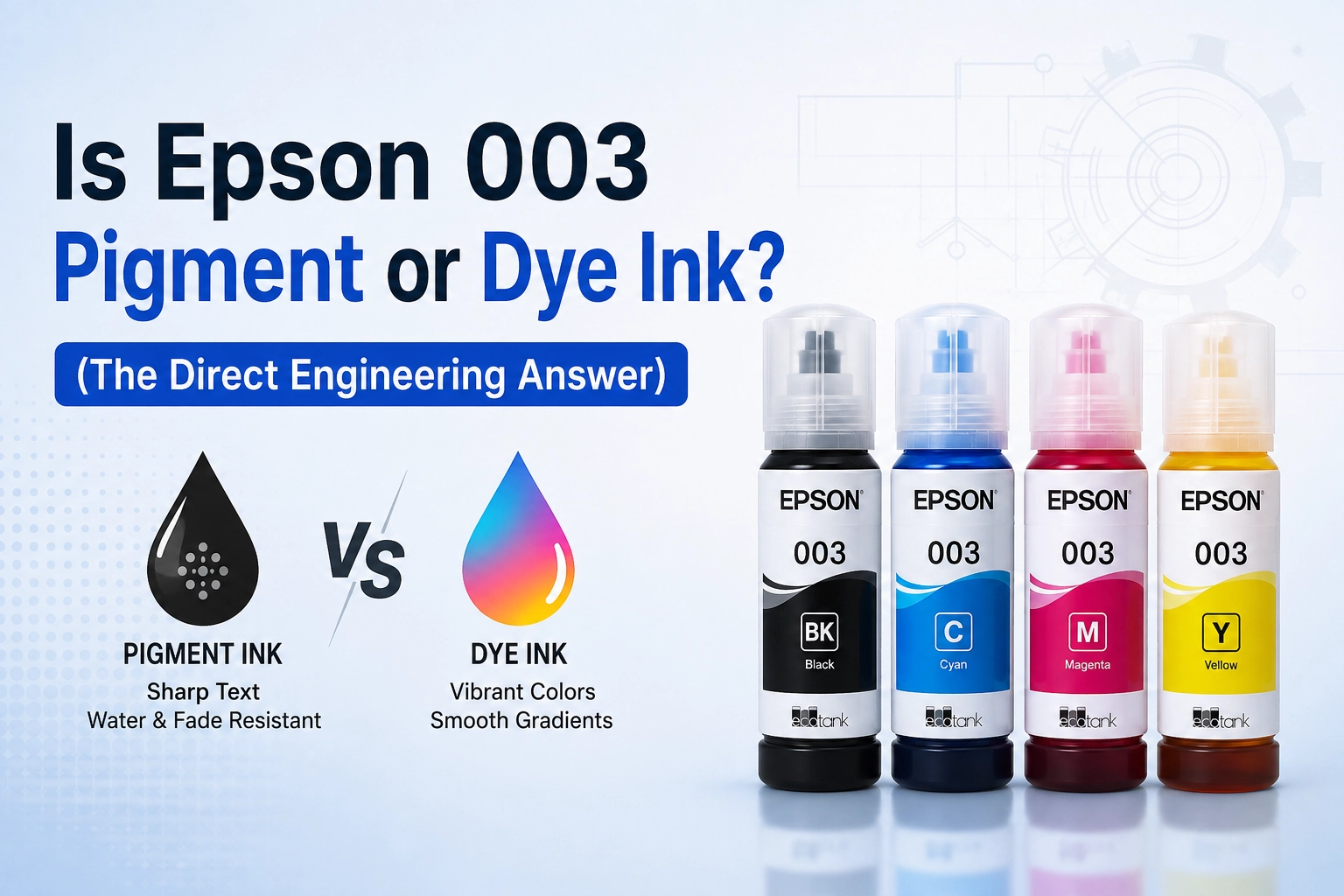
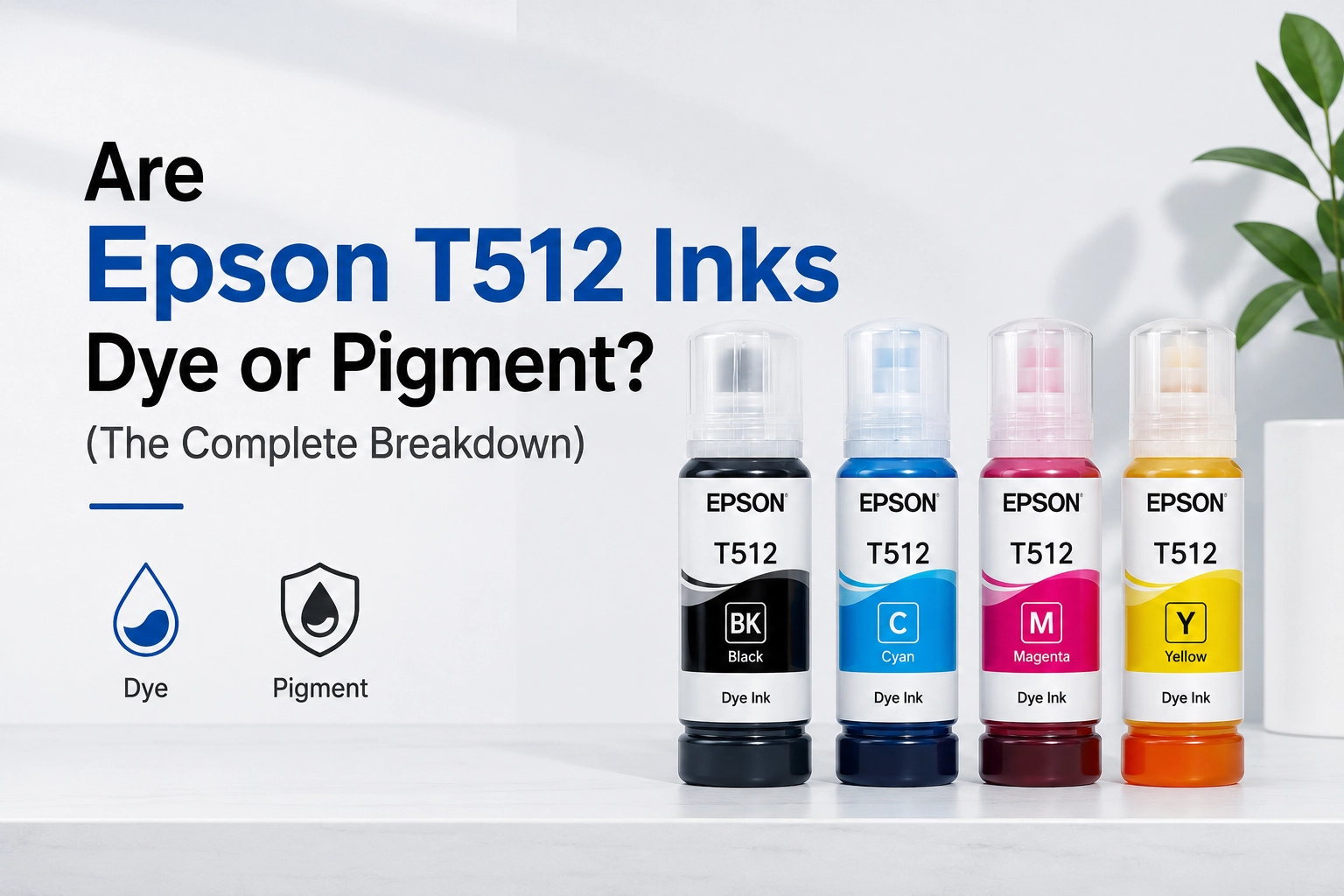
Standard ink (water-based dye or pigment ink): Designed specifically for paper. When sprayed onto standard paper, the ink is absorbed by the paper fibers and dries on the surface, immediately displaying vibrant, accurate colors.
Sublimation ink: A type of heat-sensitive dye ink. When sprayed onto paper at room temperature, the colors appear dull, muddy, and distorted (for example, black might print as a dirty gray or dark brown). It requires high heat and pressure (typically around 180°C–200°C) for the dye to sublimate—transitioning directly from a solid to a gas—and bond with polymer materials like polyester, thereby revealing its true, vibrant colors.
Conclusion: If you print only on standard paper without using a heat press, the colors will always appear “murky” and distorted. - Paper absorption and bleeding issues
Standard copy paper lacks the special coating required for sublimation ink. When sprayed, the ink spreads rapidly through the paper fibers, causing severe bleeding and blurred edges for text and lines, making it impossible to achieve the clarity needed for standard printing. - High risk of printhead clogging
The structure of the dye particles in sublimation ink differs from that of standard water-based inks. If high-volume printing is not performed frequently over an extended period, sublimation ink is highly prone to drying out and settling at the printhead nozzles, causing severe clogging. - High Cost and Unnecessary
Sublimation ink and its corresponding transfer paper are significantly more expensive than standard printer ink. Using them to print ordinary documents or routine spreadsheets is a costly and ineffective waste of resources.
Summary and Recommendations
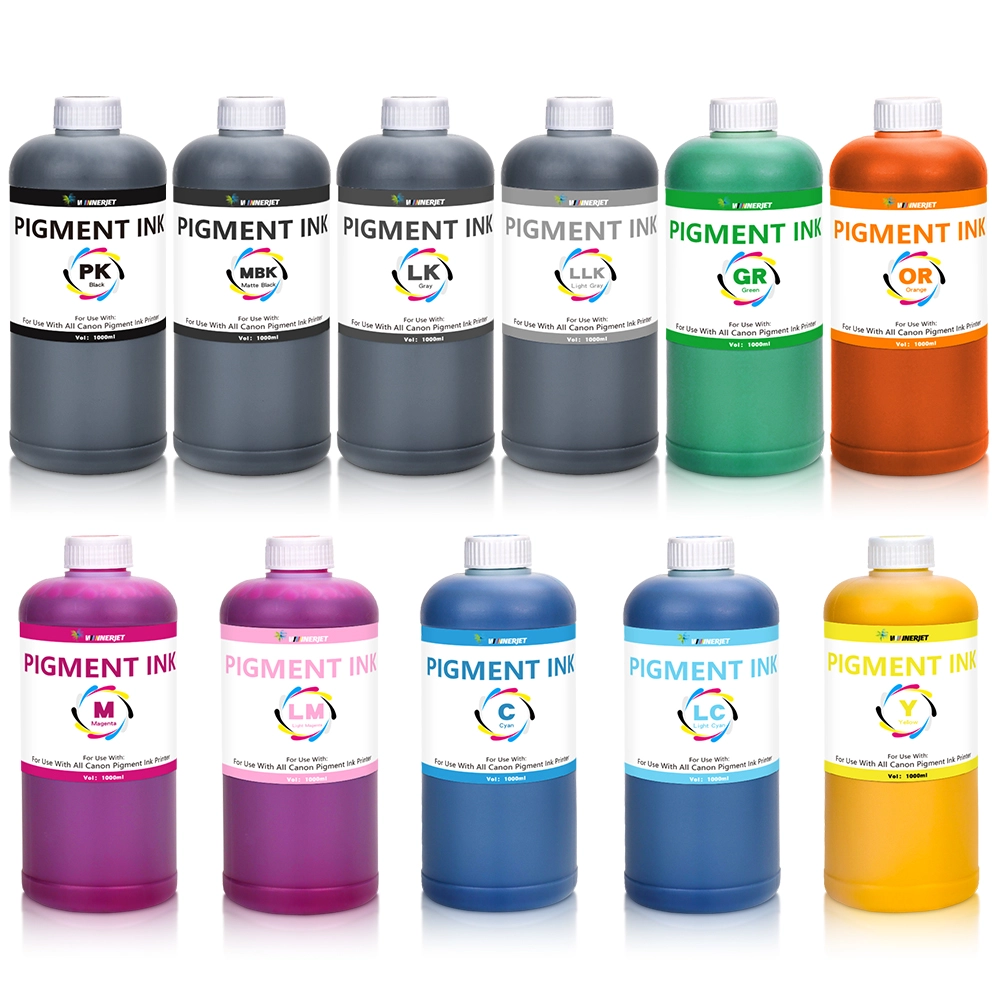
Standard printing (documents, photos, spreadsheets): Please use standard water-based dye ink or pigment ink.
Sublimation ink is for specialized use: It should only be used with sublimation transfer paper and a heat press to transfer images onto sublimation-coated media, such as polyester T-shirts, custom mugs, throw pillows, and mousepads.
Do not mix inks: If a printer has been filled with sublimation ink, never mix standard ink directly into it, and vice versa. Mixing inks with different chemical compositions can easily trigger reactions that produce sediment, permanently ruining the printhead.
FAQ 1: If I have mistakenly used sublimation ink to print on ordinary paper, can I still salvage the image using a heat press?
Answer: It is difficult, and the results will be very poor. Ordinary copy paper lacks the specialized polymer coating designed to lock in sublimation ink. If heated on ordinary paper, most of the ink is absorbed directly by the paper fibers rather than “sublimating” onto the target medium; the resulting transfer will be extremely faint and hazy, with a significant loss of detail. Specialized sublimation transfer paper must be used.
FAQ 2: Can I use the same printer for both daily document printing and sublimation work?
Answer: It is highly discouraged and practically unfeasible.
Physical mixing is not feasible: Inkjet printers retain residual ink within their internal cartridges or ink tanks and tubing. Frequently switching ink types in the same lines not only wastes significant time and money purging the old ink, but the mixing of different inks can also cause chemical precipitation, leading to clogged printheads. Industry Standard Practice: Most professionals and enthusiasts dedicate specific printers to specific tasks—using a standard desktop inkjet printer for everyday documents while keeping a separate printer filled with sublimation ink (such as an Epson EcoTank model converted for sublimation) for heat transfers.
FAQ 3: What should I do if I accidentally fill a printer containing standard ink with sublimation ink?
Answer: You must stop printing immediately and thoroughly flush the ink lines:
Do not continue printing or heating: This prevents the mixed ink from drying and hardening inside the heated printhead.
Extract old ink: If using a Continuous Ink Supply System (CISS) like EcoTank, use a syringe to drain as much of the mixed ink from the ink tanks as possible.
Flush the lines: Add a specialized printhead cleaning solution and run the “Deep Head Cleaning” cycle 3–5 times consecutively to completely flush out any residual ink from the lines and printhead.
Refill: Refill with the correct ink after the cleaning process is complete.
FAQ 4: Is sublimation ink more prone to clogging printheads than standard ink if the printer sits unused for a long time?
Answer: Yes. The dispersed dye particles and cross-linking agents in sublimation ink tend to settle relatively easily at room temperature. If the printer is left idle for 1–2 weeks, the ink at the nozzles can easily crystallize and cause clogs.
Maintenance Tip: It is recommended to print a test page containing cyan, magenta, yellow, and black (CMYK) at least once a week to keep the nozzles moist and clear.
FAQ 5: The colors on the sublimation printout look dull or grayish; is the ink defective?
Answer: No, this is normal. Before being subjected to high heat, the dye molecules in sublimation ink have not yet activated or sublimated; consequently, the image on the transfer paper appears grayish, dark, and distorted (e.g., deep red looks like earthy brown, and black looks like dark gray). Once heat-pressed onto a polyester substrate at 180°C–200°C, the colors will instantly become vibrant and true.
Click here if you need to purchase sublimation ink.
Click here if you want to purchase standard printing ink.