If your DTF prints are peeling or cracking, chances are your heat press settings need some adjusting.
In this guide, we’ll explain how to choose the right temperature, time, and pressure for your transfers—so you can get clean, long-lasting results every time.
🔍 Why Heat Press Settings Matter in DTF Printing
When transferring DTF prints to fabric, the heat press step is crucial. It’s what bonds the print to the shirt.
- Too cold? The powder may not stick properly.
- Too hot? The print could burn or look faded.
The right settings mean your design stays vibrant—even after many washes.
✅ Recommended Temperature Settings for DTF Transfers
Use this chart as a starting point:
| Fabric Type | Temperature | Time | Pressure |
|---|---|---|---|
| Cotton (light/dark) | 150°C / 300°F | 15 sec | Medium |
| Polyester | 140°C / 285°F | 12 sec | Low-Medium |
| Cotton/Poly Blend | 145°C / 293°F | 12–15 sec | Medium |
| Nylon | 135°C / 275°F | 8–10 sec | Low |
📝 Tip: Always test first—not all fabrics or heat presses are the same.
🔁 Hot Peel vs Cold Peel: Do Settings Change?
Yes, a bit.
- Hot Peel Film: Peel right after pressing. Works best with slightly higher temps and shorter times.
- Cold Peel Film: Let it cool before peeling. Usually needs slightly longer pressing at a moderate temperature.
💡 Winnerjet DTF Films are clearly labeled as hot or cold peel and are tested for easy use across multiple fabric types.
⚠️ Common DTF Problems (and Easy Fixes)
❌ Print Peels Off
- Try raising your temperature 5–10°C or increasing pressure.
❌ Colors Look Faded
- Your press may be too hot. Reduce heat and press time slightly.
❌ Ink Doesn’t Stick
- Make sure your film is properly cured and your press time is long enough.
❌ Print Cracks After Washing
- This usually means poor bonding. Try increasing the temperature or time.
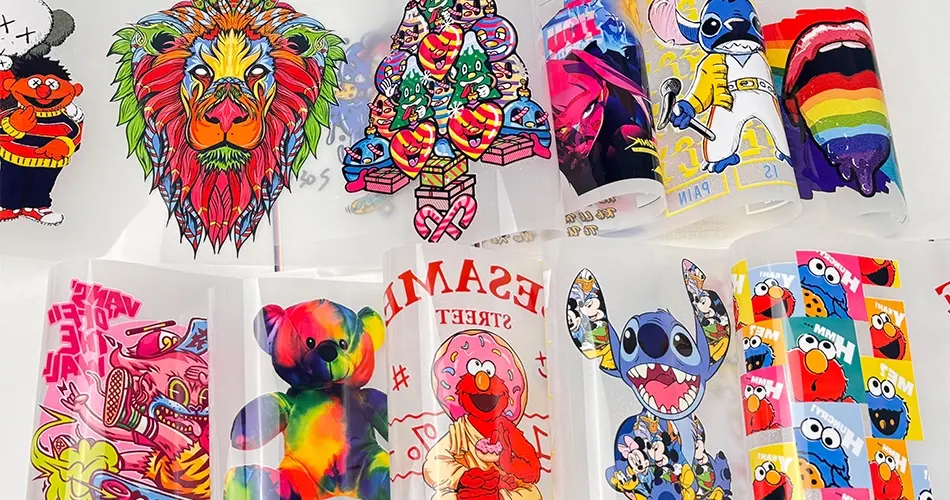
🏆 Why Winnerjet Materials Make It Easier
When your film and powder are of high quality, you don’t have to guess as much.
Winnerjet DTF Films are:
- 🔸 Easy to peel
- 🔸 Strong adhesive bonding
- 🔸 Compatible with all major DTF printers
- 🔸 Reliable across cotton, blends, and polyester
Spend less time fixing prints and more time fulfilling orders.
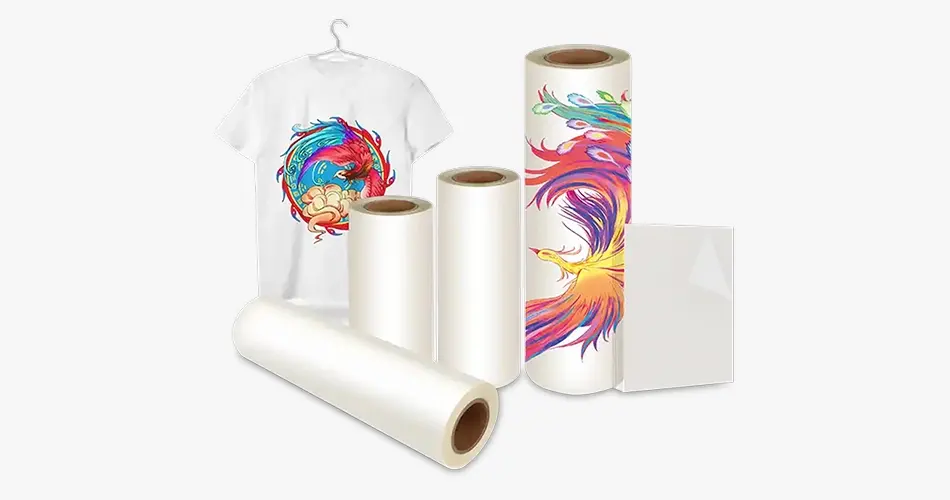
🧠 Pro Tips for Better DTF Results
- Pre-press the shirt for 5 seconds to remove moisture
- Use Teflon or parchment on top of the film
- Check your machine’s temperature with a heat gun
- Let cold peel films cool fully before peeling
Consistency is key to clean, lasting transfers.
✅ Final Thoughts
Getting the temperature and timing right is one of the most important parts of DTF printing. It can be the difference between a professional product and one that peels or fades quickly.
🎯 Want better results without the guesswork?
Use Winnerjet DTF Film and DTF Powder—tested for reliable bonding and smooth peeling.
👉 Request a sample or get a quote now.
❓FAQs About DTF Heat Press Settings
Can I use the same settings for all fabrics?
Not really. Adjust slightly based on fabric thickness and type.
What’s the best setting for cold peel film?
Around 140–150°C (285–300°F) with medium pressure. Let it cool before peeling.
Why does my film wrinkle during pressing?
Too much heat or uneven pressure. Try lowering the temp slightly.
Do I need to change anything if I’m using a new heat press?
Yes—test and calibrate before full production.
What’s the easiest way to get consistent results?
Use quality DTF film and powder, like Winnerjet’s, and double-check your heat settings often.