A Brother GTX ink chip can affect whether a compatible ink supply works with your DTG printer. For print shops, garment factories, and ink distributors, choosing the wrong chip can lead to recognition errors, wasted supplies, and production delays.
Before buying a Brother GTX ink chip, confirm your printer model, ink pouch type, chip design, and firmware requirements. Also compare the total cost of replacement options instead of choosing based on chip price alone.
This guide explains how to check compatibility, understand replacement costs, troubleshoot chip errors, and choose a reliable supplier for your DTG printing business.
What Is a Brother GTX Ink Chip?
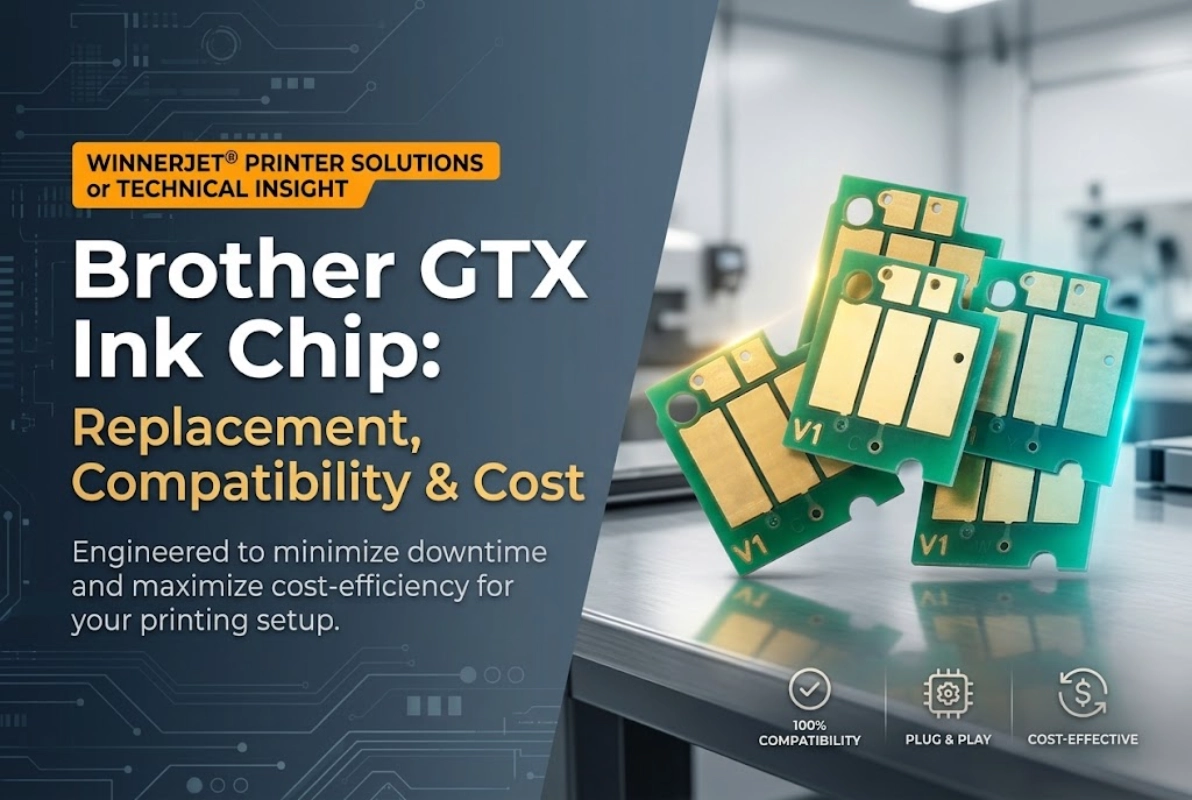
Brother GTX ink chip is an electronic component used in compatible ink supply systems to support printer recognition. Its compatibility depends on the chip design, printer model, and ink supply configuration.
Before buying a replacement, confirm that the chip matches your printer and ink pouch. Brother’s official GTX consumables guide explains the role of ink pouches in the printer’s supply system, while its ink pouch installation guide provides model-specific handling instructions.
For DTG print shops and distributors, checking compatibility before ordering helps reduce purchasing errors and production delays.
How Does a Brother GTX Ink Chip Work?
The basic workflow of the Brother GTX ink chip is simple:
Ink Supply
Install the ink pouch and compatible chip in your Brother GTX printer.
Chip
The printer reads the chip information to identify the ink supply and configuration.
Firmware
The printer verifies the model and firmware. For some GTX models, firmware, driver, and GTX Graphics Lab updates are required to recognize W1 ink chips.
Recognized
The printer confirms the ink supply is valid and ready for use.
Compatibility depends on the chip design, printer model, ink system, and firmware. For example, Brother confirms that using its updated W1 white ink requires compatible firmware, drivers, and GTX Graphics Lab software on applicable models. See the official Brother GTX support page.
For DTG businesses, verifying these details before purchasing replacement chips helps reduce recognition errors and avoidable production delays.
Why Do Replacement Ink Bags Need Compatible Chips?
A replacement ink bag needs a compatible chip to work with the printer’s ink supply system. An incompatible chip may cause recognition errors, leading to troubleshooting time and production delays.
This can create additional costs for a DTG business. Staff may spend time checking the installation, contacting the supplier, or replacing the wrong component. Production orders may also be delayed.
Winnerjet Team Tip: Always confirm your printer model and chip specifications before ordering. For bulk purchases, request compatibility confirmation to help reduce sourcing risks and production delays.
Which Brother GTX Ink Chip Fits Your Printer?
Compatibility should be your first purchasing check. Brother GTX models can differ in their ink systems and firmware requirements, so a product advertised for one GTX model should not automatically be treated as compatible with every model.
Brother GTX, GTX Pro, and GTX Pro B Chip Compatibility
Before ordering, identify your printer’s complete model number. Common models include the GTX-422, GTX-423, GTX-424, GTX-425, and GTX-600 series.
Winnerjet lists its compatible Brother GTX ink with one-time chips for the GTX-422, GTX-423, GTX-424, GTX-425, GTX Pro, and related models. However, you should confirm the exact combination with the supplier before placing an order, especially if you operate multiple printer generations.
-
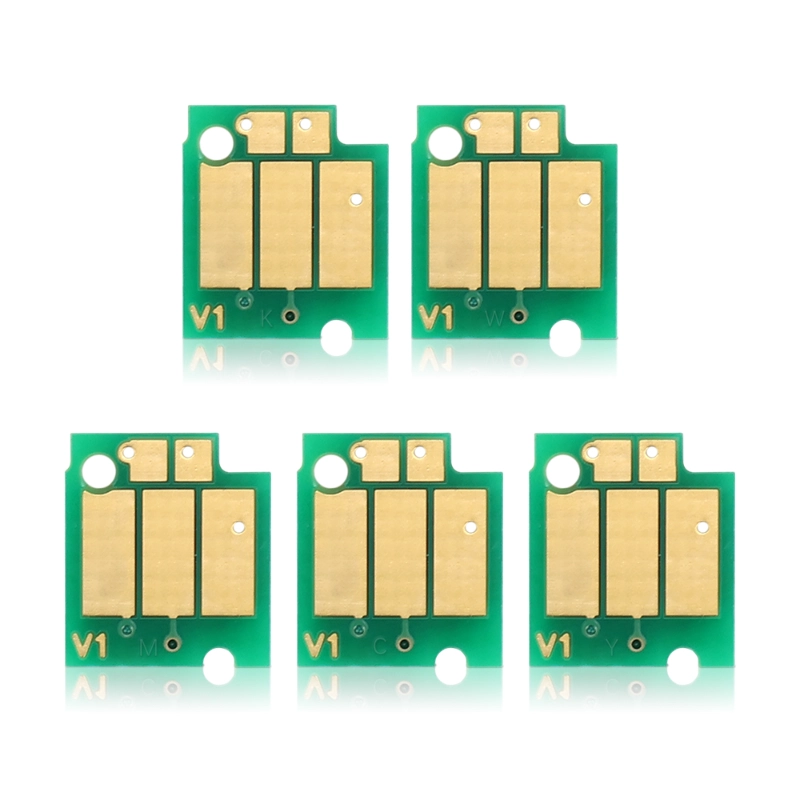
- winnerjet 700ml Brother GTX Ink Chip
-
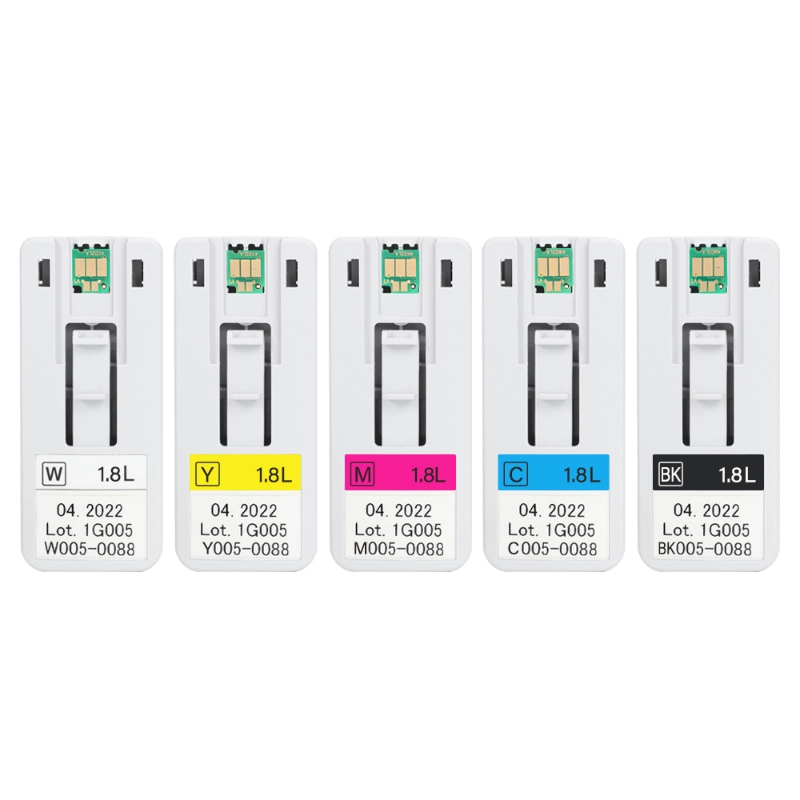
- winnerjet 1.8 L Brother GTX Ink Chip
Firmware deserves special attention. Brother DTG’s official W1 ink guidance states that certain GTX models require a firmware update to recognize W1 ink chips or the associated chip resetter. Without the update, the printer may display an “IC card error.” Check the current requirements before changing ink systems or ordering chips.
700 mL, 1.8 L, and 18 L Brother GTX Ink Chip Options
Ink capacity is another important purchasing detail. Not every chip or ink supply system supports every capacity.
Winnerjet’s published Brother GTX ink options include 700 mL, 5 L, and 18 L. Other suppliers may list different capacities or configurations. Do not assume that a 1.8 L product, for example, is interchangeable with a different pouch or bulk system simply because both are marketed for GTX printers.

The right choice depends on your printer configuration and production volume.
- 700 mL: May suit businesses using individual ink pouches and smaller replenishment quantities.
- Larger-volume supplies: May suit higher-volume operations, provided the printer and ink delivery system support the configuration.
- Bulk purchasing: Requires confirmation of the exact ink system, chip specification, and installation method.
Always verify the actual product specification rather than relying on capacity alone.
What to Check Before Buying a Brother GTX Ink Chip
Use this checklist before confirming an order:
- Record the full printer model and current firmware version.
- Confirm the ink pouch or bulk supply configuration.
- Ask whether the chip is one-time-use or reusable.
- Verify the supported ink colors and product codes.
- Request compatibility information for your specific model.
- Confirm the return or replacement process if a verified chip fails to work.
If you are a distributor purchasing in bulk, keep these details in the product record. This helps staff reorder the correct chip and reduces mistakes when different GTX models are installed at the same site.
How Much Does a Brother GTX Ink Chip Cost?
There is no single price that applies to every Brother GTX ink chip. Prices depend on the chip type, supported model, ink capacity, order quantity, supplier, and included components.
When comparing offers, request a quotation for the same specification. Otherwise, a lower price may simply reflect a different chip design or a different package.
Brother GTX Ink Chip Price by Type and Capacity
Ask suppliers to separate the cost of the chip from the ink supply and any additional components.
| Purchase Option | What to Compare |
|---|---|
|
Chip only
|
Unit price, model compatibility, and replacement terms |
|
Ink pouch with chip
|
Ink volume, chip type, and total supply cost |
|
Larger-volume ink supply
|
System compatibility, cost per liter, and handling requirements |
|
Wholesale order
|
Minimum order quantity, volume discounts, lead time, and batch consistency |
Chip only
Unit price, model compatibility, and replacement terms
Ink pouch with chip
Ink volume, chip type, and total supply cost
Larger-volume ink supply
System compatibility, cost per liter, and handling requirements
Wholesale order
Minimum order quantity, volume discounts, lead time, and batch consistency
For a broader cost comparison, read our guide to Brother GTX Pro ink price and cost per print. It covers ink pricing, cost per milliliter, and potential savings from bulk purchasing.
Do not use an unverified online listing as a market-wide price benchmark. Compare current quotes for the same model, color, capacity, and order quantity.
Is Buying a Replacement Chip Cheaper Than Buying a New Ink Bag?
A replacement chip may have a lower upfront price than a complete ink supply, but that does not automatically make it the better option.
Consider the full cost of the purchase:
Total cost = chip or ink supply price + shipping + handling labor + expected replacement cost + potential downtime.
A chip-only purchase may make sense when you have a verified compatible ink supply and the chip is designed for that use. A matched ink pouch and chip may be a more practical option when you need a ready-to-install solution.
Do not reuse a chip or refill a supply unless the product is designed for that purpose and the supplier confirms the correct procedure.
Can You Reset or Reuse a Brother GTX Ink Chip?
Whether a Brother GTX ink chip can be reset or reused depends on its design and compatibility requirements. A resetter is not a universal solution for every chip.
Before purchasing a resetter, check the chip type, supported printer model, and required firmware. Also confirm whether using a resetter is supported by the supplier’s product instructions.
One-Time-Use vs. Reusable Brother GTX Ink Chips
The product specification should clearly state whether a chip is disposable or reusable.
| Feature |
One-time-use chip
|
Reusable chip or reset solution
|
|---|---|---|
| Intended use | Single-use design | Repeated use, if supported |
| Initial purchase | Usually a replacement item | May require a compatible resetter |
| Main concern | Correct replacement and compatibility | Reset support, firmware, and repeat-use reliability |
| Best next step | Confirm model and supply match | Verify supported chip and printer combination |
Intended use
Initial purchase
Main concern
Best next step
How to Choose a Reliable Brother GTX Ink Chip Supplier
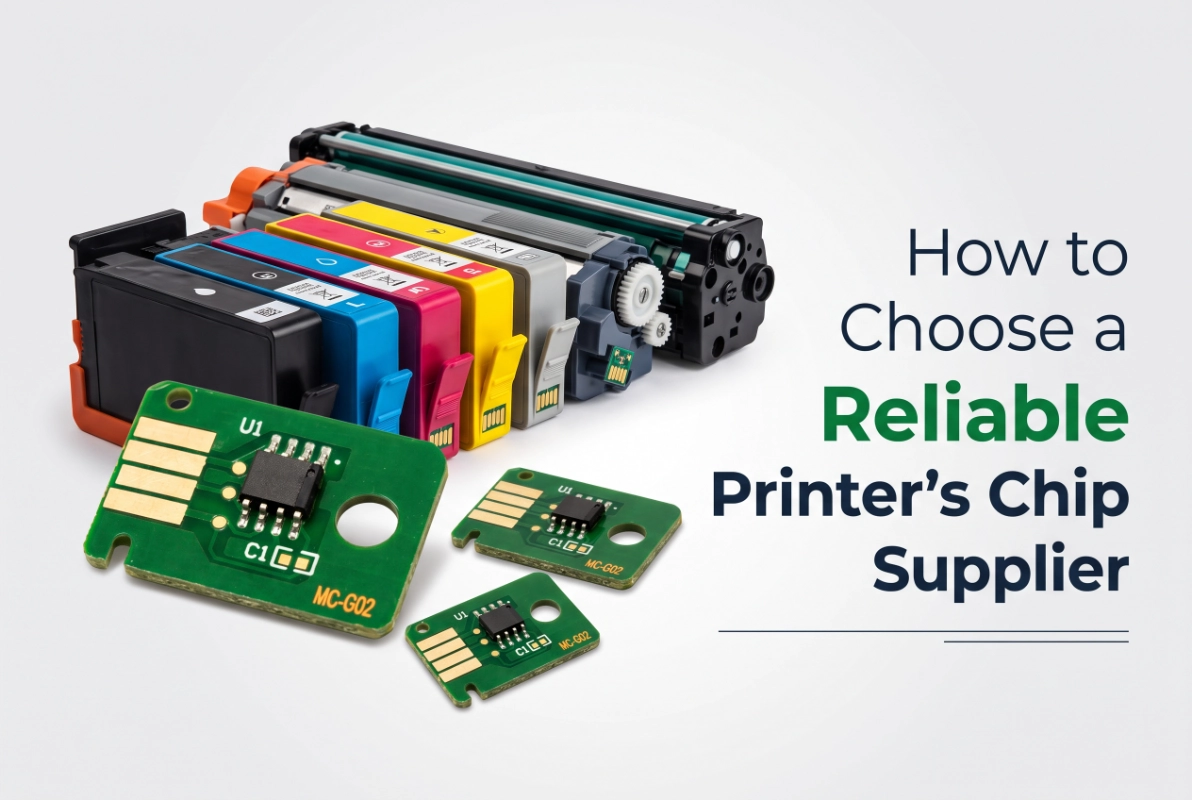
A reliable Brother GTX ink chip supplier should offer verified compatibility, consistent product quality, technical support, and stable bulk supply. These factors help reduce sourcing risks and avoid unnecessary production delays.
Engineered through proprietary in-house R&D, our chip solutions guarantee rock-solid compatibility across demanding printer architectures. To ensure zero downtime for your production line, our technical team is ready to cross-match your fleet’s firmware versions and hardware models before you scale up.
For a detailed checklist covering supplier selection, chip testing, R&D capabilities, and long-term supply, read our guide on how to choose a reliable printer chip supplier.
Finally, Choose the Right Brother GTX Ink Chip
Choosing a Brother GTX ink chip starts with confirming your printer model, ink supply configuration, chip type, and firmware requirements. Compare the full cost of each option, and test compatibility before placing a large order.
For businesses that need a steady supply of compatible GTX ink and chips, Winnerjet can help you review product specifications and wholesale options.
Contact Winnerjet to confirm Brother GTX ink compatibility, request product information, and discuss bulk pricing for your business.
FAQ About Brother GTX Ink Chips
What does a Brother GTX ink chip do?
It is an electronic component used in a compatible ink supply system. Its role depends on the chip design and printer configuration.
Are Brother GTX and GTX Pro ink chips interchangeable?
Not necessarily. Confirm the exact printer model, chip specification, ink supply type, and firmware requirements before purchasing.
How much does a Brother GTX ink chip cost?
Prices vary by chip type, supported model, order quantity, and supplier. Request a current quote for the exact specification you need.
Can you reset or reuse a Brother GTX ink chip?
Only if the chip is designed for reuse and the reset method supports the printer and firmware. Winnerjet’s listed GTX ink products use one-time chips.
Where can businesses buy Brother GTX ink chips in bulk?
DTG print shops, garment factories, and distributors can contact compatible ink suppliers such as Winnerjet to confirm specifications, request product information, and obtain wholesale quotations.