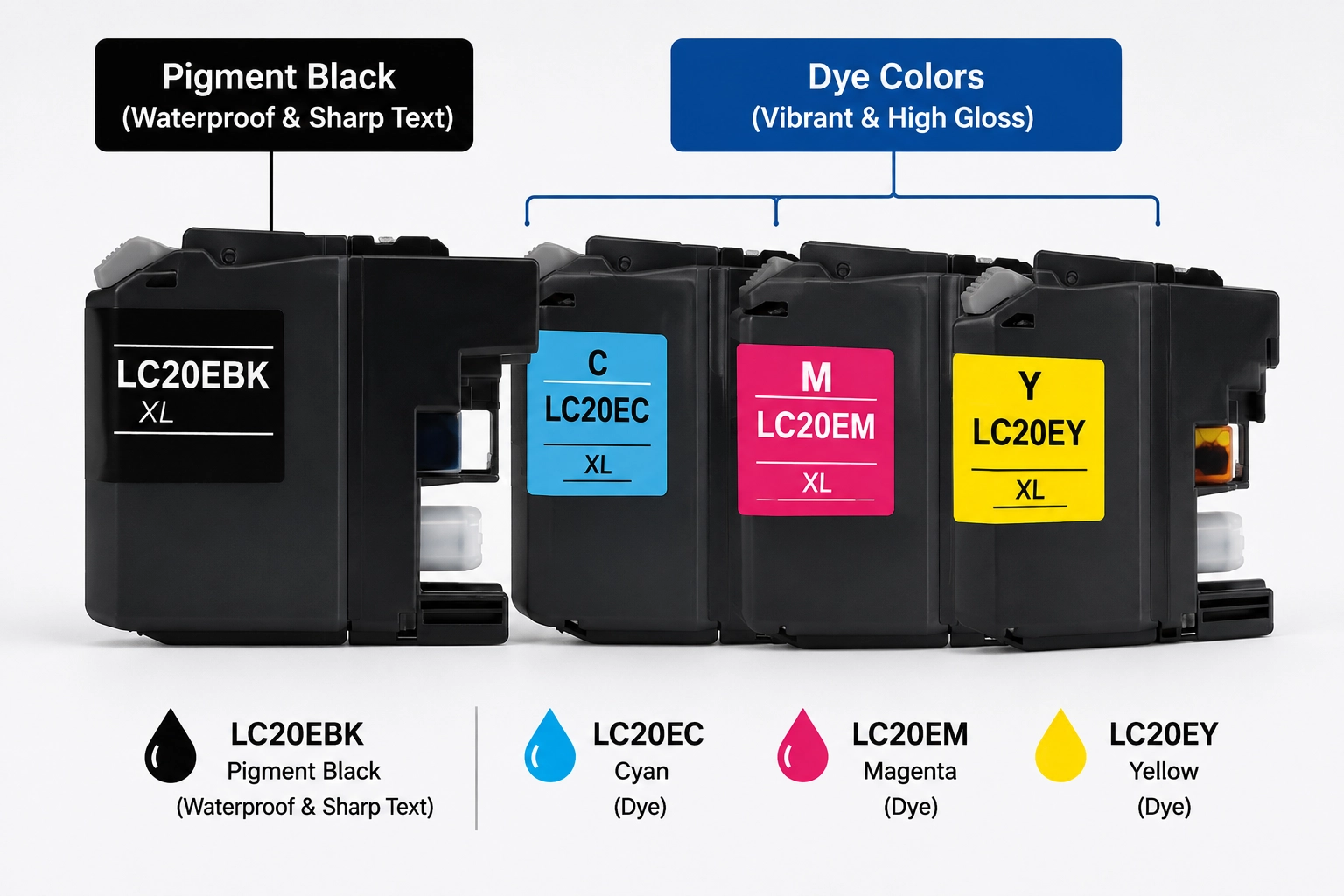
Brother LC20E ink cartridges come in two types: The LC20EBK (Black) is a Pigment-based ink, while the LC20EC, LC20EM, and LC20EY (Cyan, Magenta, Yellow) are Dye-based inks.
Ink Type Comparison Chart:
| Cartridge Model | Ink Color | Chemistry Type | Main Characteristics | Recommended Media |
|---|---|---|---|---|
| LC20EBK | Black | Pigment Ink | Waterproof, fade-resistant, crisp text edge | Plain copy paper, bond paper |
| LC20EC | Cyan | Dye Ink | High saturation, smooth blending, wide gamut | Glossy/Matte photo paper, inkjet paper |
| LC20EM | Magenta | Dye Ink | Brilliant tone, deep red/pink reproduction | Photo paper, brochures |
| LC20EY | Yellow | Dye Ink | Vibrant brightness, seamless color mix | Photo paper, presentation sheets |
Why Do Brother LC20E Ink Cartridges Use Two Types of Ink?
From an ink chemistry and printhead engineering standpoint, Brother fills the LC20E cartridge series with two fundamentally different ink types—pigment for black and dye for color—to achieve an optimal balance between document durability and photographic image fidelity.
Rather than relying on a single, compromised formulation across all channels, Brother separates the chemical properties based on the functional role of each cartridge:
LC20EBK Pigment Black: Engineered for Razor-Sharp, Archival Text
The LC20EBK (Black) cartridge is filled with a pigment-based dispersion formulation.
- Particle Suspension & Surface Dynamics: Carbon black pigment is composed of solid sub-micron particles (typically $< 100\text{ nm}$) suspended in a liquid carrier rather than dissolved. When jetted onto standard copy or bond paper, the liquid vehicle is absorbed into the fibers while the polymer-encapsulated pigment particles remain anchored firmly on the paper surface.
- Real-World Value: Because the solid pigment does not bleed deeply into cellulose fibers, printed text exhibits sharp, well-defined edges without feathering. It delivers laser-quality optical density, high contrast, and superior resistance to water and highlighter smears—making it the ideal choice for contracts, invoices, and archival office records.
If you’re exploring other printer models and want to understand how Brother handles pigment chemistry across its hardware portfolio, check out our comprehensive analysis: Can Brother Printers Use Pigment Ink? The Ultimate Guide.
LC20E Color Inks (C/M/Y): Optimized for Wide Gamut & High-Gloss Visuals
In contrast, the LC20EC (Cyan), LC20EM (Magenta), and LC20EY (Yellow) cartridges contain water-soluble dye-based inks.
- Molecular Solution & Light Reflection: Dye inks are fully dissolved at a molecular level with zero particulate suspension. When applied to coated inkjet or glossy photo papers, the dye molecules penetrate seamlessly into the micro-porous ink-receiving layer rather than sitting on top as a reflective film.
- Real-World Value: This molecular absorption ensures uniform light transmission and specular reflection, eliminating the bronzing effect (unwanted metallic sheen). As a result, users get vibrant saturation, wider color gamuts, and smooth tonal gradients across graphics, marketing flyers, and photo prints.
To gain a broader perspective on Brother’s overall ink strategy across desktop and commercial devices, learn more about Brother’s ink formulation logic in Is Brother Ink Pigment or Dye?.
Which Brother Printers Use the LC20E Ink Cartridge?
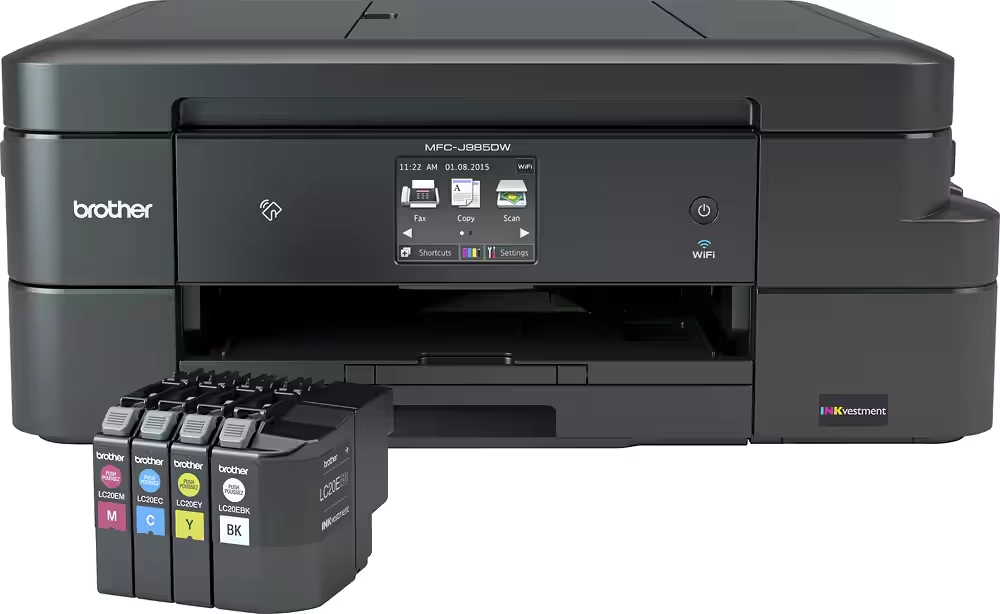
The Brother LC20E series cartridges are engineered specifically for select models in Brother’s INKvestment Color All-in-One Inkjet lineup. These printers are built for home offices and small business environments requiring high-volume output at a low cost-per-page (CPP).
Before purchasing replacement cartridges or compatible bulk ink, verify your hardware against the compatibility matrix below:
LC20E Compatible Printer List (INKvestment Series)
- Brother MFC-J985DW / MFC-J985DW XL
- Brother MFC-J775DW / MFC-J775DW XL
- Brother MFC-J5920DW
Hardware Compatibility & Cartridge Specs at a Glance
| Printer Model | Cartridge Series Supported | Black Ink Capacity (Pages) | Color Ink Capacity (Pages) |
|---|---|---|---|
| MFC-J985DW / XL | LC20EBK / LC20EC / LC20EM / LC20EY | Approx. 1,200 pages (Pigment) | Approx. 1,200 pages each (Dye) |
| MFC-J775DW / XL | LC20EBK / LC20EC / LC20EM / LC20EY | Approx. 1,200 pages (Pigment) | Approx. 1,200 pages each (Dye) |
| MFC-J5920DW | LC20EBK / LC20EC / LC20EM / LC20EY | Approx. 1,200 pages (Pigment) | Approx. 1,200 pages each (Dye) |
Winnerjet Tip: While the form factor of LC20E cartridges may physically look similar to other standard Brother series (such as LC201, LC203, or LC207), they are not cross-compatible due to different internal ink-volume sensors and microchip firmware protocols. Always match the exact cartridge code supported by your machine.
To see a full breakdown of Brother printer series and their specific ink types, visit Which Brother Printers Take Dye or Pigment Ink?.
Refill & Replacement Guide: Using Third-Party Inks and Cartridges
Can You Use Third-Party Inks or Cartridges?
Yes. High-quality compatible cartridges and bulk refill inks deliver huge cost savings with reliable performance—provided you follow strict ink specifications and refill practices.
Critical Warnings: The Risks of Mixing Inks
Never Mix Ink Brands or Types: Combining pigment and dye (or mixing different brands) causes chemical precipitation and clogging that will destroy your printhead.
No Dye Ink in the Black Channel: Using cheap dye ink makes black text blurry, grayish, and susceptible to water smudges.
No Pigment Ink in Color Channels: Brother’s ultra-fine color nozzles will immediately clog if filled with particulate pigment ink.
Maintenance Tip: Always run 1–2 printhead cleaning cycles after switching to new cartridges or refilling ink.
he Winnerjet Advantage
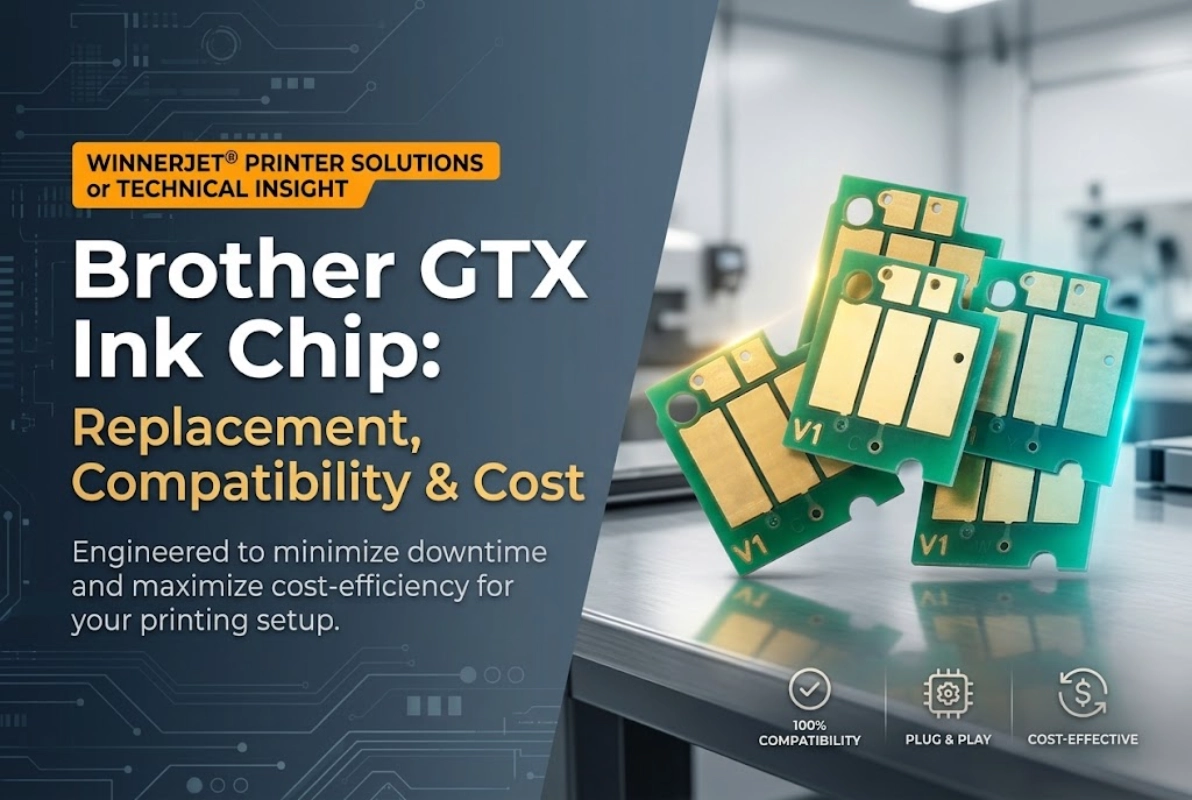
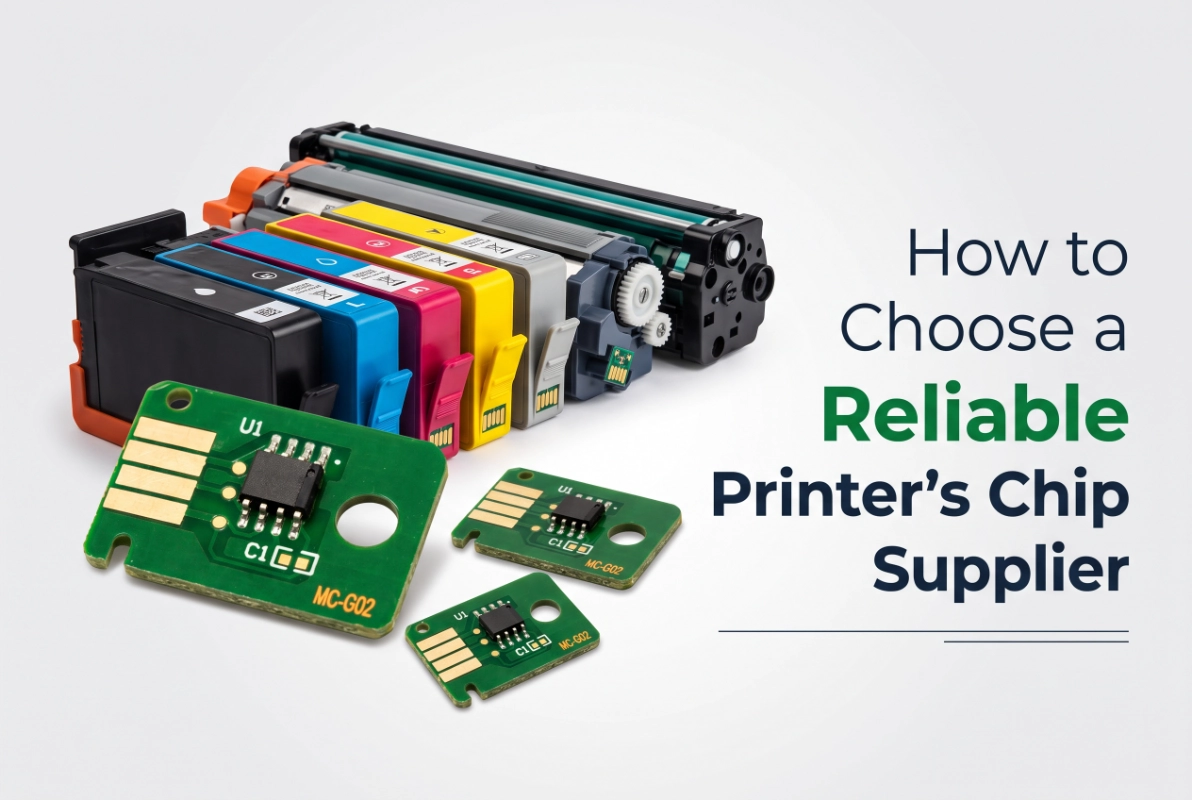
Winnerjet delivers factory-grade reliability tailored for Micro-Piezo printheads. Our inks feature precision-tuned viscosity (2.0~4.0mPa) and surface tension (28~36 mN/m} for smooth, high-speed jetting, backed by 0.2μm$ absolute filtration < 100nm to prevent printhead clogging. Built-in smart chips seamlessly eliminate “Cannot Detect Cartridge” errors and provide real-time ink level monitoring.

FAQs – About Brother LC20E
Can I put pigment ink in the color slots of Brother LC20E?
What should I do if my printer shows "Cannot Detect Ink Cartridge"?
How do I test if my refill ink is dye or pigment?
What is the difference between Brother LC20E and LC203 / LC201?
Can I convert my Brother LC20E printer into a sublimation or DTF printer?
Commercial Conversion & Industrial Solutions
Beyond everyday desktop printing, businesses and apparel decorators requiring high-speed production can rely on Winnerjet‘s nearly 20 years of manufacturing and R&D expertise. We offer factory-direct pricing, OEM/ODM customization, and full one-stop support (printers + consumables + technical service).
Industrial Digital Textile Inks
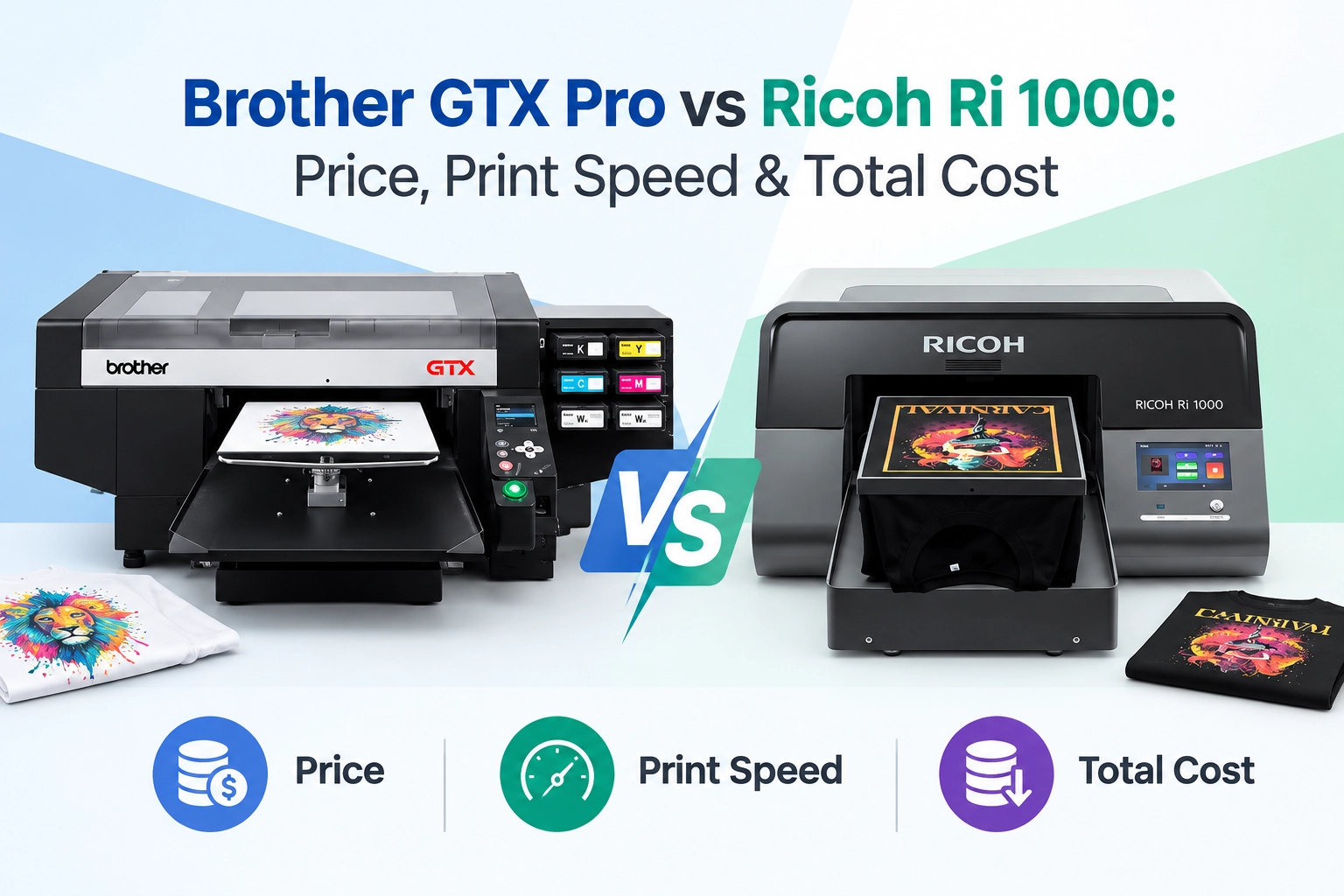
- Winnerjet GTX Ink: Premium formulation for Brother GTX series with high-opacity white ink and superior wash fastness.
- Winnerjet DTG Ink: Commercial-grade direct-to-garment pigment ink engineered for cotton and blended fabrics.
Factory-Direct Advantages
- Direct wholesale pricing with stable supply chains.
- $0.2\ \mu\text{m}$ absolute filtration for batch-to-batch consistency.
- Custom formulas and private-label OEM packaging.
👉 Contact the Winnerjet Technical Team to request wholesale pricing, OEM solutions, or free testing samples.