Most Brother desktop and Ink Tank printers run on a hybrid ink system: they use waterproof pigment black ink for sharp text alongside vivid dye color inks (Cyan, Magenta, Yellow) for graphics. While select high-end commercial models utilize all-pigment configurations, industrial direct-to-garment machines—like the Brother GTX series—strictly require specialized textile pigment inks.
Using the wrong formulation can quickly clog piezo printhead nozzles. To protect your hardware and fine-tune your setup, explore our detailed technical breakdown in Can Brother Printers Use Pigment Ink? The Ultimate Guide. As an inkjet consumables manufacturer supplying print factories worldwide with over 500 tons annually, we have engineered the complete model compatibility breakdown below to help you select the exact ink type your machine requires.
Brother Printer Classification by Technology & Use Case
As a DTG ink supplier, we categorize Brother’s printing hardware based on the basic structure and application requirements of its printheads. When selecting the appropriate consumables, you must first determine the specific product series for your equipment:
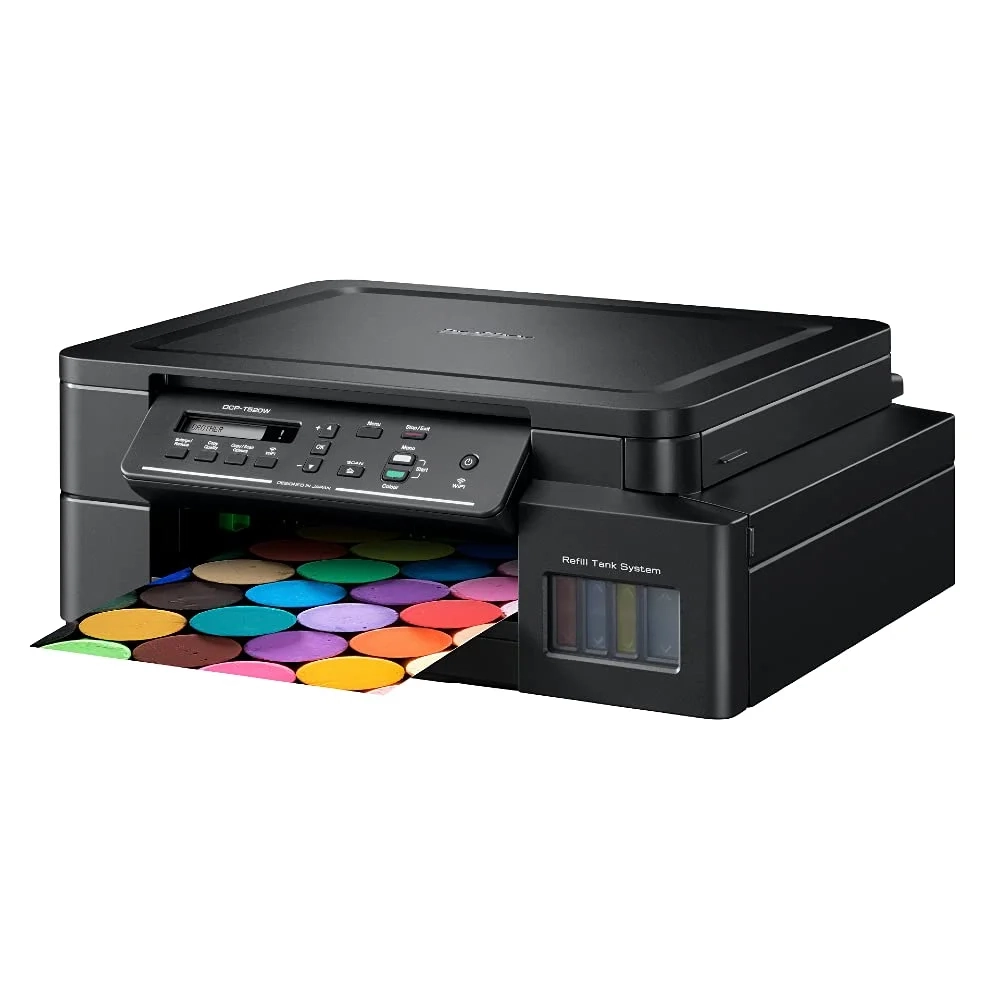
Desktop Ink Tank Series (Refill Tank):
- Key Models: DCP-T420W, DCP-T520W, DCP-T720DW, MFC-T920DW.
- Core Specs: Features integrated refillable high-capacity ink reservoirs tailored for low cost-per-page home, student, and SOHO daily printing.
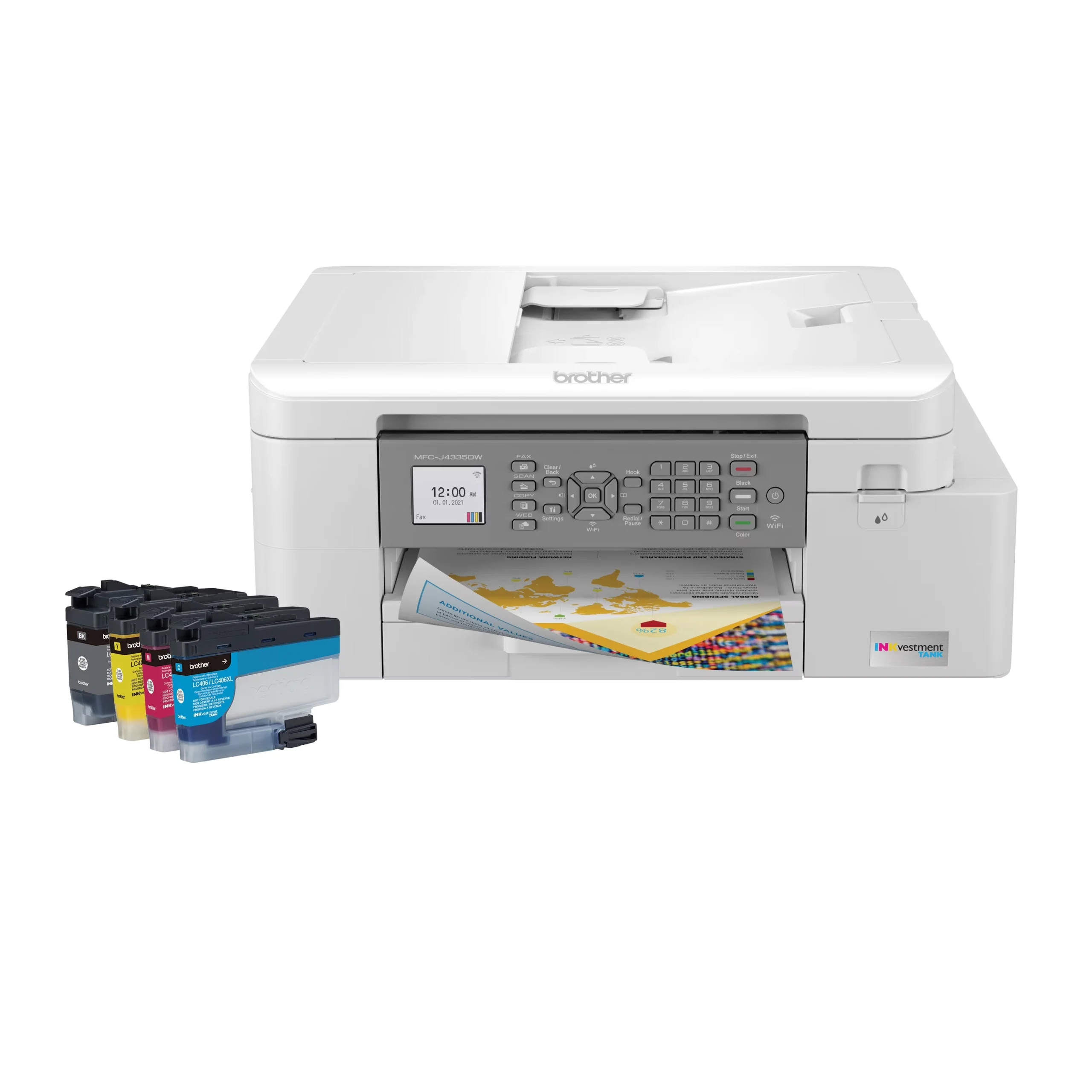
Commercial INKvestment Tank Series:
- Key Models: MFC-J4335DW, MFC-J5855DW, MFC-J6955DW, HL-J series.
- Core Specs: Combines high-yield cartridges with internal sub-tank reservoirs to deliver rapid throughput, duplexing, and wide-format A3 capabilities for office environments.
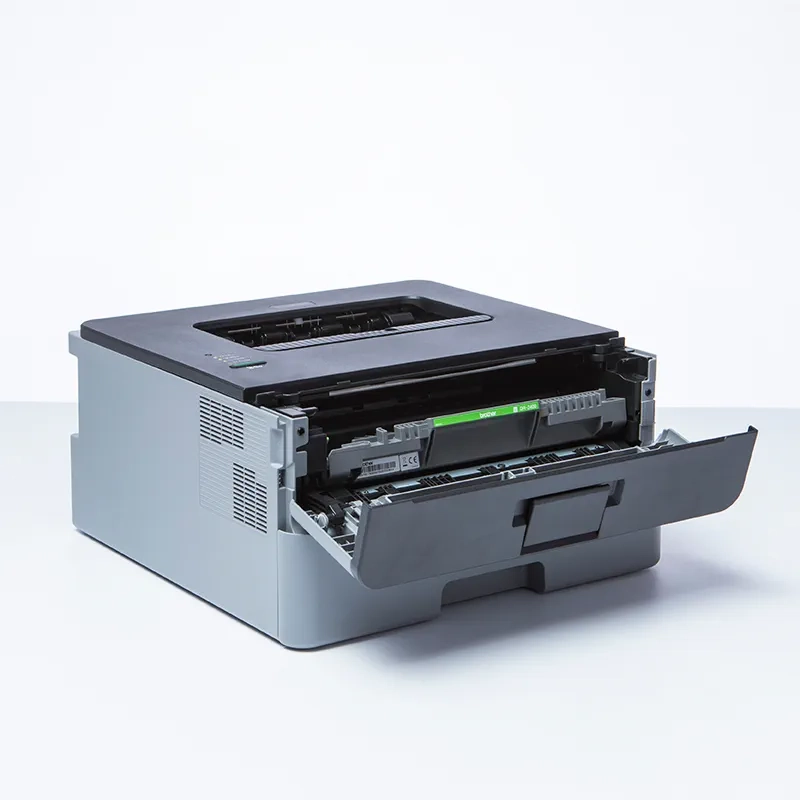
Laser & Digital Multi-Function Series:
- Key Models: HL-L series (single-function mono/color), DCP-L / MFC-L series (multi-function).
- Core Specs: Operates via dry toner and drum units strictly for high-volume document archives (non-liquid ink technology).
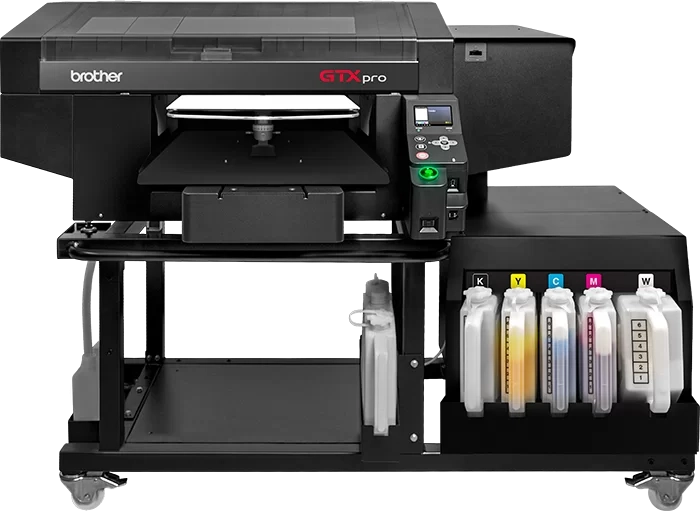
Industrial Direct-to-Garment (DTG) & Specialty Series:
- Key Models: Brother GTXpro, GTX600, WF1-L640 (water-based latex).
- Core Specs: Engineered with heavy-duty industrial printheads specifically for direct textile decoration and flexible signage.
Brother Printer Series vs Ink Types Compatibility Matrix
A recurring debate on platforms like Reddit (r/printers) and technical forums like PrinterKnowledge centers around everyday workhorses such as the Brother DCP-T530DW: “Is the black ink dye or pigment?”
Because Brother rarely highlights ink chemistry on the front panel, many users accidentally refill dye into pigment channels, leading to smudged documents or severe nozzle blockages.
To clear up the confusion, we mapped out the complete chemistry breakdown across all major Brother series below. Feel free to bookmark or share this compatibility matrix with your fellow printing peers:
| Series / Model Line | Ink Technology (Black / Color) | OEM Reference | Core Application |
|---|---|---|---|
| DCP-T / MFC-T Series (Ink Tank) |
Pigment Black / Dye Colors | BTD60BK / BT5000 (C, M, Y) | Everyday documents (waterproof text) & vibrant photo prints |
| MFC-J INKvestment Series | Pigment Black / Dye Colors | LC401 / LC406 / LC3037 | High-volume office printing, legal contracts, business reports |
| High-End Commercial / A3 MFC | Pigment Black / Pigment or Dye | LC422XL / LC436 | Archival document printing, technical drawings & business graphics |
| Brother GTX Series (Industrial DTG) |
Full Textile Pigment Ink | Innobella Textile / GTX Ink | Direct-to-garment cotton & blend apparel customization |
Brother DCP-T530DW Ink Configuration Details
● Black Channel: Uses Pigment ink. The original compatible model is BTD60BK, featuring waterproof and highlighter-resistant properties, sharp text edges, and is designed for contract and document output.
● Color Channels (Cyan / Magenta / Yellow): Uses Dye ink. The original compatible model is BT5000 C/M/Y, offering good flowability and vibrant colors, suitable for charts and everyday photo output.
Winnerjet’s User Tips:
Do not fill the black tank with general-purpose dye ink: Filling the black tank with dye ink will cause severe smudging when wet, and mixing different components can easily lead to crystallization and clogging of the piezoelectric printhead.
Do not fill the color tank with pigment ink: The color ink path and nozzle orifice are designed according to the physical viscosity of water-based dyes. Filling the tank with pigment ink can easily cause insufficient ink supply or permanent printhead clogging.
The Physics of Brother Printer Piezo Printheads
Why Ink Chemistry Matters: The Piezo Printhead Risk
As an industrial DTG and specialty ink manufacturer, our engineering team has spent years analyzing Brother printhead fluid dynamics.
Brother piezo heads rely on micro-channels that require sub-100nm particle milling and strict viscosity matching.
Off-spec third-party formulas quickly disrupt drop ejection and starve the nozzles during continuous output.
The Absolute Red Line: Never Mix Dye and Pigment
Pouring pigment ink over residual dye (or vice versa) triggers an instant chemical flocculation reaction.
The incompatible solvent carriers and pH stabilizers cause the suspended solids to clump into a thick, gummy sludge.
This chemical sludge hardens inside the micro-nozzles, causing permanent head damage that regular cleaning cycles cannot reverse.
Manufacturer’s Safe Transition Protocol
Never top up a new ink formulation directly over an old batch.
To switch ink types safely, completely drain the tank and purge all remaining fluid from the internal ink lines.
Flush the entire channel thoroughly with a specialized printhead cleaning solution before priming the new ink.
Specialized Industrial Case: Brother GTX Garment Printing Solutions
Unlike desktop units, Brother GTX industrial printers run on high-performance textile pigment chemistry. Direct-to-Garment (DTG) production requires intense white ink opacity on dark fabrics, high wash fastness, and advanced anti-settling resin stability to keep high-frequency industrial piezo heads flowing continuously.
Engineered Solutions: Winnerjet GTX & DTG Series
To meet rigorous production demands, we formulate fully matched premium inks:
- Upgrade your apparel production with our plug-and-play Winnerjet GTX ink, built specifically for Brother GTXpro and GTX600 architectures.
- Explore our complete commercial textile portfolio with Winnerjet DTG ink for multi-platform garment printing setups.
Global Supply & Zero Downtime: US Local Warehousing
Running out of ink halts production lines and damages client turnaround times. We deliver full global supply chain coverage, serving textile print factories and distributors worldwide. For North American clients, our US domestic overseas warehouse provides fast local delivery, stable stock availability, and lower shipping costs—eliminating long overseas wait times and keeping your printers running.
Can You Use Third-Party Inks on Brother Printers?
Yes, as an experienced compatible ink supplier, Winnerjet can tell you definitively that it is safe to use third-party inks, provided you comply with the key technical regulations.
Beware of the Firmware Trap
Brother frequently pushes background firmware updates that alter cartridge chip protocols. Updating the firmware often triggers “Cannot Detect” or “Incompatible Cartridge” error locks on third-party chips. Always disable automatic firmware updates in your printer driver and touchscreen settings before installing compatible cartridges.
How to Identify Reliable Compatible Inks
Cheap, unverified inks cause pigment sedimentation, nozzle clogs, and inaccurate color profiles. Premium-grade inks undergo multi-stage micro-filtration (<100nm) to prevent micro-particle buildup inside piezo chambers. Look for eco-friendly, non-toxic formulations tested for strict viscosity balance and long-term weather resistance.
Essential Maintenance Best Practices
Using compatible formulations requires proper printhead upkeep and regular cleaning cycles. Follow industry-standard cleaning steps and nozzle preservation techniques to extend head longevity. For a step-by-step upkeep workflow, download our practical guide: DTG Printer and Printhead Maintenance Guide.
Choose your Brother Ink Solutions partner
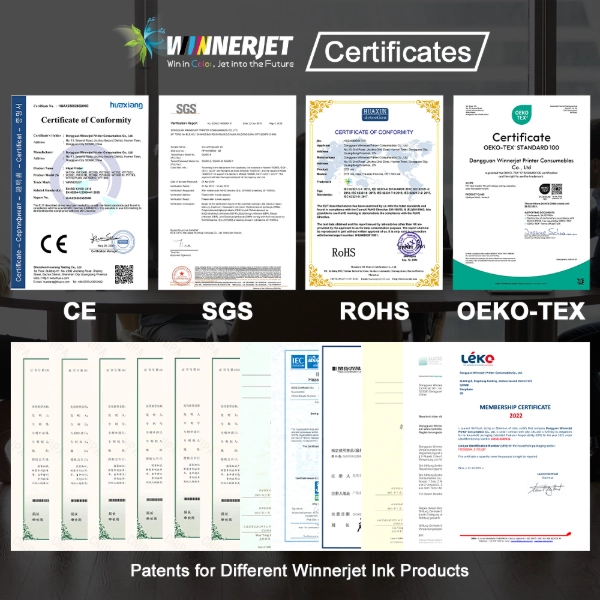
Choosing the right ink supplier is about protecting your hardware and scaling your print output without downtime. Backed by nearly two decades of inkjet consumables manufacturing experience, Winnerjet combines precision chemical engineering with dependable global supply chains. Here is how our technical expertise and factory-direct support empower your printing business:
- Printhead-Matched Formulations: Engineered to sub-100nm filtration, precise viscosity, and surface tension to protect Brother piezo heads from clogging.
- Proven Manufacturing Scale: 20 years of R&D expertise producing 500+ tons annually, supplying garment factories and print facilities worldwide.
- Complete Product Ecosystem: One-stop factory supply for DTG, DTF, UV, and sublimation inks, plus matched films and hot-melt powders.
- Factory-Direct Pricing & OEM: Cut middleman costs with direct wholesale rates and custom formulation support.
Ready to cut printing costs without risking head clogs?
Contact the Winnerjet Technical Team for free ink samples and instant factory quotes.
FAQs – Brother Printers Ink
Can I put sublimation ink into my standard Brother printer?
No, standard desktop Brother printers are not built for dye-sublimation ink. Brother piezo waveforms and internal ink feed lines are tuned for standard aqueous inks; sublimation ink carries high-density disperse dyes that can quickly clog fine desktop nozzles. For dye-sublimation transfer, rely on purpose-built sublimation hardware.
How do I know if my Brother black ink is pigment?
Check your OEM cartridge or bottle code: standard lines like BTD60BK and most office LC series black cartridges are pigment-based. You can also run a water test: print a solid black block on plain copy paper, let it dry for two minutes, and place a drop of water over it—if the black text stays sharp without bleeding, it is pigment ink.
What should I do if a third-party cartridge is not detected?
First, remove the cartridge and wipe the gold chip contacts with a lint-free cloth and isopropyl alcohol to clear any static or dust. Reinstall the cartridge firmly, power-cycle the printer by unplugging it for 60 seconds, and ensure automatic firmware updates are turned off so recent updates do not lock out third-party chips.
Can I use dye ink in a Brother printer that came with pigment black?
While dye ink will physically pass through the nozzle without instant clogging, it is not recommended. Refilling dye ink into a pigment channel eliminates water and highlighter resistance on plain paper. If you choose to switch, completely drain the reservoir and flush the lines to avoid chemical sludge from mixing formulations.
Why does Brother use pigment black but dye colors in Ink Tank printers?
This hybrid setup optimizes cost and performance for everyday users. Pigment black ensures crisp, waterproof, archivable text for contracts and documents, while dye colors deliver higher saturation, smoother color blending, and lower manufacturing costs for photos and charts.