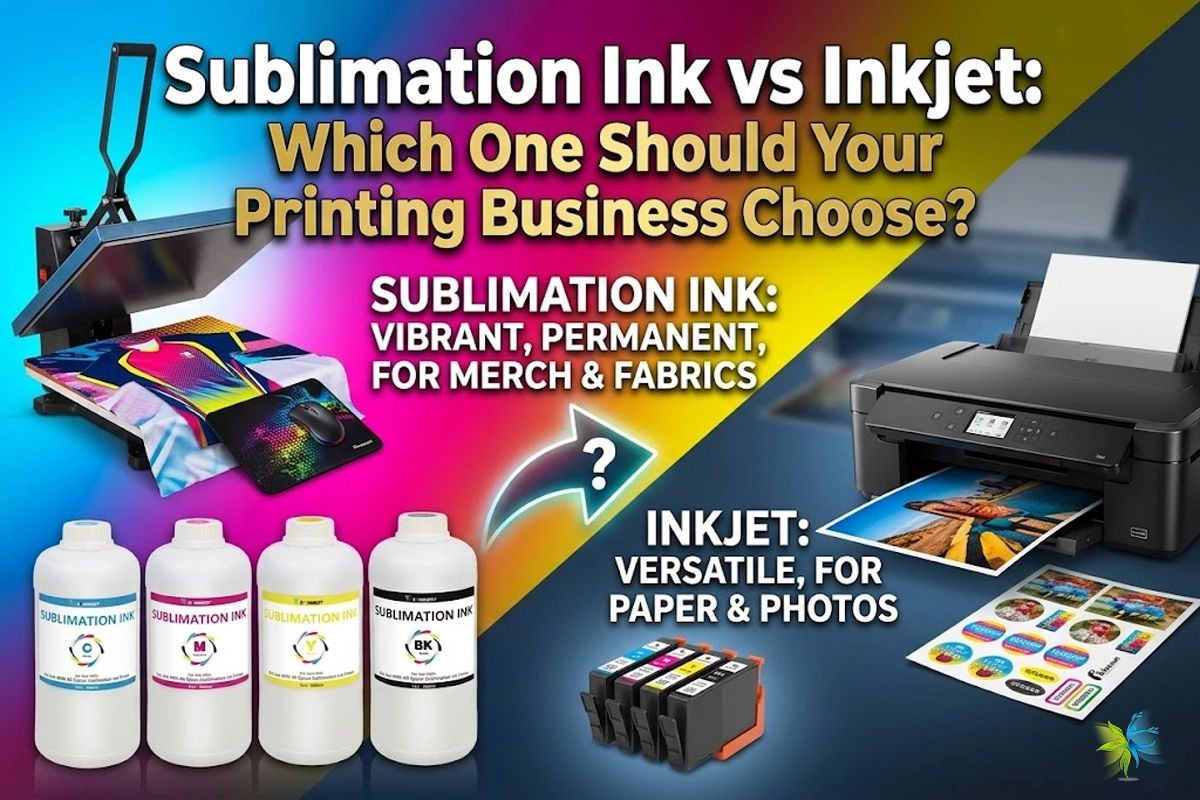
If you are stepping into the custom printing industry or planning to upgrade your current equipment, you have likely run into this headache of a choice: Sublimation Ink vs Regular Inkjet Ink.
In the ink bottle, they look almost identical, and they can usually run through the same brand of printers (like Epson). However, if you use the wrong ink on the wrong material, or mix them together, you will at best ruin a garment, and at worst completely destroy your printhead.
Today, we will break down the core differences, pros, and cons of these two inks in the easiest-to-understand way, and show you which one can help your business make more money.
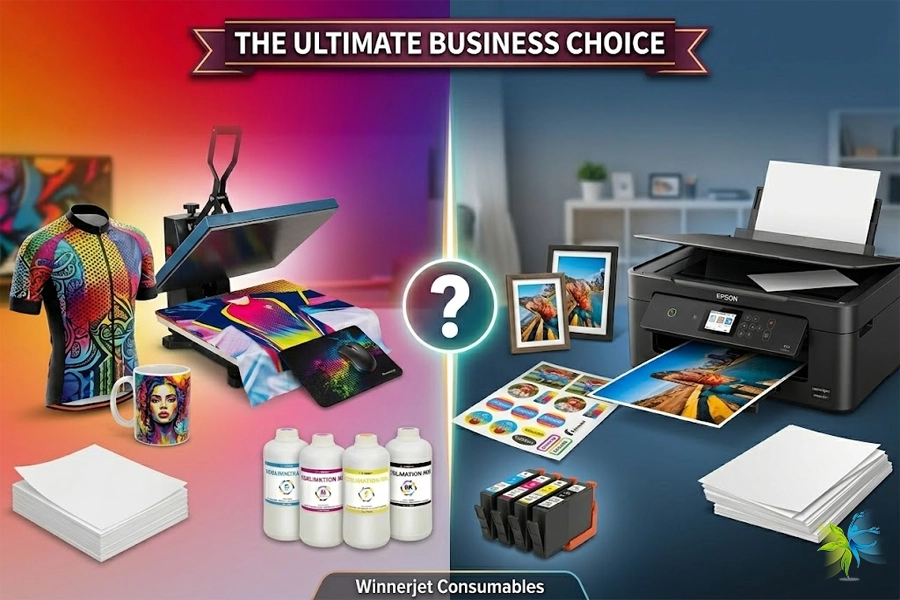
Sublimation Ink vs Inkjet: Core Technical Principles
The fundamental difference between these two inks lies in how they bond with the substrate (paper or fabric).
Regular Inkjet Ink (Water-based Dye/Pigment Ink): This ink “sits on the surface.” Think of it like painting a wall; once the liquid carrier evaporates, the color pigments are fixed onto the surface of the paper or cotton fabric.
Sublimation Ink: This is a specialized, heat-sensitive “disperse dye.” It remains in a solid state at room temperature, but when exposed to high temperatures of 180°C ~ 200°C, it undergoes “sublimation”—turning directly from solid into a gas. At this moment, the pores of the polyester fibers open up due to the heat, allowing the gaseous ink molecules to penetrate directly inside the fibers. Upon cooling, the color is locked permanently into the material, becoming an actual part of the garment itself.
Core Parameter Comparison: Sublimation Ink vs Inkjet
To help you make a quick business decision, we have created this straightforward comparison table:

| Feature / Metric | Regular Inkjet Ink | Sublimation Ink |
|---|---|---|
| Main Uses | Documents, photos, labels, dark cotton (DTF) | Mugs, tumblers, sportswear, mousepads |
| Materials | Plain paper, photo paper, 100% cotton | Polyester (min. 65%), polymer-coated items |
| Print Feel | Rubbery, stiff, noticeable texture | Zero texture, soft, highly breathable |
| Durability | Fades over time; may crack or peel | Permanent, fade-resistant, won't crack |
| Equipment | Printer only (heat press for shirts) | Requires heat press, mug press, or oven |
Can I Use Sublimation Ink in a Normal Inkjet Printer?
The answer is: Yes, but with a very strict condition.
You can indeed buy a standard household inkjet printer (but it must feature a Piezoelectric printhead, like Epson) and pour sublimation ink into it. However, you must dedicate that printer exclusively to sublimation from day one.
⚠️ Industry Troubleshooting Warning:
You must never mix regular inkjet ink and sublimation ink in the same machine. If your printer has already used regular ink, trying to switch to sublimation ink by simply flushing the lines is incredibly difficult. Any residual ink can easily trigger a chemical reaction, leading to severe printhead clogging that will cost you more than you save.
Why Industry Veterans Care More About Ink Quality
In the printing business, cheap inks are hidden profit killers. Color shifting, line breaking, and frequent clogging are all consequences of poor ink R&D.
Backed by nearly 20 years of experience, Winnerjet guarantees global-standard reliability through our four-fold quality assurance:
Our source factory deeply understands ink discharge patterns across various printheads (like Epson I3200, XP600) under different pulse waveforms.
We provide tailored premium ink formulations matching your specific hardware and substrate materials.
Every batch passes nano-scale ultrafiltration and continuous printing tests to ensure 1:1 color restoration and powerful anti-clogging performance.
We know switching brands is a major decision. We provide free samples for long-term use so you can verify the quality with your own equipment.
Can a Normal Printer Convert to Sublimation? (A Must-Read for Beginners)
Beginners just entering the industry often have an idea to save costs: “Can I just buy a cheap household Epson printer and fill it directly with sublimation ink?”
The expert answer is: Absolutely, but you must dedicate that printer exclusively to sublimation from day one.
⚠️ Industry Troubleshooting Warning (From Winnerjet Laboratory):
Never mix or alternate regular inkjet ink and sublimation ink in the same machine at any time. If the printer has previously run regular water-based ink, trying to switch to sublimation ink via a simple cleanup will likely trigger an immediate, severe printhead clog due to chemical incompatibility between the residual components.
For users seeking a business upgrade, if you plan to convert an existing idle printer into a dedicated sublimation machine, please contact the Winnerjet technical support team. We will provide you with a comprehensive ink line flushing solution and technical guidance to keep your hardware safe.
Never Mix and Match These Two Inks in a Regular Printer
Among the many beginners and print shop owners looking to upgrade their businesses that Winnerjet serves, the most common—and painful—case of machine damage we see is “mixed ink filling.”
Many people assume that since sublimation printers and regular inkjet printers share the same printhead technology (like the Epson series), they can just wait until the current ink runs out, or simply pump it out, and pour the other ink straight in.
Why Doing This Causes Instant Printhead Destruction:
Chemical Incompatibility: Regular inkjet inks (usually water-based dye or pigment) have entirely different chemical compositions, surface tensions, and pH values compared to sublimation inks. When they come into contact inside the microscopic printhead channels, they easily react negatively, creating tiny precipitates or crystals.
Nano-scale Nozzle Clogging: Modern printhead nozzles are incredibly fine. The precipitates generated by the chemical reaction will instantly choke the nozzles completely. This type of clog is irreversible; it is extremely difficult to clear even with a high-strength cleaning flush, leaving you with no choice but to replace the expensive printhead.
💡 Winnerjet Official Recommendation: The Only Safe Path to Switch Inks
If you are currently in a business transition, looking to convert an idle printer into a sublimation setup, or wanting to switch to higher-quality consumables, please follow these safe steps:
Step 1: Thoroughly empty the old ink path. No residual ink must be left behind.
Step 2: Use an exclusive cleaning solution. You must use the dedicated cleaning solution formulated to match the new ink to completely flush the ink cartridges, dampers, tubes, and printhead until the discharged fluid runs clear.
Step 3: Fill with the new ink and bleed the lines. Prime the ink system to ensure the new ink perfectly fills the entire ink path.
Pros and Cons Analysis: How Should Your Business Choose?
Choose 【Regular Inkjet Ink】 if you meet the following conditions:
Your primary business consists of printing office documents, high-definition portrait photography, sticker labels, and packaging boxes.
Your custom apparel business targets the 100% cotton market (which requires DTF white ink transfers or standard transfer paper).
You want a plug-and-play setup without investing extra money in bulky heat presses or mug sublimation gear.
Choose 【Sublimation Ink】 if you meet the following conditions:
Your goal is to offer high-margin custom merchandise, such as mugs, color-changing cups, phone cases, and mousepads.
You focus primarily on sports and outdoor apparel (like cycling jerseys, dry-fit wear, and team jerseys), where clients demand exceptional breathability and wash durability.
You pursue commercial-grade, premium quality and absolutely refuse to accept cheap results where patterns crack or wash out after a few laundry cycles.
Get Your Exclusive Free Ink Testing Samples Now
Whether you are a startup exploring equipment options or a print shop owner ready to upgrade to dedicated consumables due to poor performance from your current supplier, Winnerjet provides you with one-stop digital printing consumable support.
🎁 Industry Upgrade Perk:
Switching consumable brands is a major business decision—don’t risk your hardware on blind experimentation. With nearly 20 years of R&D experience, Winnerjet provides the professional support you need to upgrade safely:
Customized Flushing Solution: Tell us your printer model and current ink type. Our technical team, led by R&D expert Kevin (19 years of experience), will create a free, step-by-step ink line cleaning manual for you.
Free Testing Samples: Quality speaks for itself. We offer free ink samples to qualifying printing houses and startups so your own equipment can verify the results.
Don’t let a wrong ink filling ruin your expensive printhead. Click below to consult our experts and start your safe upgrade today!
Contact Our Team / Apply for Free Samples