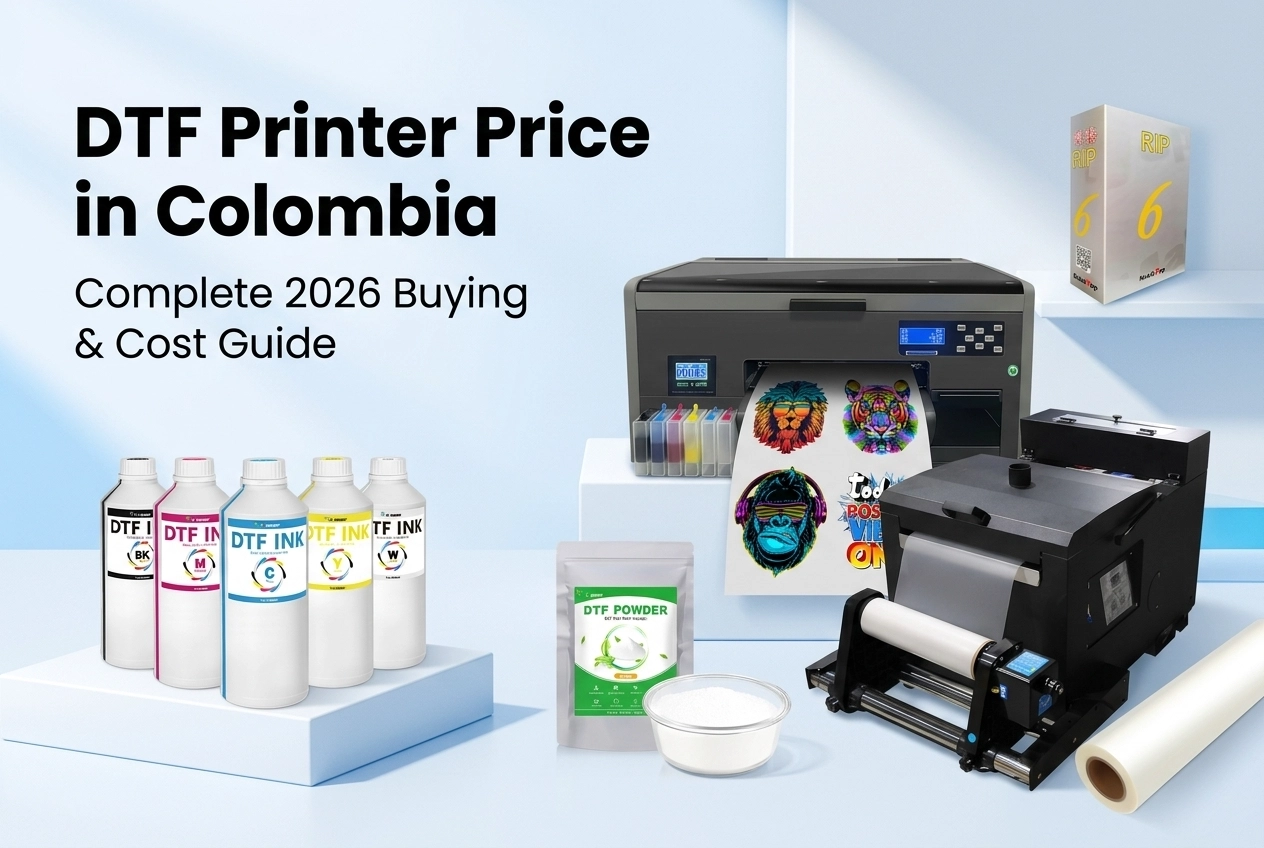
Suppose you own an Epson EcoTank 8550 and want to get into DTF (Direct-to-Film) printing without investing in a full professional DTF printer. In that case, you can convert your existing printer. This guide will walk you through the tools, process, and tips to make the switch — so you can start printing vibrant transfers for apparel, bags, and more.
🧰 What You’ll Need Before Starting
Before you start, make sure you have the following:
- Epson EcoTank 8550 printer (in working condition)
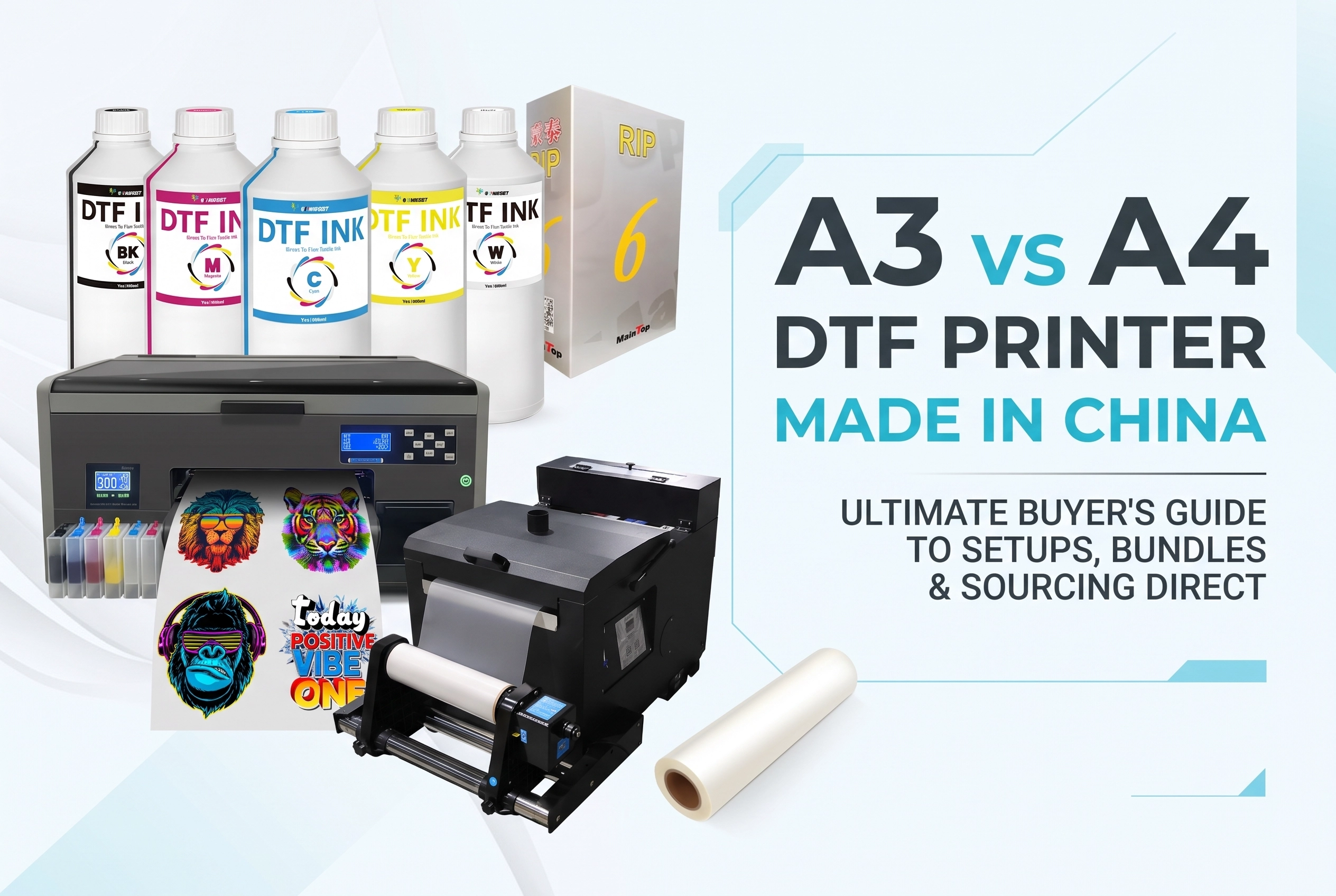
- DTF ink (CMYK + White) – Winnerjet inks are known for smooth flow and vibrant colors
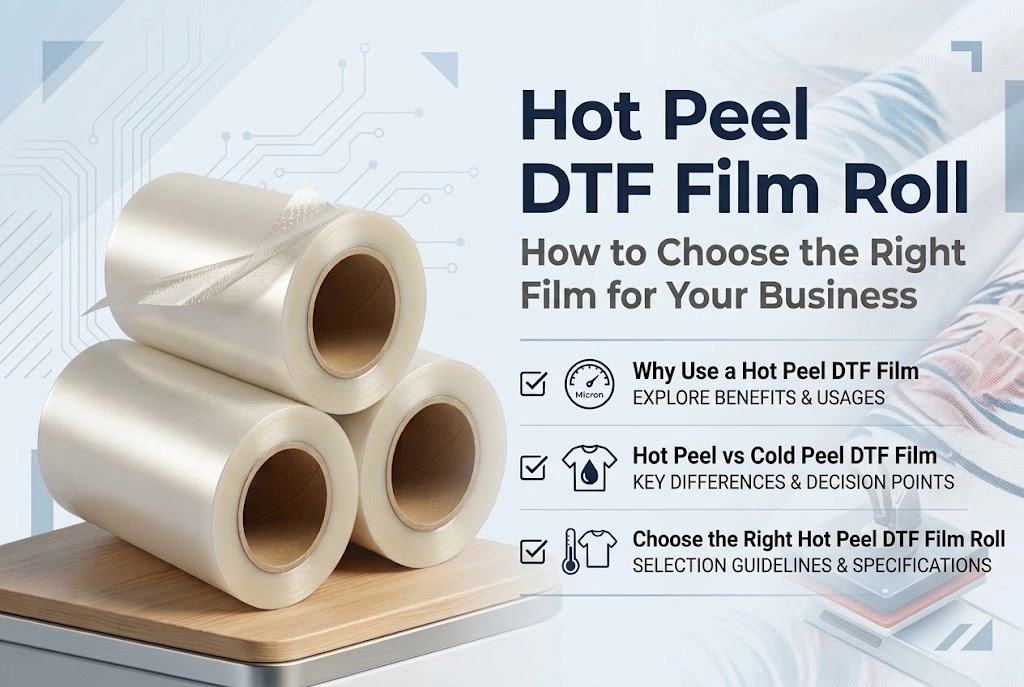
- DTF film sheets or rolls (A4, A3, or roll format depending on your setup)
- DTF powder adhesive (hot-melt powder)
- Syringe or ink filling tools (for ink tank refilling)
- Cleaning solution (for flushing out sublimation/dye inks if used before)
- Heat press machine (for curing and transferring designs)
💡 Tip: Always use high-quality inks and films to avoid printhead clogs and color fading. Cheap consumables can cause expensive damage.

🛠️ Step-by-Step: Converting Your Epson 8550 to DTF
1️⃣ Flush the Printer of Old Ink
If your Epson 8550 has been used before, clean out the ink tanks and lines using a printer cleaning solution.
- Fill tanks with cleaning solution and run a few cleaning cycles.
- This prevents color contamination when adding DTF inks.
2️⃣ Fill the Ink Tanks with DTF Ink
- Fill CMYK tanks with their corresponding DTF pigment inks.
- Fill the photo black or grey slot with white DTF ink.
- Shake the white ink bottle before filling to prevent pigment settling.
3️⃣ Adjust Printer Settings for DTF Printing
- Use Photo mode or High Quality print settings for better detail.
- Select plain paper or a film-compatible setting to allow maximum ink flow.
- If using RIP software, configure white ink printing under colors.
4️⃣ Load the DTF Film Correctly
- Place the matte side up (printable side) in the printer tray.
- Avoid touching the surface with fingers — fingerprints can affect adhesion.
5️⃣ Print and Apply Adhesive Powder
- After printing, sprinkle hot-melt powder evenly over the printed area.
- Shake off excess powder.
- Cure the powder with a heat press (about 160°C for 2-3 minutes) without pressing down.
6️⃣ Transfer to Fabric
- Place the cured film on your garment.
- Heat press at 160°C for 15 seconds with medium pressure.
- Peel the film (hot or cold, depending on your film type).
⚠️ Things to Watch Out For
- Warranty void: Modifying your printer may void Epson’s warranty.
- White ink care: White DTF ink settles easily — shake the bottle and run prints regularly.
- Clog prevention: Run weekly nozzle checks to avoid ink drying in the head.
💡 Why Many Users Choose Winnerjet DTF Inks
- Excellent color vibrancy and wash resistance
- Low-sedimentation white ink to reduce clogging
- Optimized viscosity for smooth flow in converted printers
- Available in bulk supply for business use

✅ Final Advice
Converting your Epson 8550 to DTF is a cost-effective way to start custom printing without buying a dedicated DTF printer. The key to success is high-quality consumables and regular maintenance.
💬 Ready to start printing? Contact Winnerjet today to get DTF inks, DTF films, and DTF powders designed for smooth printing in converted Epson printers.
📦 Request a free sample now → Contact Winnerjet
❓ FAQs About Converting Epson 8550 to DTF
Can I switch back to regular printing after conversion?
Technically, yes, but you’ll need to flush out all DTF inks first to prevent printhead issues.
Do I need special software for DTF printing?
For basic printing, you can use Epson drivers, but for white ink control, RIP software is recommended.
Will DTF printing damage my Epson 8550?
If maintained well, your printer can last a long time, but white ink requires more frequent cleaning.
Can I use sublimation ink for DTF?
No. Sublimation ink won’t bond with fabric using DTF powder and film — you need DTF pigment ink.
What size film should I use?
It depends on your tray and job size. Most Epson 8550 users use A4 or A3 sheets.